
Browser-based tool for recording, zooming, and annotating product demos without editing.
Product memo
Creators and product teams use Zoomr to produce clear, annotated video demos and tutorials directly from their browser. It combines screen recording with live zoom and annotation tools, removing the need for post-production editing. This workflow positions it as a faster alternative to traditional video editors for specific use cases like bug reports and feature showcases.
For who
Creators and product teams making demos
Solves what
Creating polished product demos, tutorials, and micro-videos from the browser.
- Browser-based screen recording
- Live zoom and draw annotation
- Screenshot-to-video conversion
In their own words
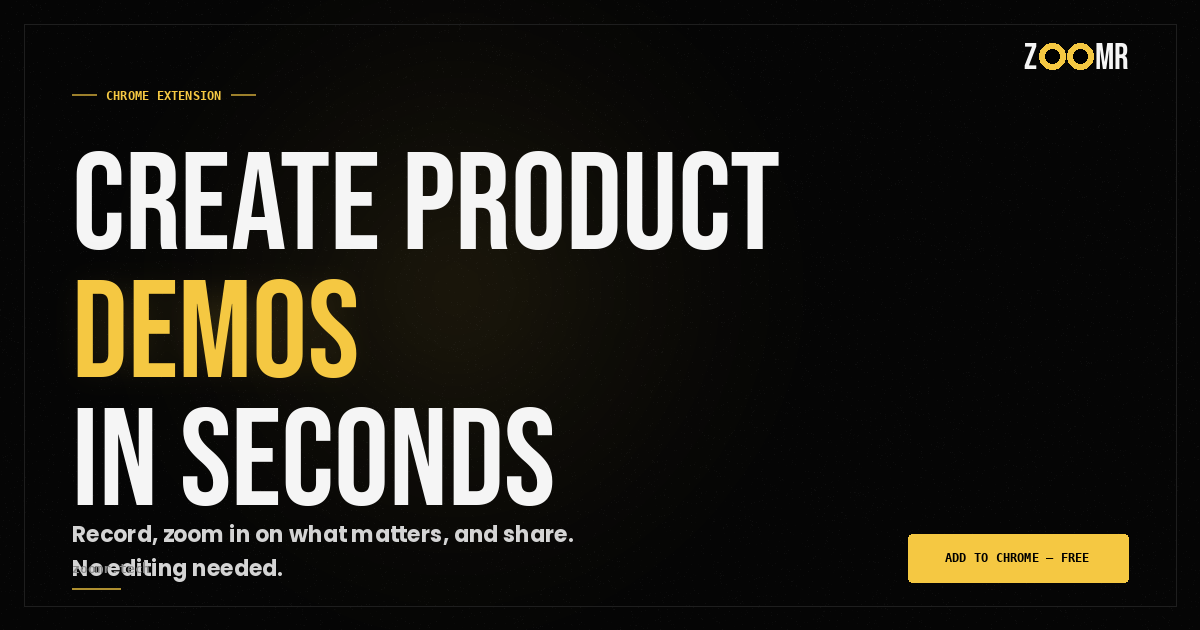
CREATE PRODUCT DEMOS
Screen recorder with live zoom & draw
Record, zoom in, annotate, and share. All in one take. No editing required.
Commercial cues
Model
hybrid
Free tier
Yes
Trial
Available
Pricing Strategy
- • A lifetime deal bundles all future updates, creating a clear value proposition.
- • Free tier lowers testing friction.
Operator context
Founded
Mar 2026
Platform
Browser extension
Audience
Creators
Payments
Paddle
Public footprint
Tech stack
Builder Strategy
- Strategy Type
- Niche Specialist
- Stage
- Pre Revenue
- Effort
- Solo Buildable
About Zoomr Expand
Zoomr provides a focused product for creators and product teams who need to generate polished product demos, tutorials, and micro-videos. It operates as a browser extension, integrating screen recording with live zoom and drawing annotation features.
This combination allows users to create professional-looking content in a single take, eliminating the time and effort typically required for post-production editing. The tool’s positioning around a 'no editing required' workflow makes it a practical option for quickly showcasing features or reporting bugs without the overhead of complex video software.