
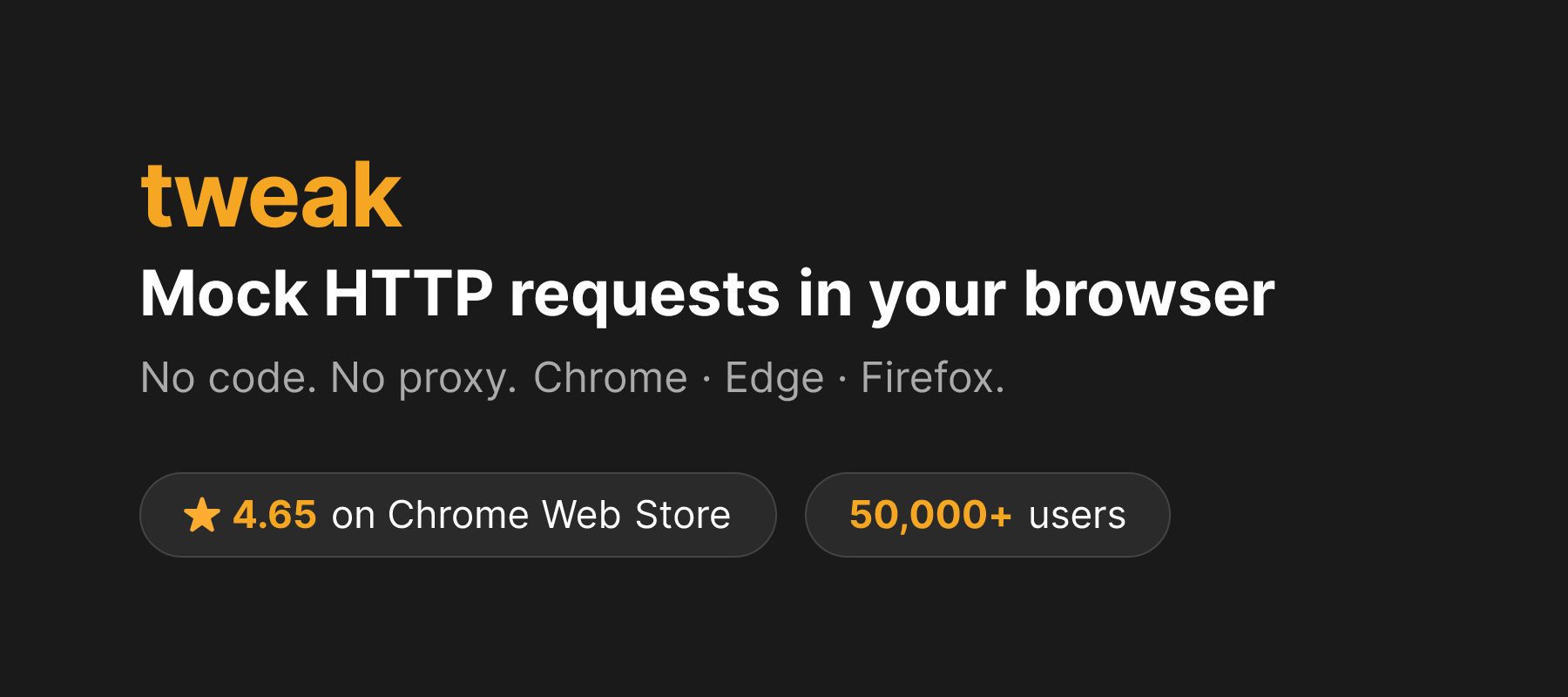
Mock, intercept, and modify HTTP requests directly in the browser, no code needed.
Product memo
Frontend developers and testers use this browser extension to control HTTP requests without writing code. It allows them to mock API calls, intercept requests, and modify headers directly within Chrome, Firefox, or Edge. This approach speeds up development and testing by letting teams simulate various backend scenarios quickly, bypassing the need for server-side changes.
For who
Frontend developers and testers
Solves what
Intercepting, mocking, and modifying HTTP requests without code.
- No-code request modification
- Cross-browser extension
- Scenario testing
In their own words
Use tweak to
Tweak is a browser extension for Chrome, Firefox, and Edge that lets you mock, intercept, and modify HTTP requests without writing any code. Test your frontend against any scenario, from local to production.
Mock API calls. Change request header. Intercept requests. Simulate API responses. Developer tool. Mock requests.
Commercial cues
Model
hybrid
Free tier
Yes
Trial
7d
Pricing Strategy
- • A free tier with 12 rules removes friction for individual developer adoption.
- • The annual Premium plan bundles unlimited rules for a flat yearly price.
- • 7-day trial lowers adoption risk.
Operator context
Operating setup
Platform
Browser extension
Audience
Developers
Social footprint
Tech stack
Market demand
Tweak Extension keyword demand
4 keywords
Market demand is Starter-tier market intelligence.
Derived from this product’s latest SimilarWeb keyword mix — directional demand, not proof.
Builder Strategy
- Strategy Type
- Niche Specialist
- Stage
- Vc Growth
- Effort
- Solo Buildable
About Tweak Extension Expand
Tweak Extension provides frontend developers and testers a no-code way to manage HTTP requests. It operates as a browser extension for Chrome, Firefox, and Edge, allowing users to mock API calls, intercept network traffic, and modify request headers.
This capability helps teams simulate various backend scenarios for testing without requiring direct changes to server-side code. The tool's freemium model makes it accessible for individual use, while a paid tier offers expanded functionality for more intensive development and testing workflows.