
Local macOS app for drag-and-drop file compression, prioritizing privacy.
Product memo
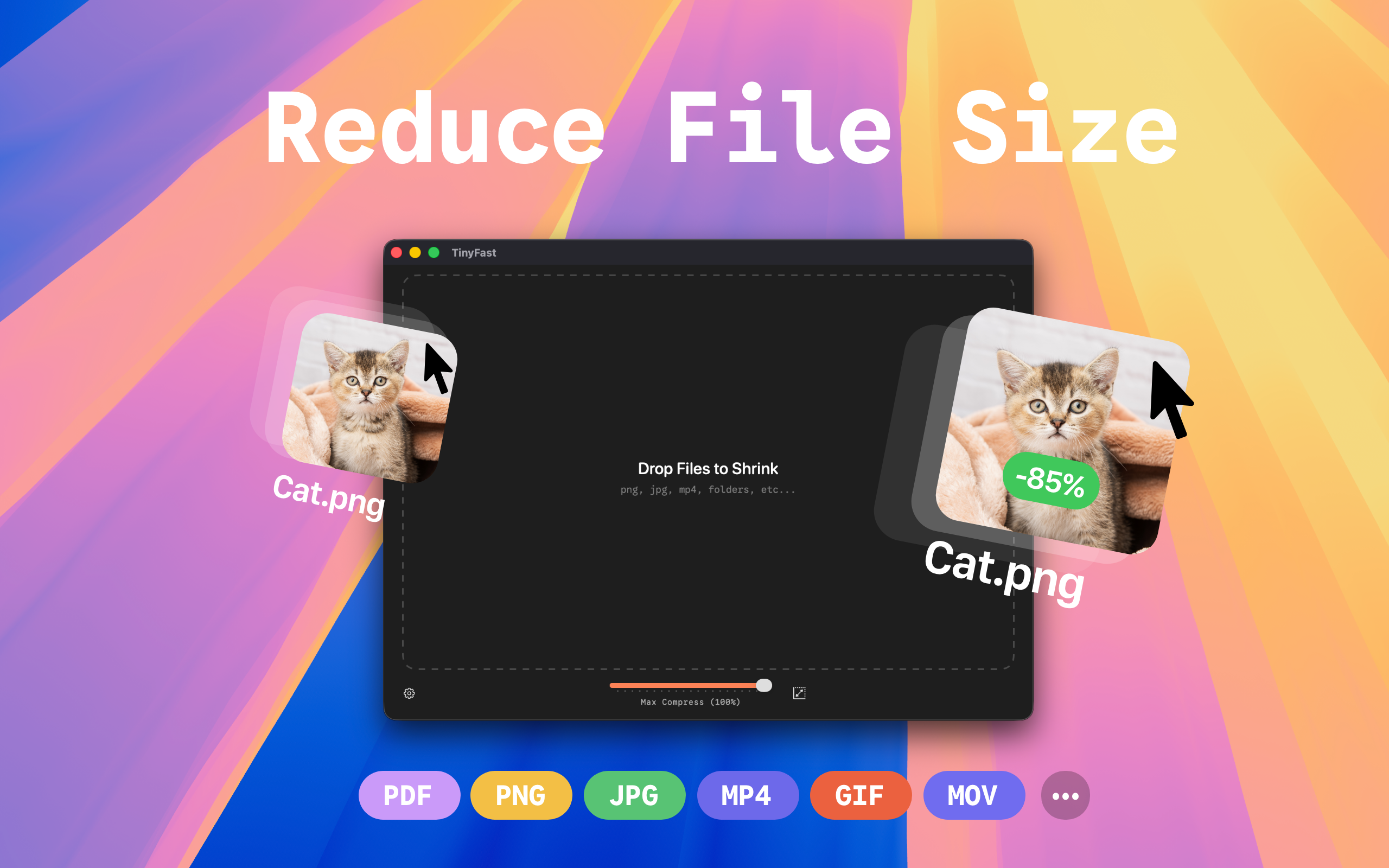
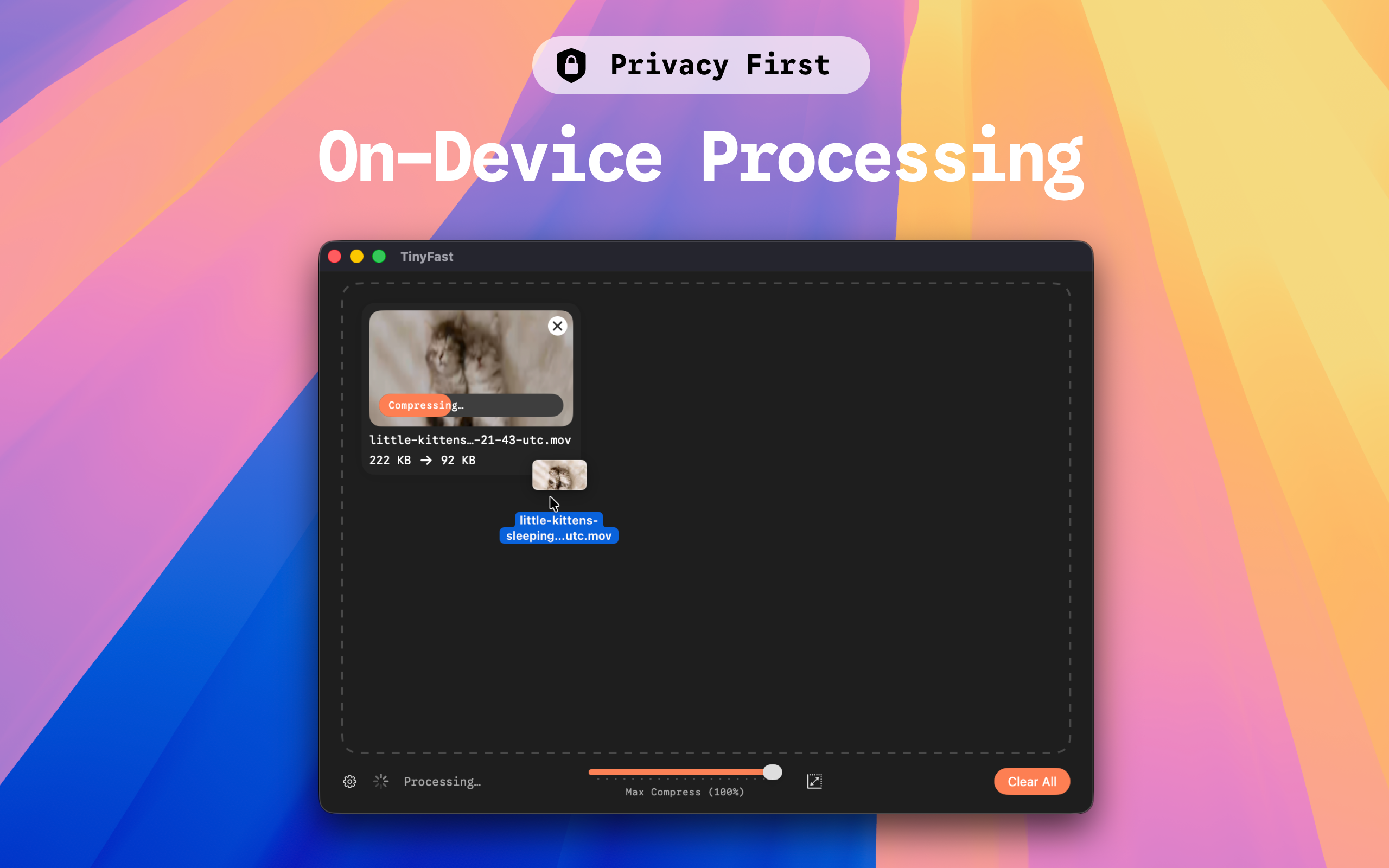
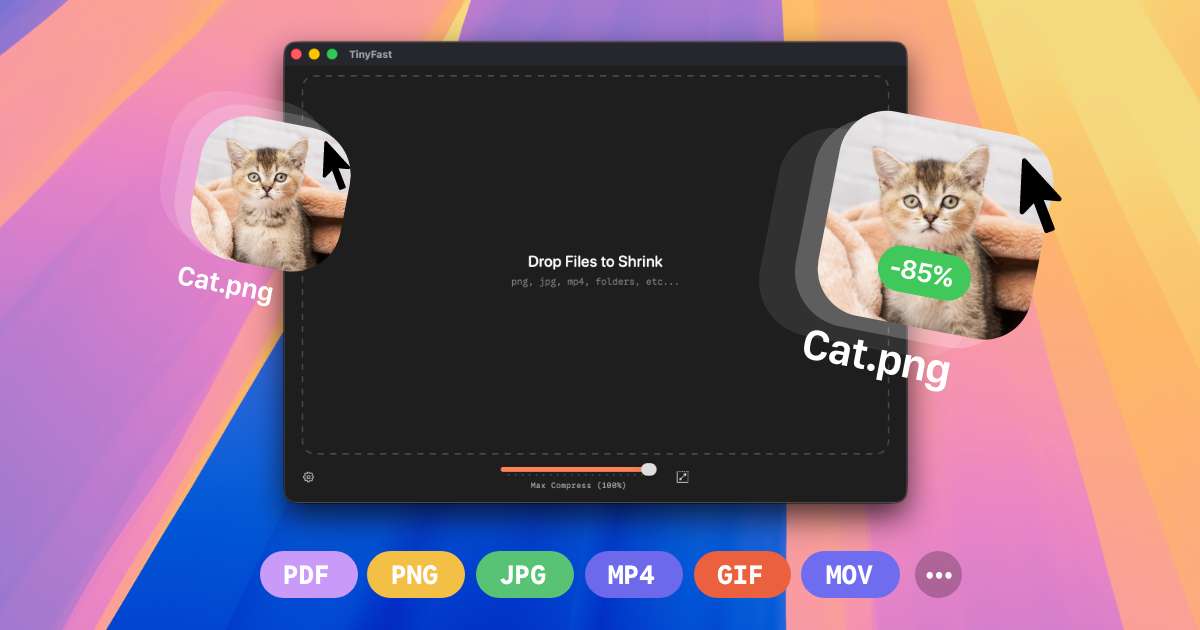
TinyFast offers local file compression for macOS users, targeting developers, designers, and creators. It reduces image, video, and document sizes without requiring uploads to cloud servers. This focus on offline processing and data privacy creates a clear wedge against web-based alternatives, serving users who prioritize security and speed.
For who
Developers, designers, and creators on macOS
Solves what
Local file compression for images, videos, and documents
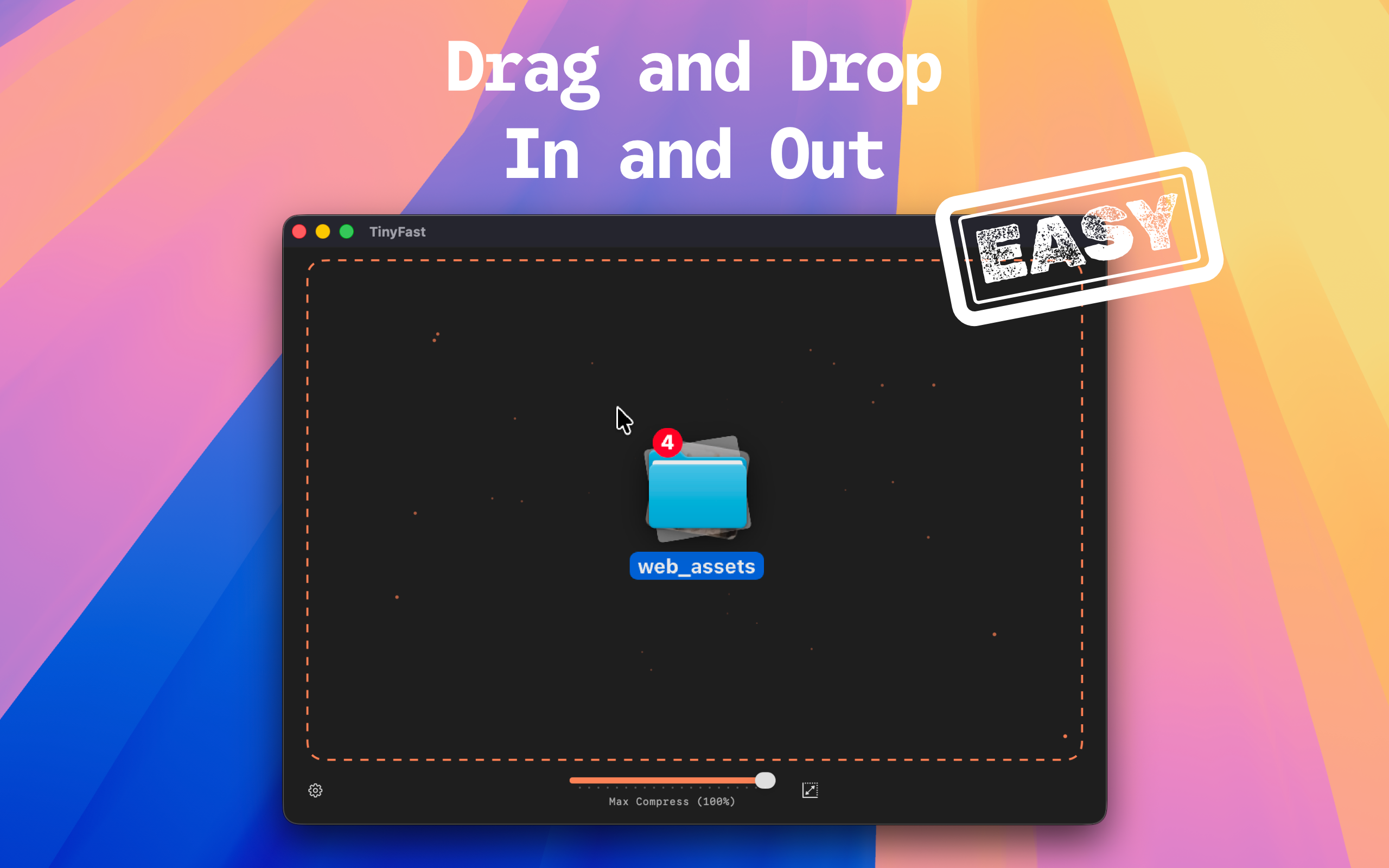
- Local drag-and-drop compression
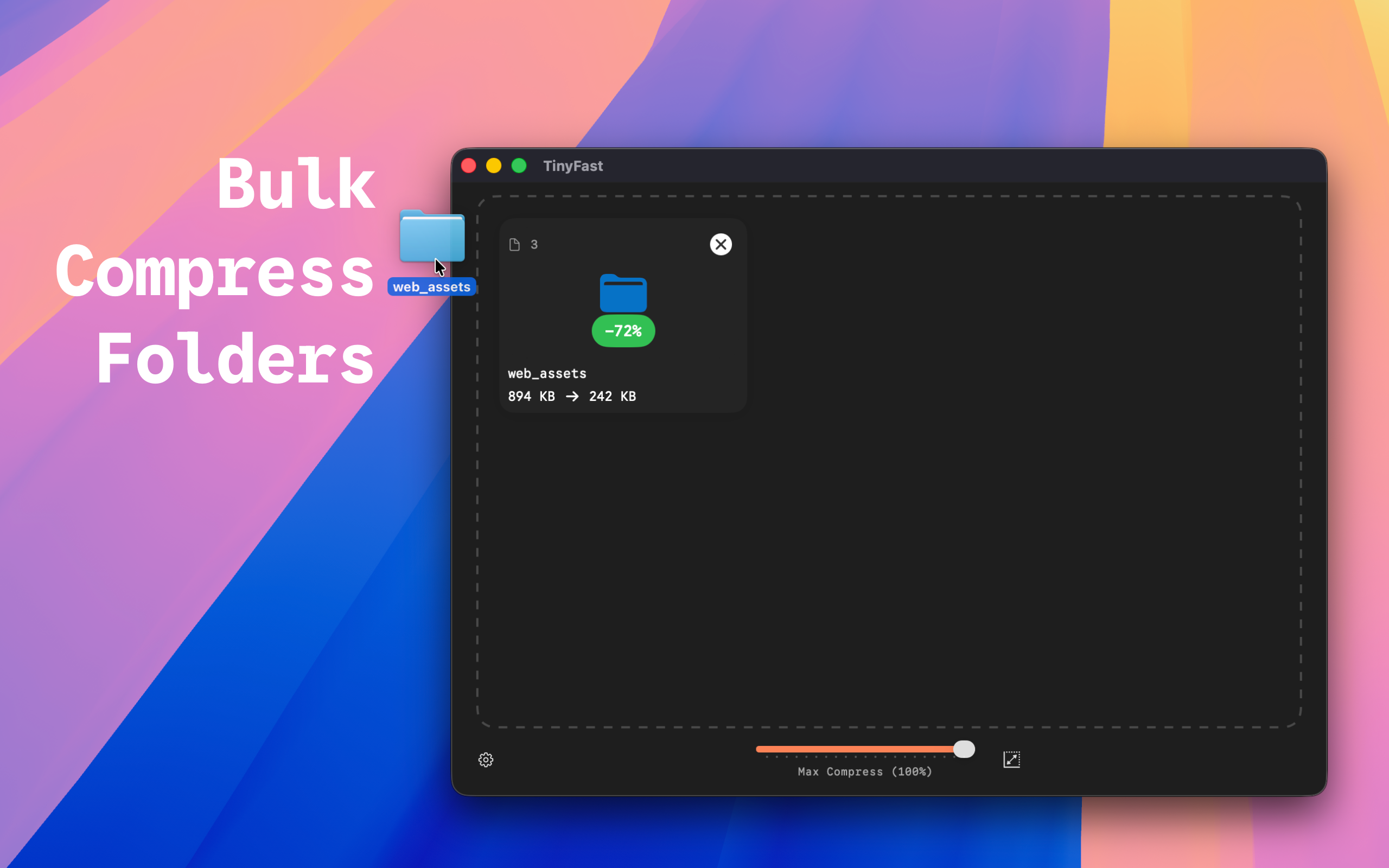
- Batch processing
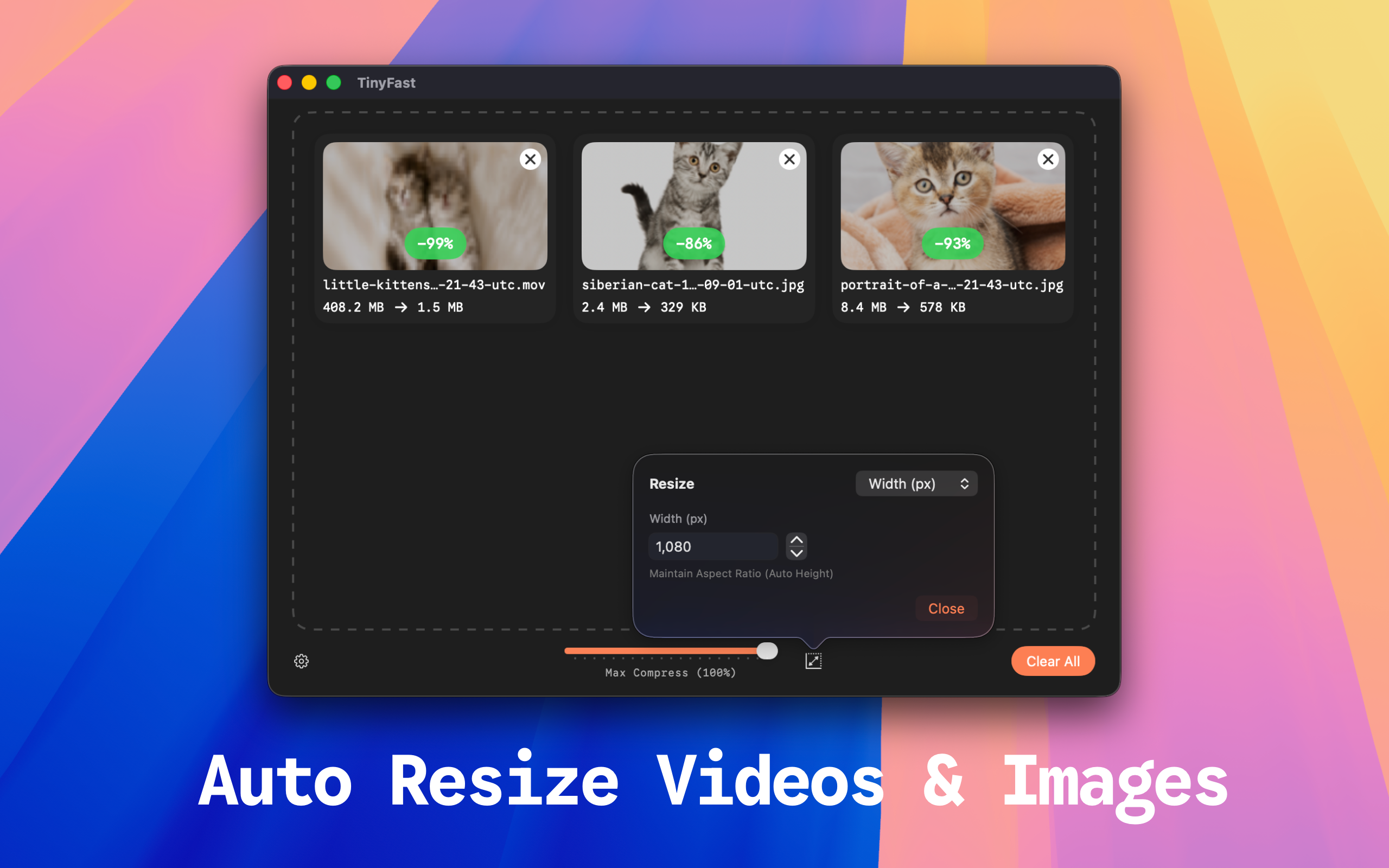
- Supports multiple file types
In their own words
Fast File Shrinker
Compress images, videos, and documents locally on your Mac. Drag & drop file size reduction without uploads.
Commercial cues
Model
hybrid
Free tier
Yes
Trial
3d
Pricing Strategy
- • A free tier with daily limits drives upgrades for power users.
- • 3-day trial lowers adoption risk.
Operator context
Operating setup
Team
Indie / lean
LLM classification
Founded
Oct 2025
Platform
Desktop
Audience
Creators
Social footprint
Tech stack
Market demand
Tinyfast keyword demand
5 keywords
Market demand is Starter-tier market intelligence.
Derived from this product’s latest SimilarWeb keyword mix — directional demand, not proof.
Builder Strategy
- Strategy Type
- Niche Specialist
- Stage
- Bootstrapped Lean
- Effort
- Solo Buildable
About Tinyfast Expand
TinyFast provides a dedicated product for macOS users needing to compress images, videos, and documents directly on their device. It serves developers, designers, and creators who require fast, private file size reduction without relying on cloud services.
By performing all compression locally, TinyFast removes the privacy concerns and upload times associated with web-based tools. This offers a alternative for users handling sensitive files or working offline, making it a strong utility for daily creative and development workflows.