
Transforms the Mac notch into a dynamic mini-dock for music, events, and quick checks.

Product memo
TheBoringNotch targets MacBook users by repurposing the notch into a functional mini-dock. It offers a unique aesthetic and utility wedge by integrating music controls, calendar alerts, and quick camera previews, differentiating from standard OS features with customizable visualizers and battery indicators. This approach leverages existing hardware for added value, serving users seeking personalization and efficiency.
For who
MacBook users enhancing their notch
Solves what
Transforms the Mac notch into a dynamic mini-dock for music, events, and quick checks.
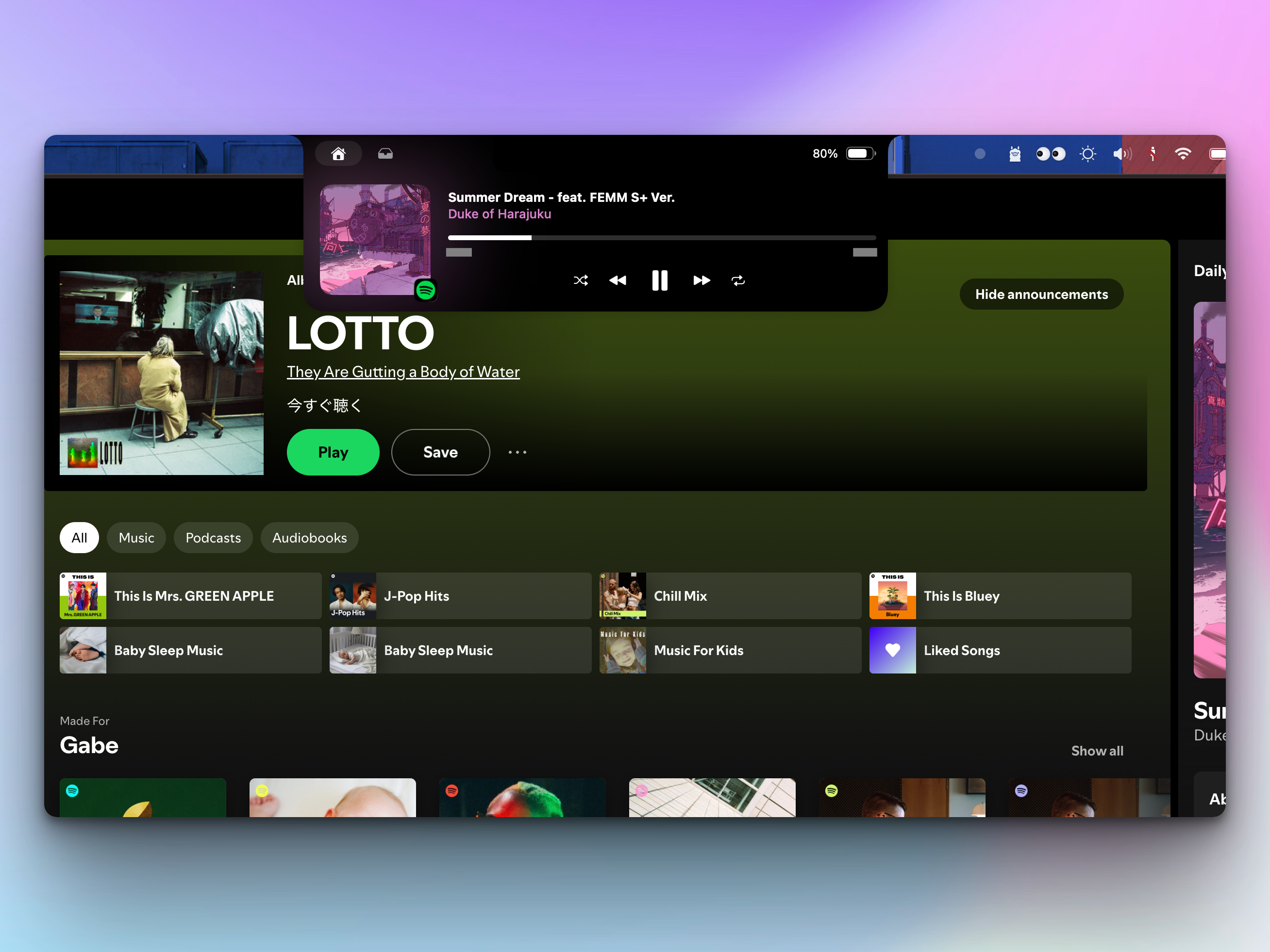
- Music controls with album art
- Calendar event display
- Quick camera mirror
In their own words
Transform Your Notch Experience 🚀
Your favorite tunes at your fingertips! Watch album covers blend beautifully with magical color effects in your notch. Skip, play, and groove with style! 🎸
Commercial cues
Model
hybrid
Free tier
Yes
Trial
No
Pricing Strategy
- • Lifetime updates on the free tier remove friction for long-term individual use.
- • Listed plans make pricing easy to compare.
Operator context
Operating setup
Team
Indie / lean
LLM classification
Founded
Oct 2025
Platform
Desktop
Audience
Developers
Social footprint
Tech stack
Market demand
TheBoringNotch keyword demand
5 keywords
Market demand is Starter-tier market intelligence.
Derived from this product’s latest SimilarWeb keyword mix — directional demand, not proof.
Builder Strategy
- Strategy Type
- Niche Specialist
- Stage
- Bootstrapped Lean
- Effort
- Solo Buildable
About TheBoringNotch Expand
TheBoringNotch gives MacBook users a new way to interact with their device by turning the display notch into a dynamic mini-dock. It integrates essential functions like music controls with album art, calendar event displays, and quick camera mirrors directly into this often-ignored screen area.
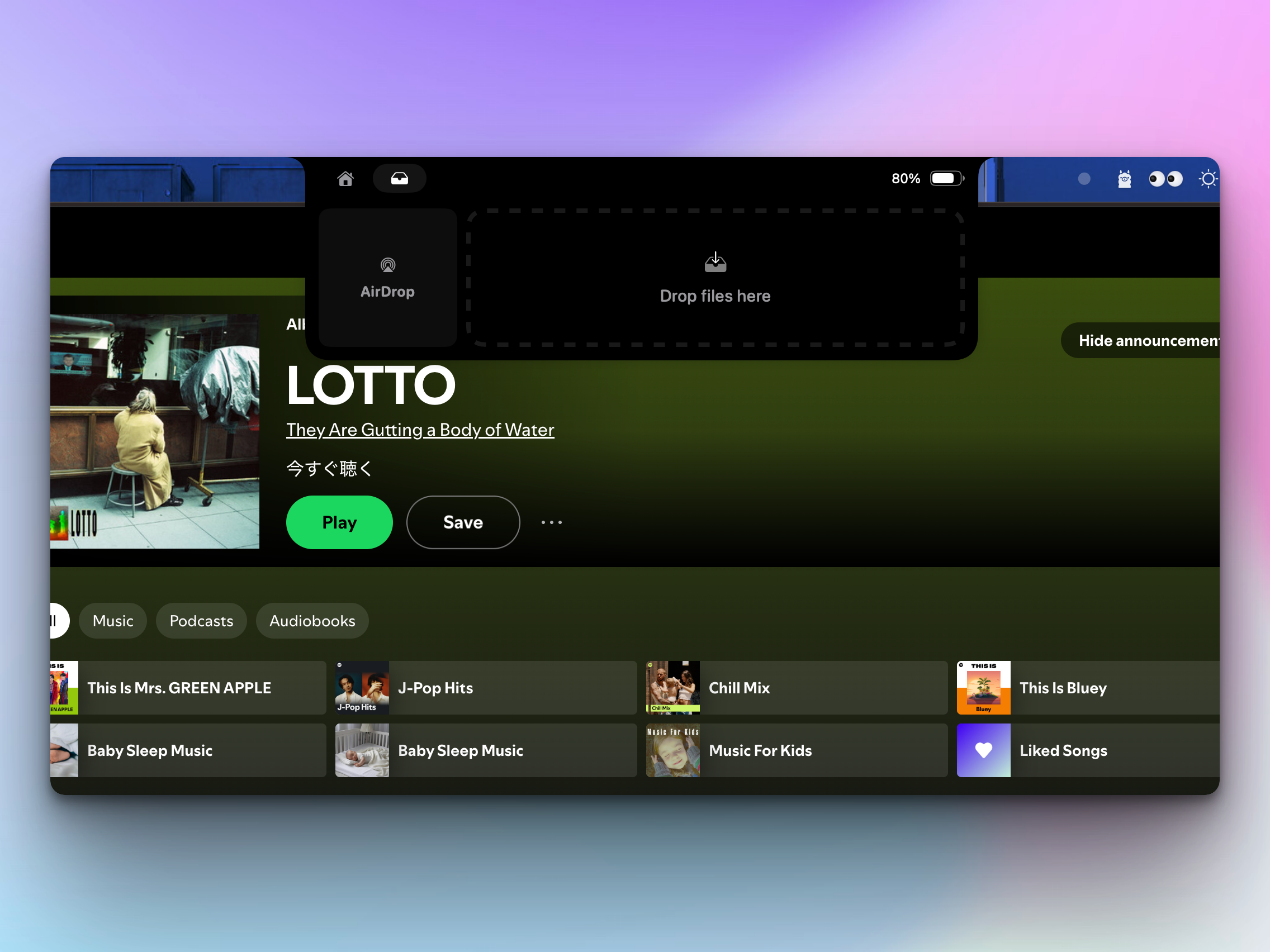
The app also includes battery indicators and a file shelf with AirDrop support, serving users who want to personalize their macOS experience and gain quick access to information without cluttering their main screen. This approach focuses on the notch from a visual interruption into a practical, interactive element.