




Product memo
Mac users learning new software often face a steep curve. Spotit reduces this friction by providing interactive, on-screen guidance that highlights the exact clicks needed within applications like Photoshop, Figma, and Xcode. This privacy-first approach processes everything locally, avoiding the data sharing common with cloud-based assistants and making it a strong alternative to traditional documentation.
For who
Mac users learning new software
Solves what
Reduces app learning curve by showing exact clicks needed
- Interactive on-screen guides
- Local processing for privacy
- Supports popular creative/dev apps
In their own words
Spotit.
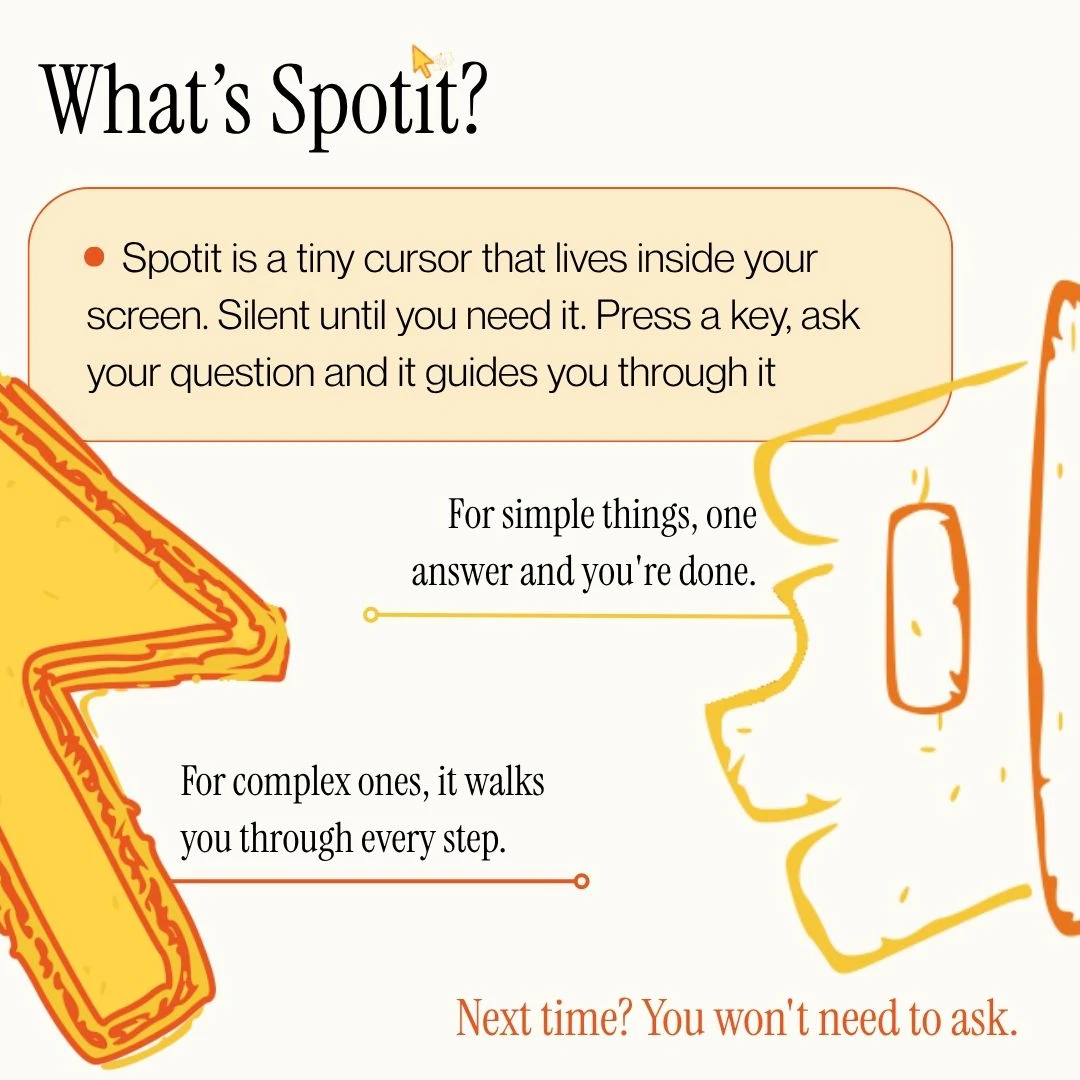
Stuck in an app? Just ask. Spotit reads your screen, figures out the steps, and lights up exactly where to click.
Operator context
Operating setup
Team
Indie / lean
LLM classification
Founded
May 2026
Platform
Desktop
Audience
General
Social footprint
Tech stack
Builder Strategy
- Strategy Type
- Niche Specialist
- Stage
- Pre Revenue
- Effort
- Solo Buildable
About Spotit Expand
Spotit provides an interactive learning experience for Mac users navigating new software. It reduces the learning curve by showing exactly where to click within applications, replacing the need for external documentation or lengthy video tutorials.
This approach is particularly useful for complex creative and development tools. By processing all guidance locally on the user's device, Spotit prioritizes privacy, offering a distinct advantage over cloud-dependent products.
Its native macOS application ensures a direct and intuitive user experience.