
MacOS tool for floating, annotatable screen captures with advanced drawing tools.

Product memo
MacOS creators and professionals use SnapDraw for advanced screen capture and annotation. It combines floating screenshot functionality with specific drawing tools, replacing the need for multiple utilities. This tool targets users who need to capture, annotate, and reference screen areas repeatedly, offering a one-time purchase for lifetime access.
For who
macOS creators and professionals
Solves what
Floating, annotatable screen captures with advanced drawing tools.
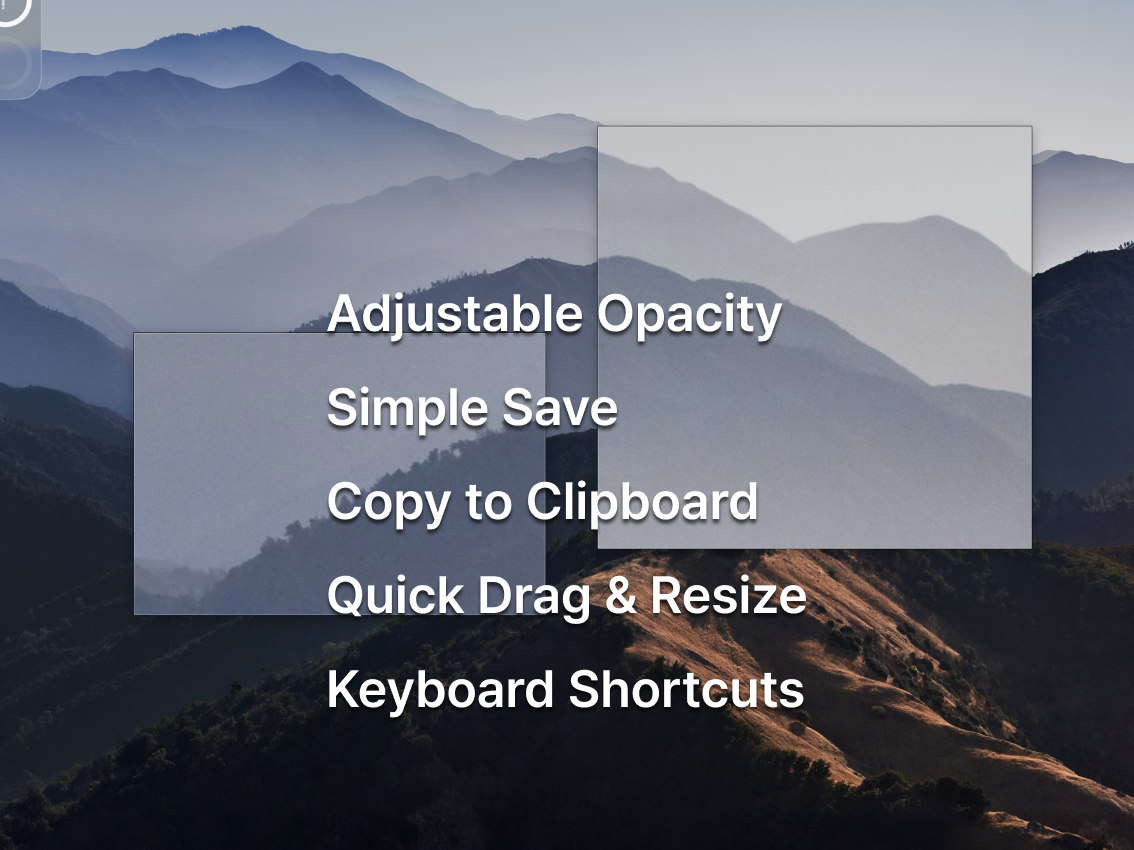
- Floating screenshots
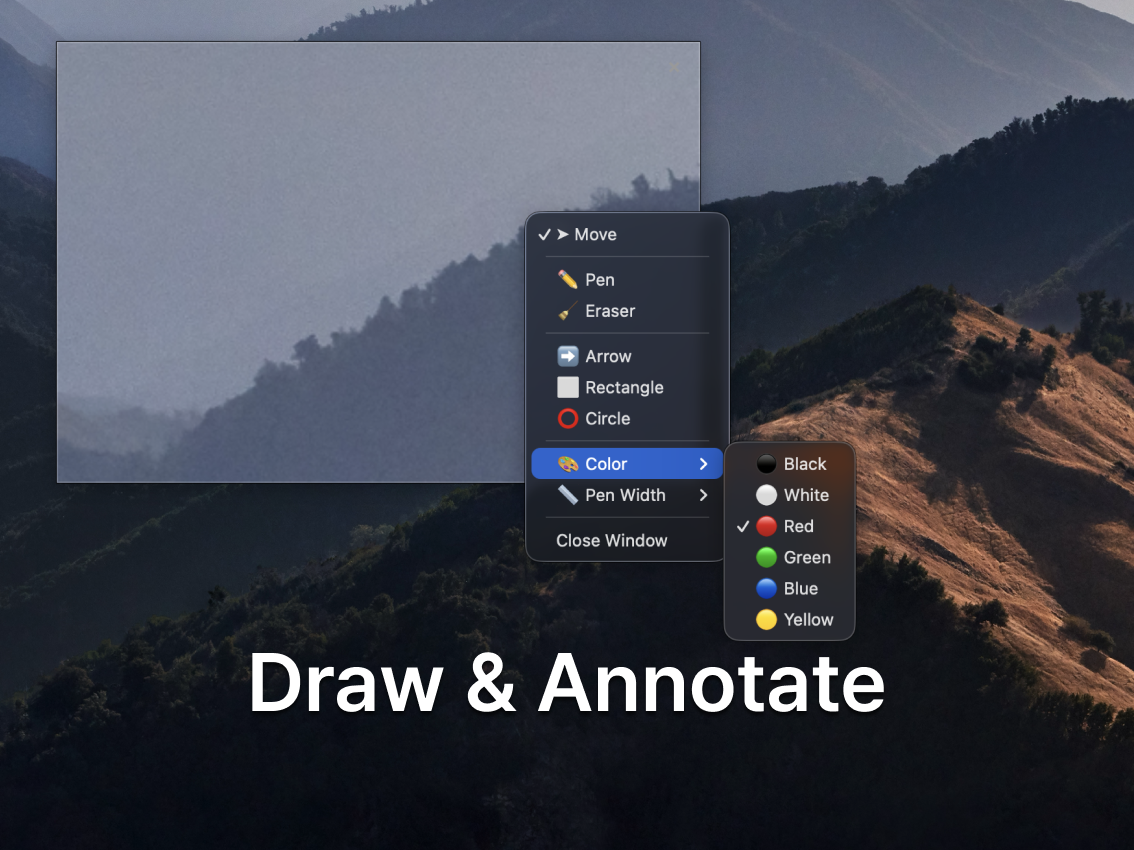
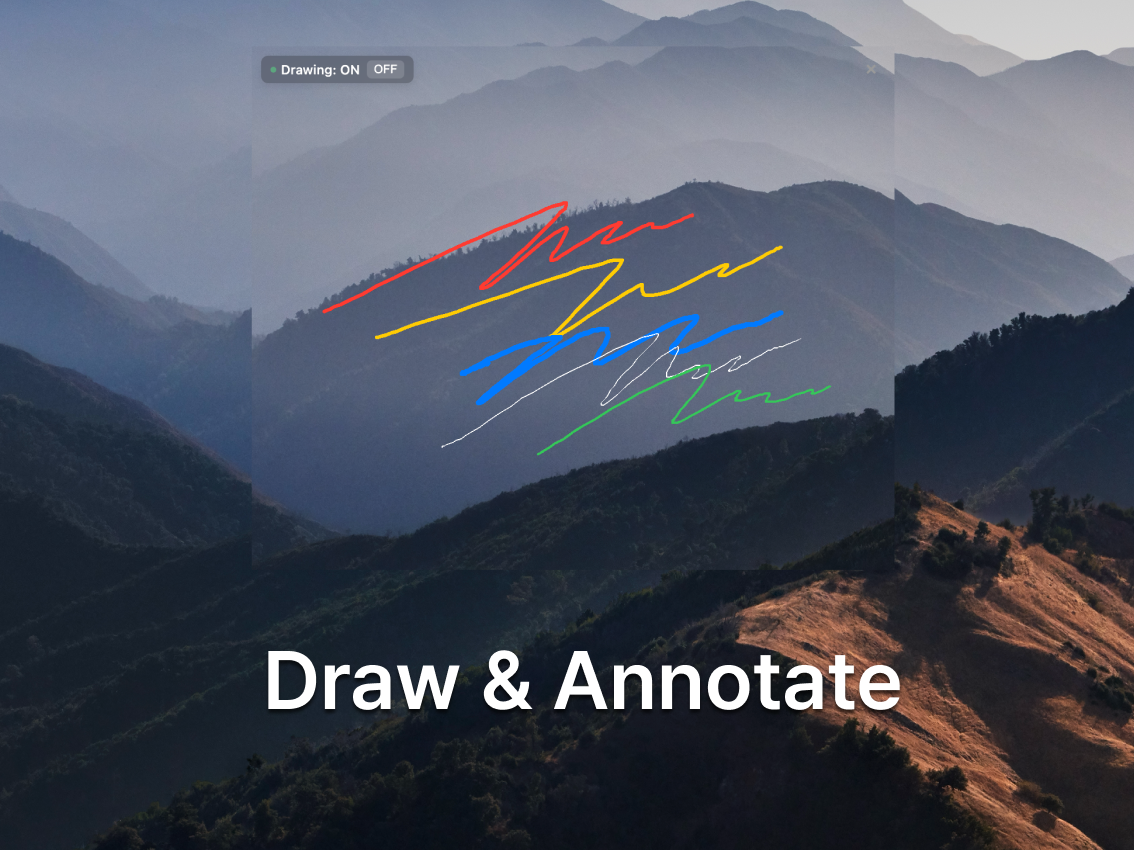
- Drawing and annotation tools
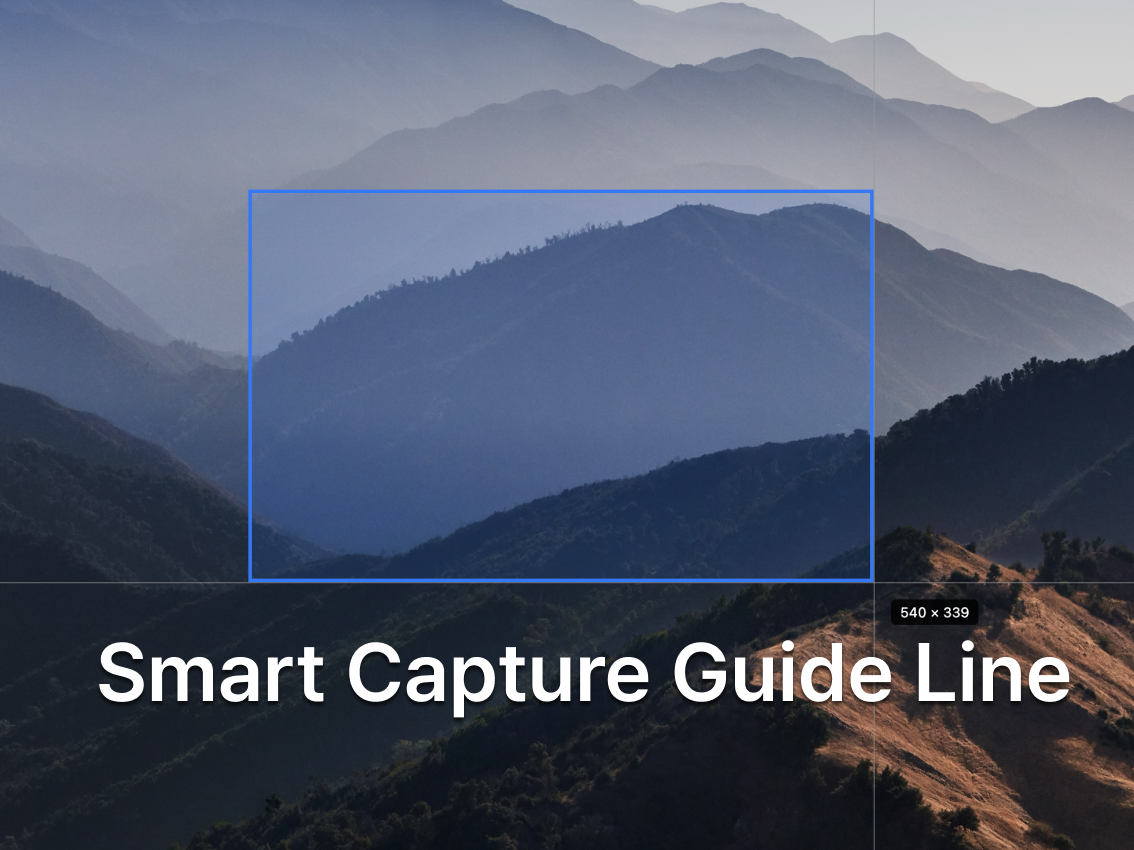
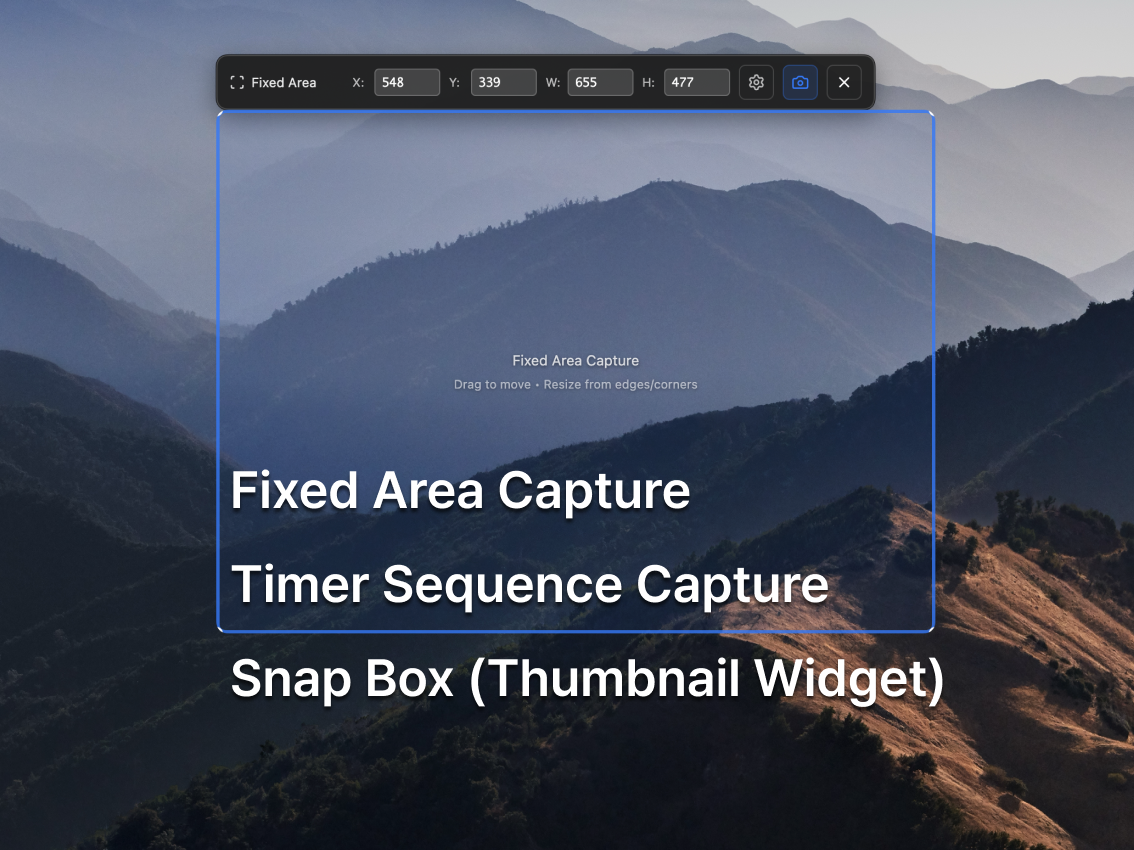
- Fixed area capture
In their own words
Keep Screenshots
Cut out any area of your screen and keep it floating in the foreground. Set fixed areas to capture repeatedly without repositioning. Perfect for creators with powerful drawing and annotation tools.
Commercial cues
Model
one time
Free tier
Yes
Trial
7d
Pricing Strategy
- • The 7-day free trial encourages immediate adoption and feature testing.
- • Lifetime access positions value against common subscription alternatives.
- • Free tier lowers testing friction.
Operator context
Operating setup
Founded
Nov 2025
Platform
Desktop
Audience
Creators
Builder Strategy
- Strategy Type
- Niche Specialist
- Stage
- Pre Revenue
- Effort
- Solo Buildable
About SnapDraw Expand
SnapDraw serves macOS creators and professionals who need more than basic screenshot functionality. It provides floating screen captures, allowing users to keep important visual information always visible while working.
The tool includes advanced drawing and annotation features, enabling precise markups directly on captures. Its one-time purchase model for lifetime access appeals to users seeking a permanent utility without recurring subscription costs, positioning it as a direct alternative to other screenshot tools that may offer fewer features or demand ongoing payments.