
Product memo
Developers, designers, and indie makers often need to present their iPhone app screenshots professionally. Shotwell solves this by adding pixel-perfect device frames, custom backgrounds, and subtle shadows directly on-device. It narrows the screenshot editing workflow to a few taps, making it easy to export polished images for portfolios or social media.
For who
Developers, designers, and indie makers
Solves what
Styling iPhone screenshots with frames, backgrounds, and shadows.
- Device frames
- Custom backgrounds
- Shadow effects
In their own words
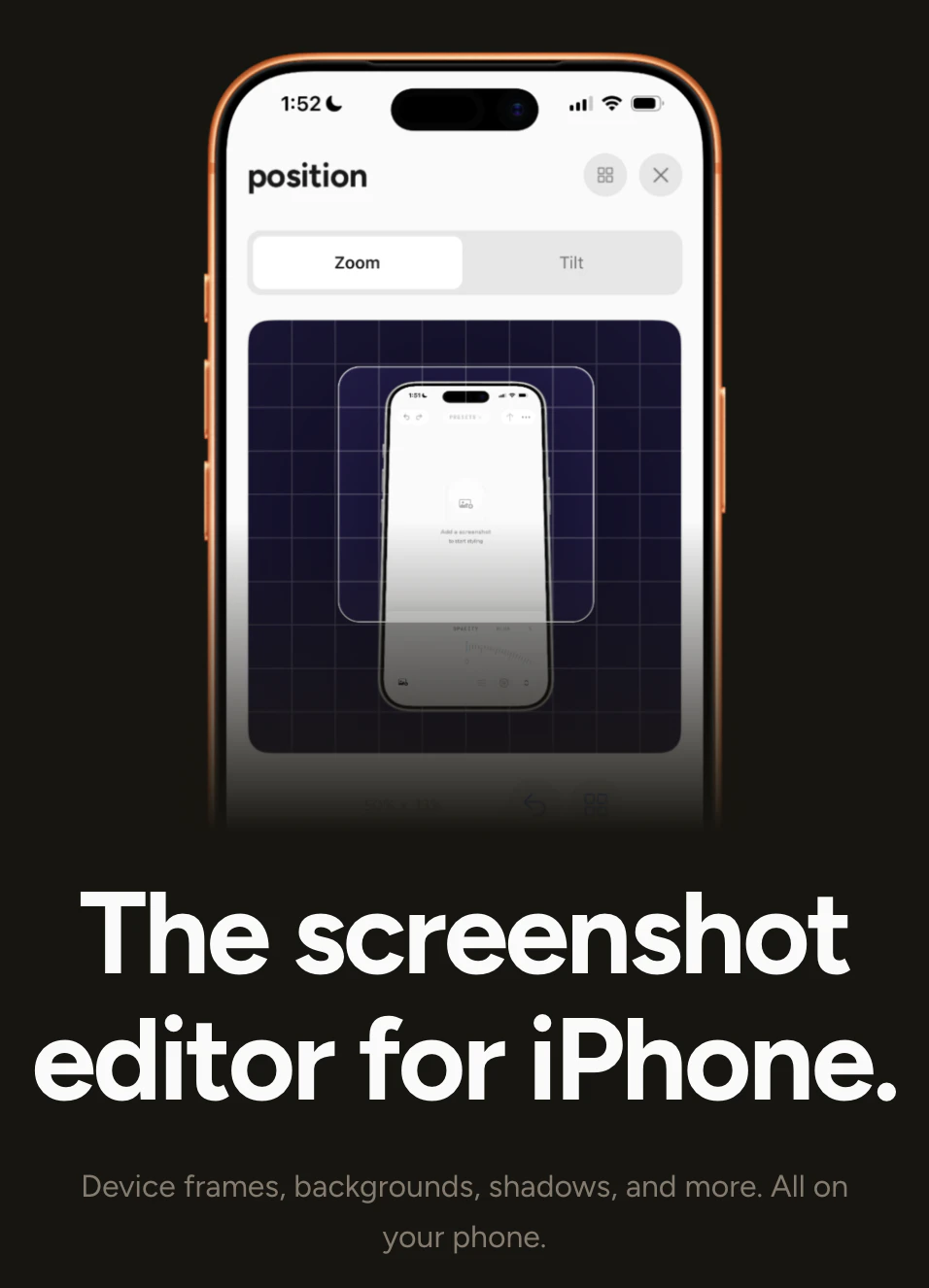
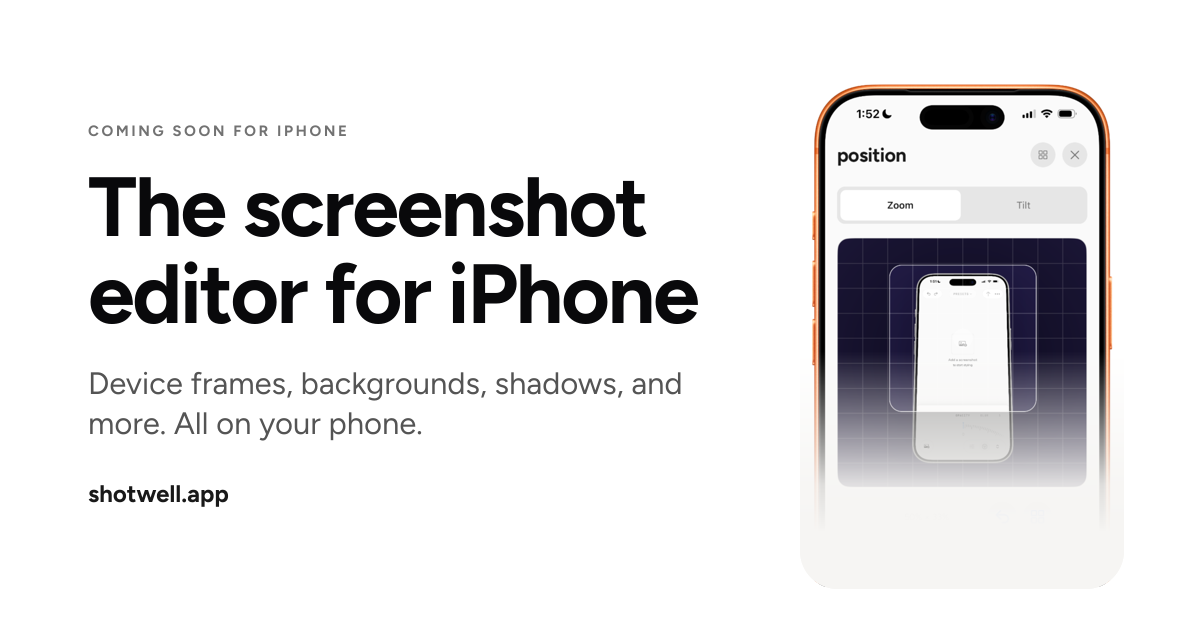
The screenshot editor for iPhone
Device frames, backgrounds, shadows, and more. All on your phone.
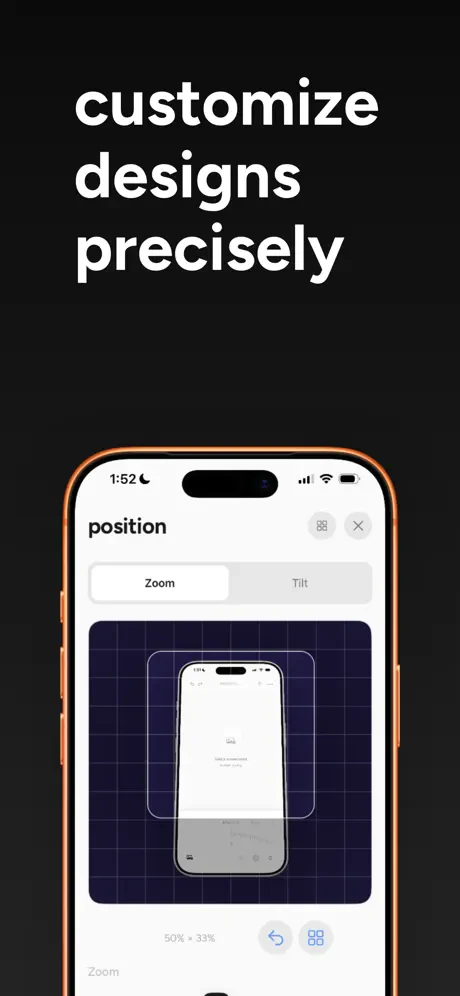
Wrap screenshots in pixel-perfect device frames, add backgrounds and shadows, and export in seconds.
Operator context
Operating setup
Team
Indie / lean
LLM classification
Founded
Apr 2026
HQ
United States
Platform
Mobile
Audience
Developers
Social footprint
Tech stack
Market demand
Shotwell keyword demand
3 keywords
Market demand is Starter-tier market intelligence.
Derived from this product’s latest SimilarWeb keyword mix — directional demand, not proof.
Builder Strategy
- Strategy Type
- Niche Specialist
- Stage
- Bootstrapped Lean
- Effort
- Solo Buildable
About Shotwell Expand
Shotwell provides a focused tool for enhancing iPhone screenshots, catering specifically to developers, designers, and indie makers. It allows users to wrap screenshots in pixel-perfect device frames, add custom backgrounds, and apply shadows directly on their mobile device.
This native approach simplifies the process of creating polished visuals for app store listings, portfolios, or social media. By offering its core functionality completely free, Shotwell aims to become the go-to utility for anyone needing to present their iPhone work professionally, reducing friction in the creative workflow.