
Browser-based screen recording and editing for studio-quality product demos.
Product memo
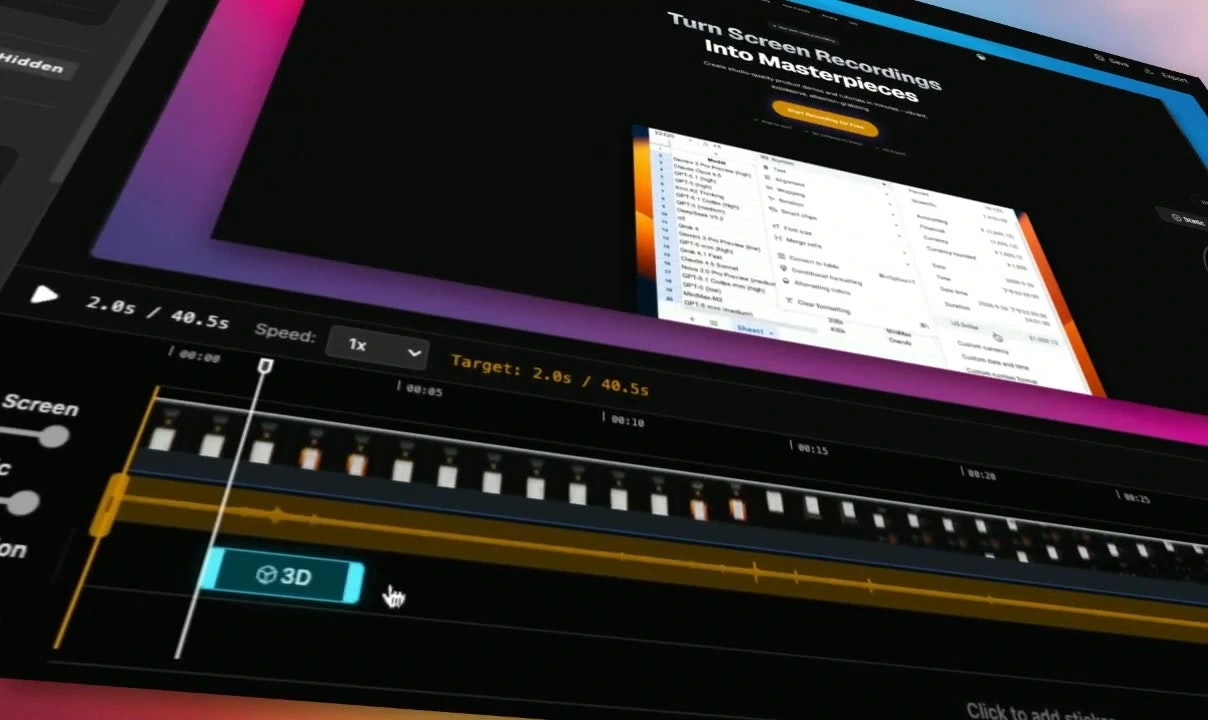
Screentell helps creators and teams produce polished product demos and tutorials. It offers in-browser recording with advanced cinematic 3D transforms and expressive stickers, moving beyond basic screen capture. This positions it as an accessible yet specific tool for professional-looking video content without requiring heavy desktop software.
For who
Creators and teams making product demos
Solves what
Creating studio-quality screen recordings and video tutorials easily
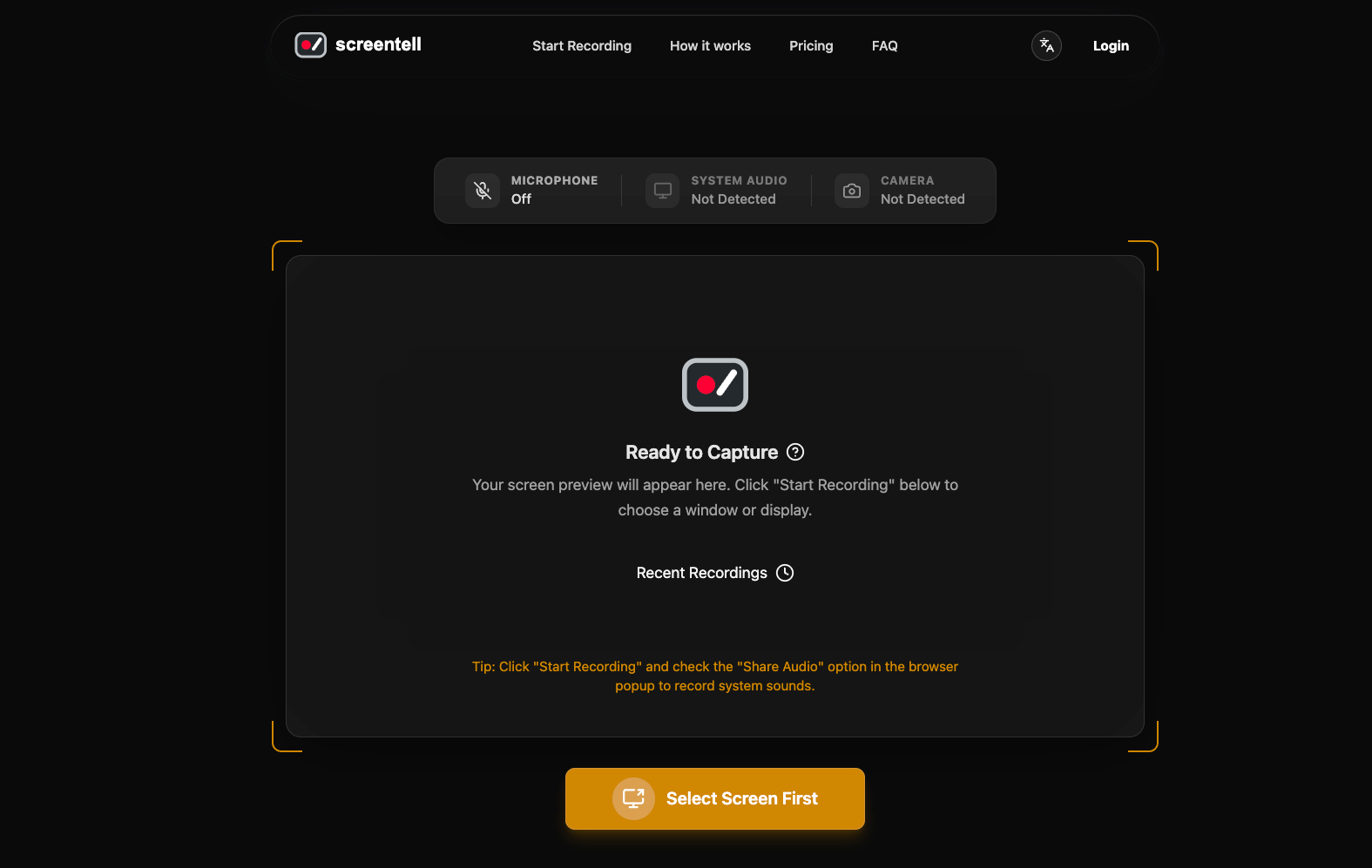
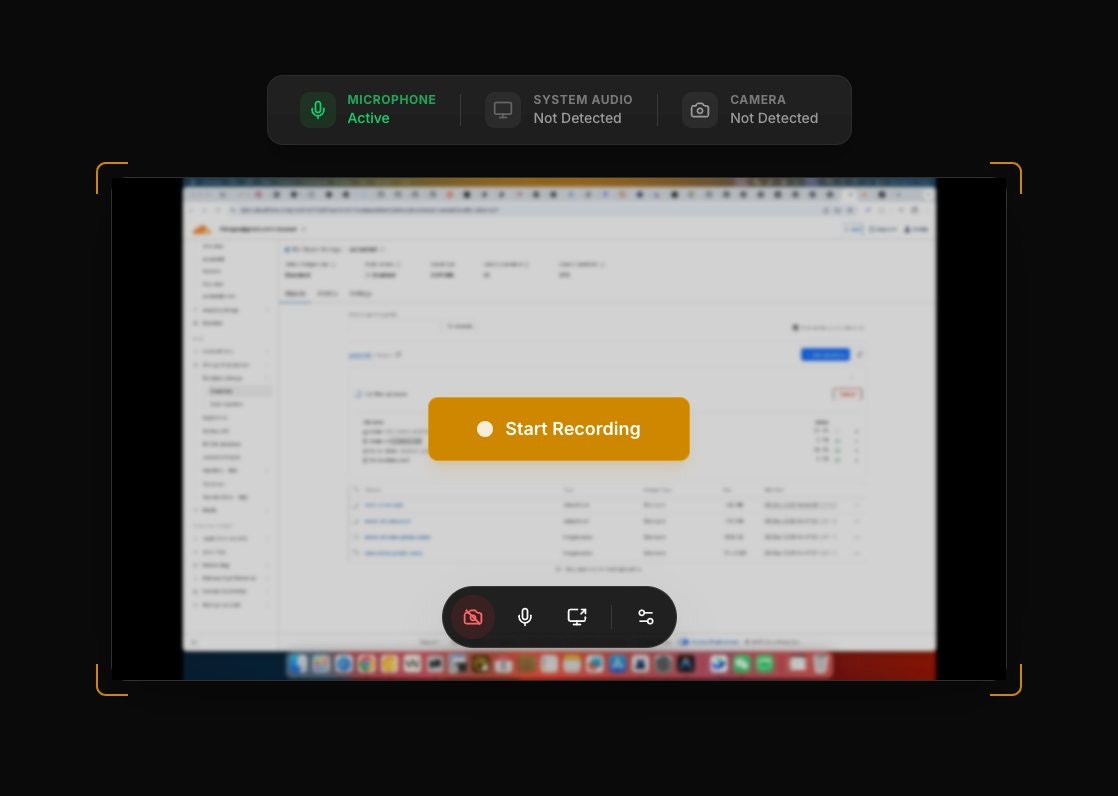
- In-browser recording
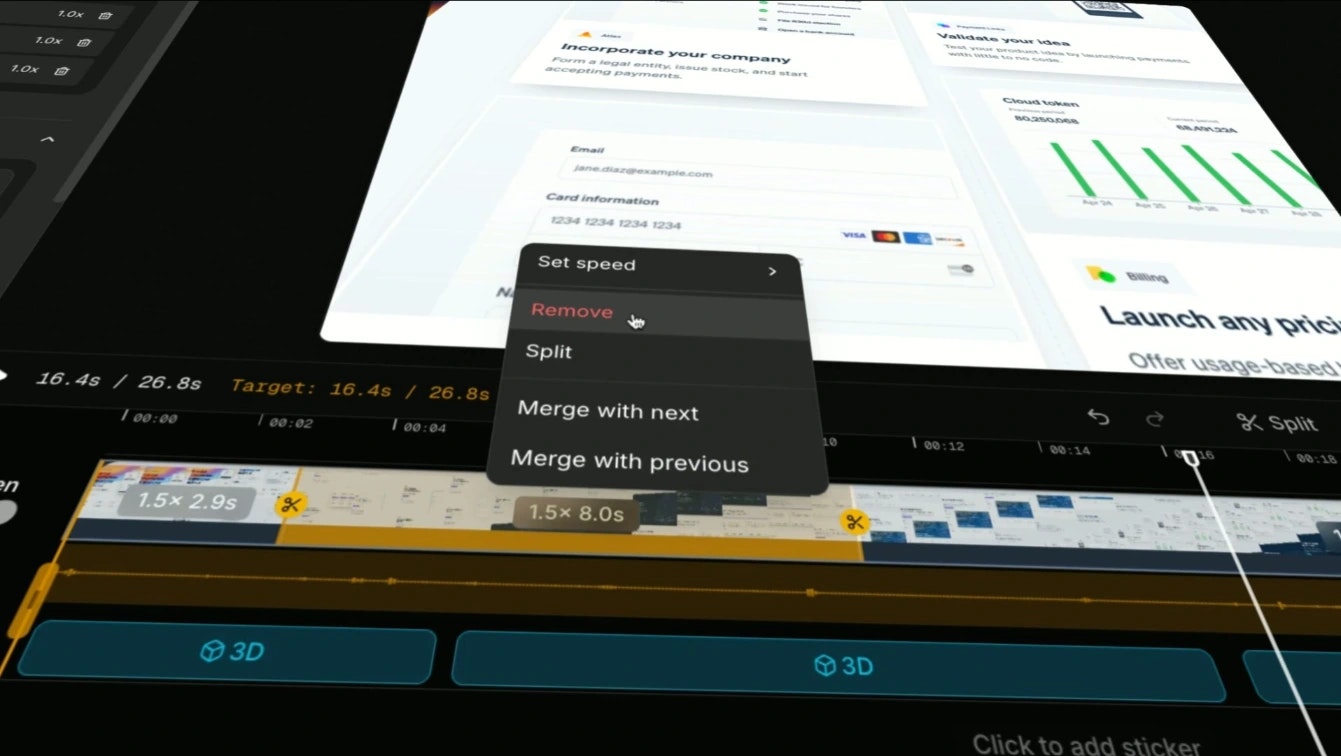
- Cinematic 3D transforms
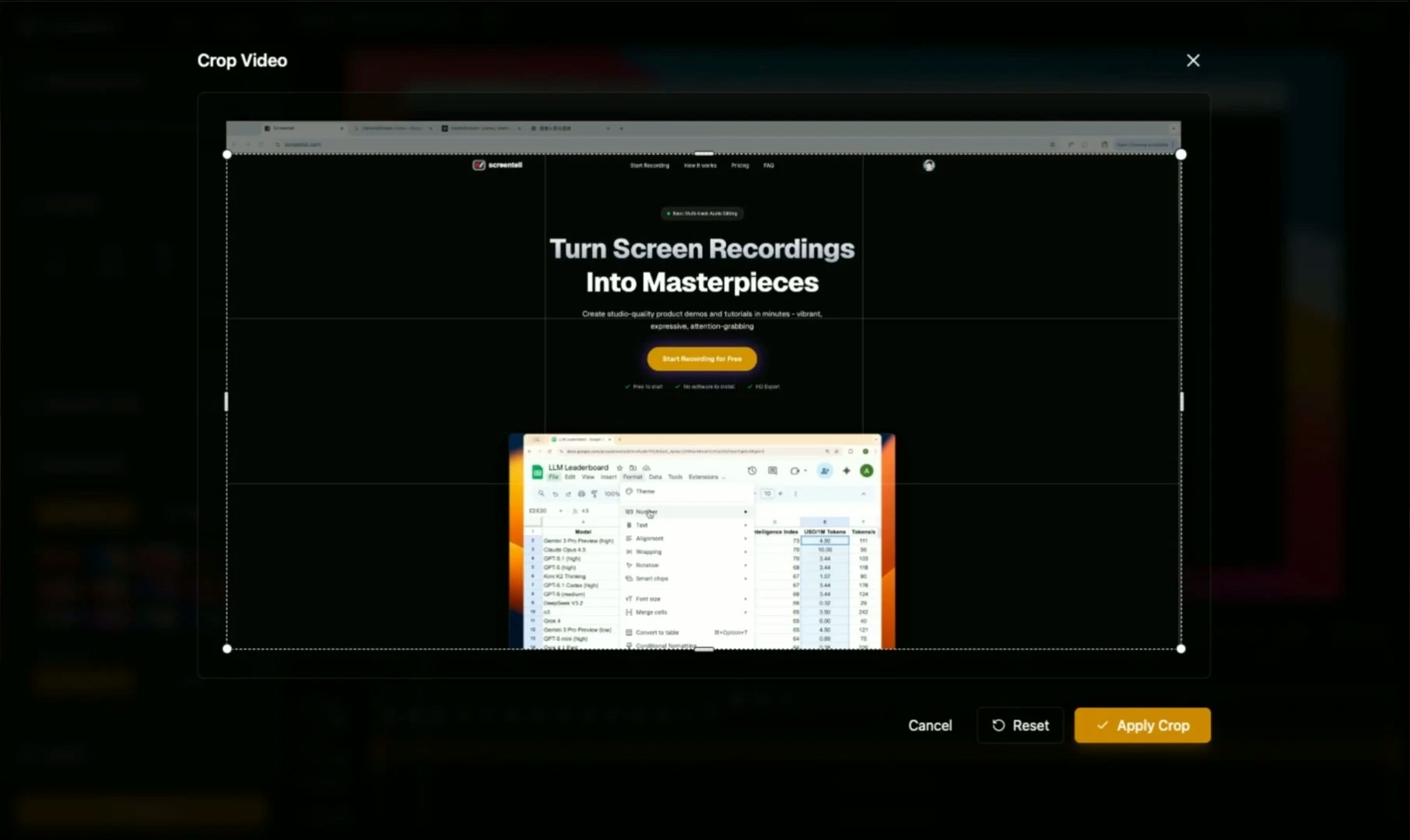
- Stickers and annotations
In their own words
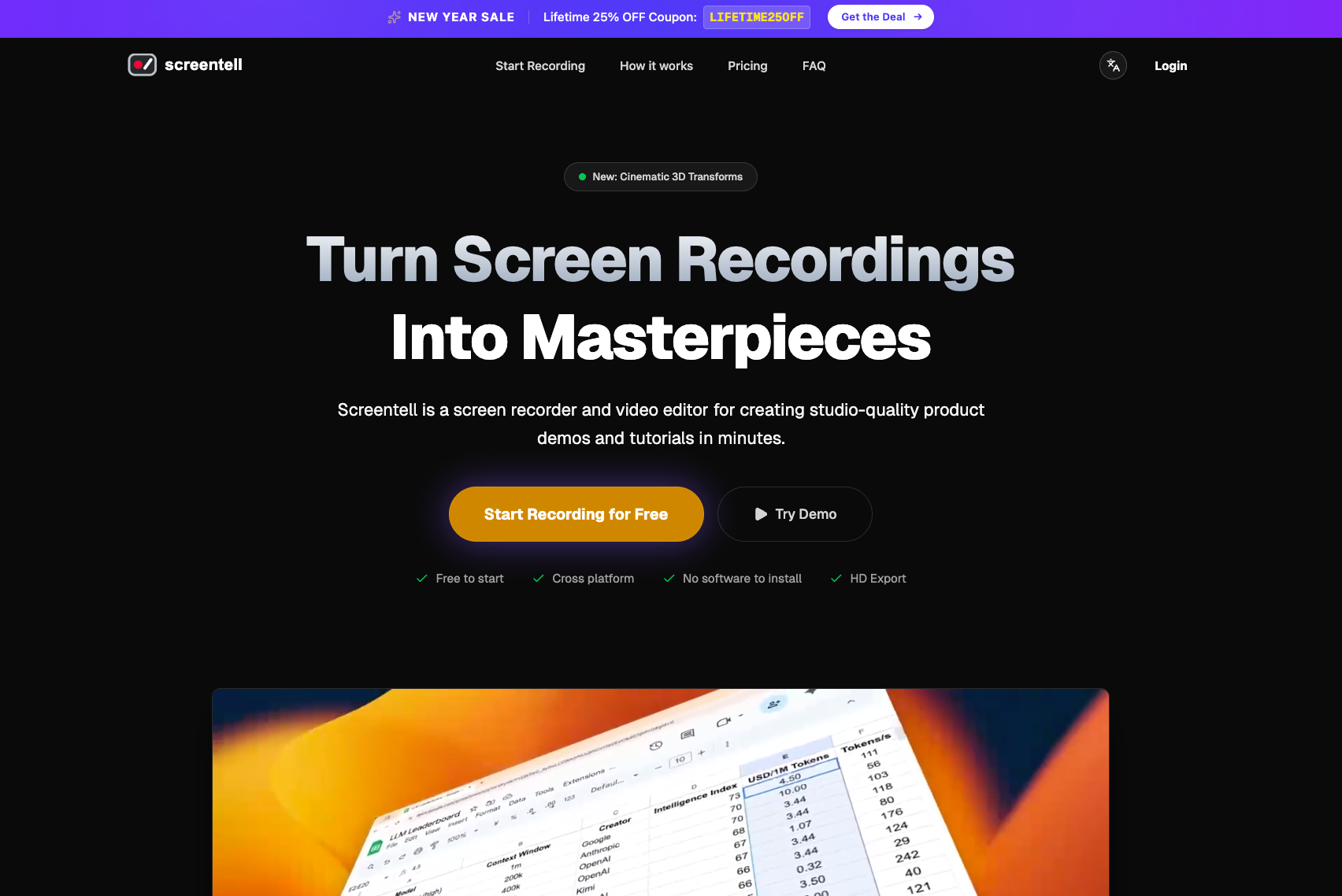
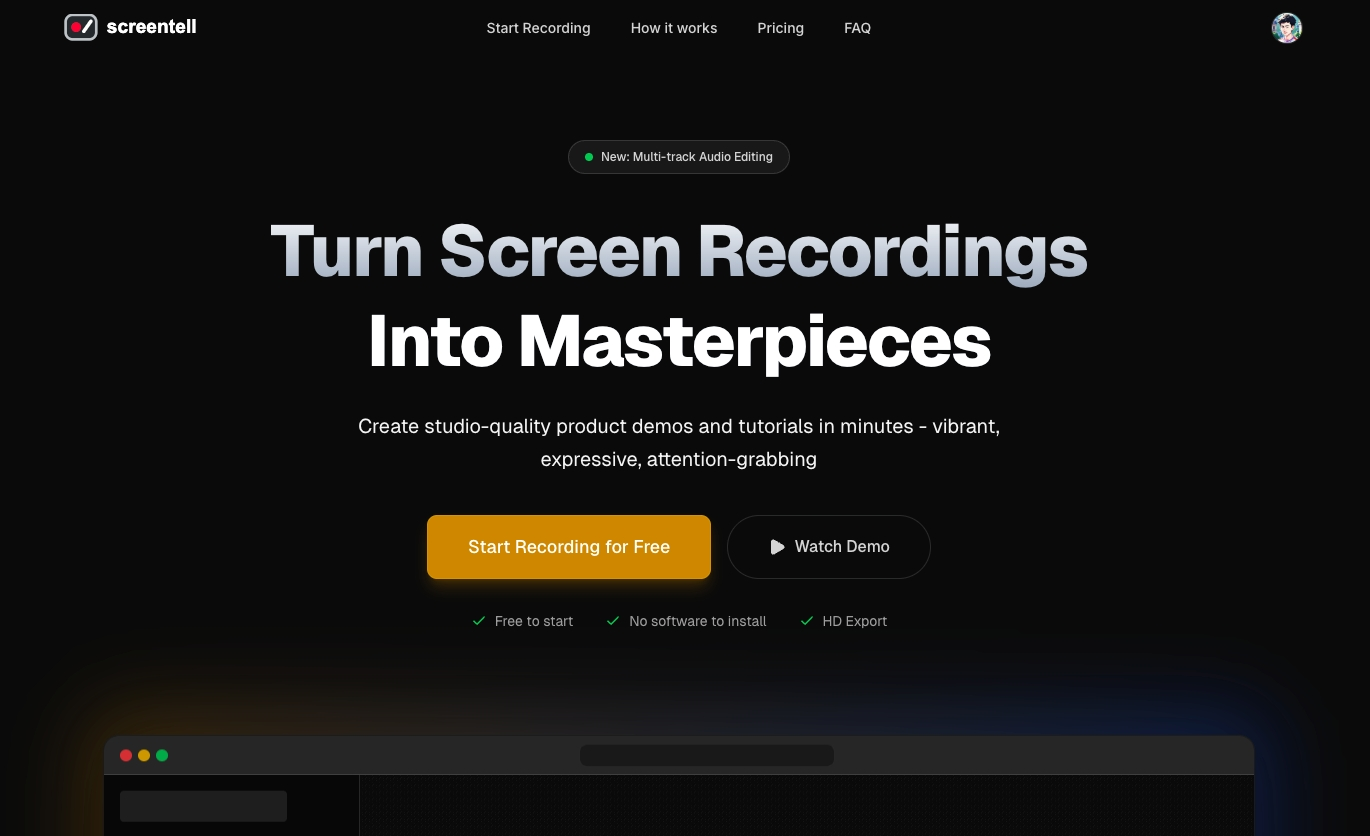
Turn Screen Recordings
Screentell is a screen recorder and video editor for creating studio-quality product demos and tutorials in minutes.
Turn plain screen recordings into studio-quality videos.
Commercial cues
Model
hybrid
Free tier
Yes
Trial
No
Pricing Strategy
- • Free tier lowers testing friction.
Operator context
Operating setup
Founded
Jan 2026
Platform
Web app
Audience
Creators
Social footprint
Tech stack
Market demand
Screentell keyword demand
5 keywords
Market demand is Starter-tier market intelligence.
Derived from this product’s latest SimilarWeb keyword mix — directional demand, not proof.
Builder Strategy
- Strategy Type
- Niche Specialist
- Stage
- Pre Revenue
- Effort
- Solo Buildable
About Screentell Expand
Screentell provides creators and teams with tools to produce studio-quality screen recordings and video tutorials directly from their browser. It moves beyond basic screen capture by integrating advanced features such as a dual-stream engine, 3D transforms, motion graphics, stickers, and customizable backgrounds.
This targets users who need professional-looking video content but want to avoid complex desktop software. The product's focus on in-browser functionality lowers the barrier to entry for producing polished demos and educational content.