A macOS screen recorder for professional product demos and tutorials.
Product memo
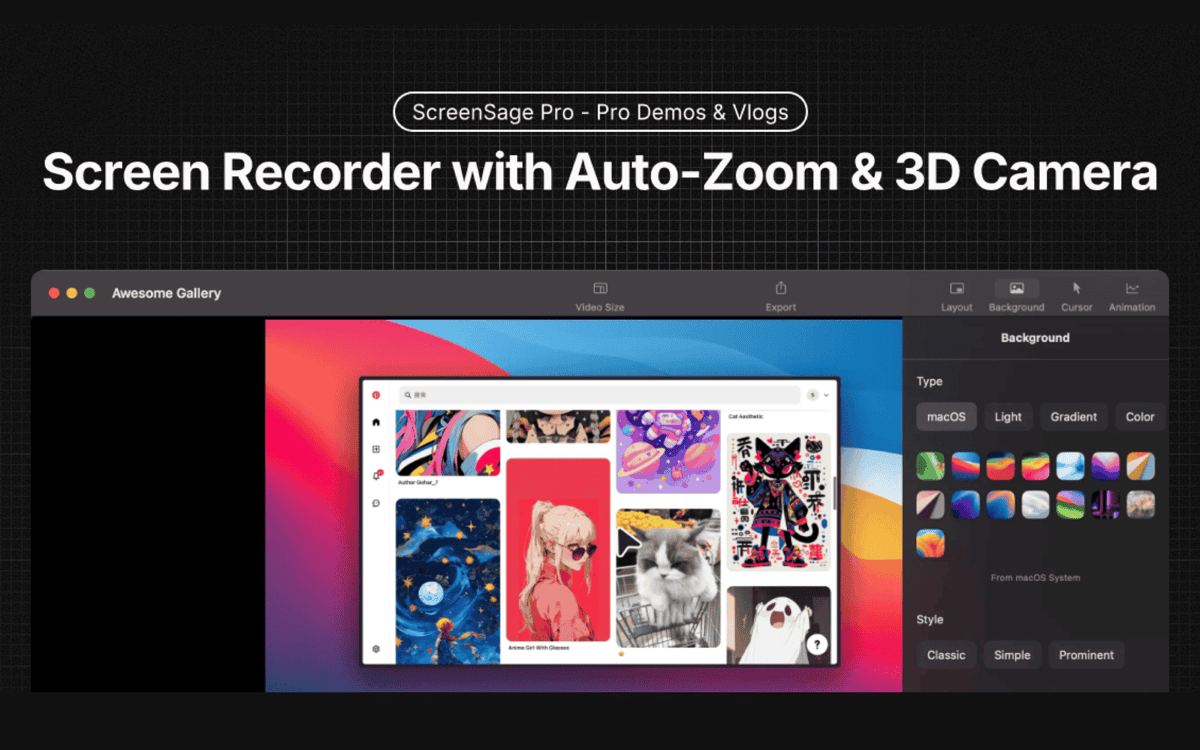
ScreenSage Pro helps macOS users create polished product demos and tutorials. It features auto-zoom on clicks and cinematic visual effects, simplifying the process of producing high-quality video content. This focus on a specific workflow for Mac users removes the steep learning curve often associated with video editing, serving creators who need professional results quickly.
For who
macOS users creating product demos and tutorials
Solves what
Streamlined screen recording and tutorial creation with auto-zoom and cinematic effects.
- High-quality screen recording
- Auto-zoom on important elements
- Tutorial creation tools
In their own words
Perfect Product Demos in Minutes
Auto-Zoom on What Matters
Professional Screen Recording & Tutorial Creation Tool for macOS, Zero Learning Curve
Commercial cues
Model
one time
Free tier
No
Trial
No
Pricing Strategy
- • One-time purchase removes subscription friction for macOS users.
- • Tiered pricing offers clear options for single or multiple devices.
Operator context
Founded
May 2023
HQ
Hong Kong
Platform
Desktop
Audience
Creators
Payments
Stripe
Public footprint
Tech stack
Builder Strategy
- Strategy Type
- Niche Specialist
- Stage
- Declining
- Effort
- Solo Buildable
About ScreenSage Pro Expand
ScreenSage Pro offers a specialized screen recording product designed for macOS users creating product demos and tutorials. It simplifies the video creation process with features like automatic zoom on clicks and cinematic visual effects, ensuring professional-looking output without extensive editing knowledge.
This targets creators who value a zero-learning-curve experience and a one-time purchase model, avoiding the ongoing costs of subscription-based tools. The product focuses on delivering a polished final video, making it a practical option for those needing high-quality visual content on their Mac.