
Free screen recording with auto-zoom and editing for rapid video creation.
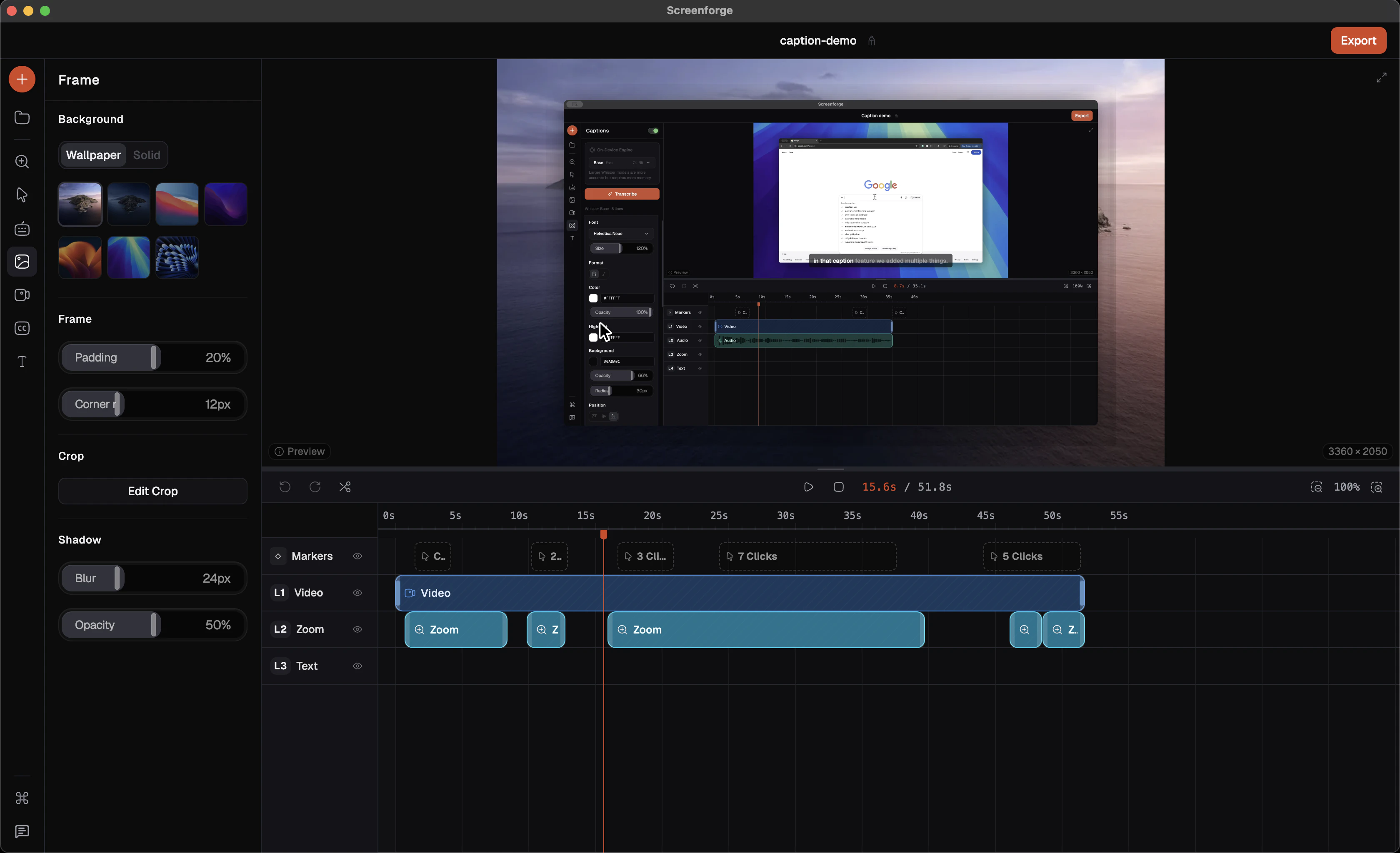
Product memo
Indie builders and creators skipping setup work can capture and edit video without friction. It integrates advanced features like automatic zoom and custom cursor effects directly into the workflow. This removes common barriers, speeding up content production for users who prioritize rapid iteration.
For who
Indie builders and creators shipping fast
Solves what
Streamlines video creation from capture to polished output
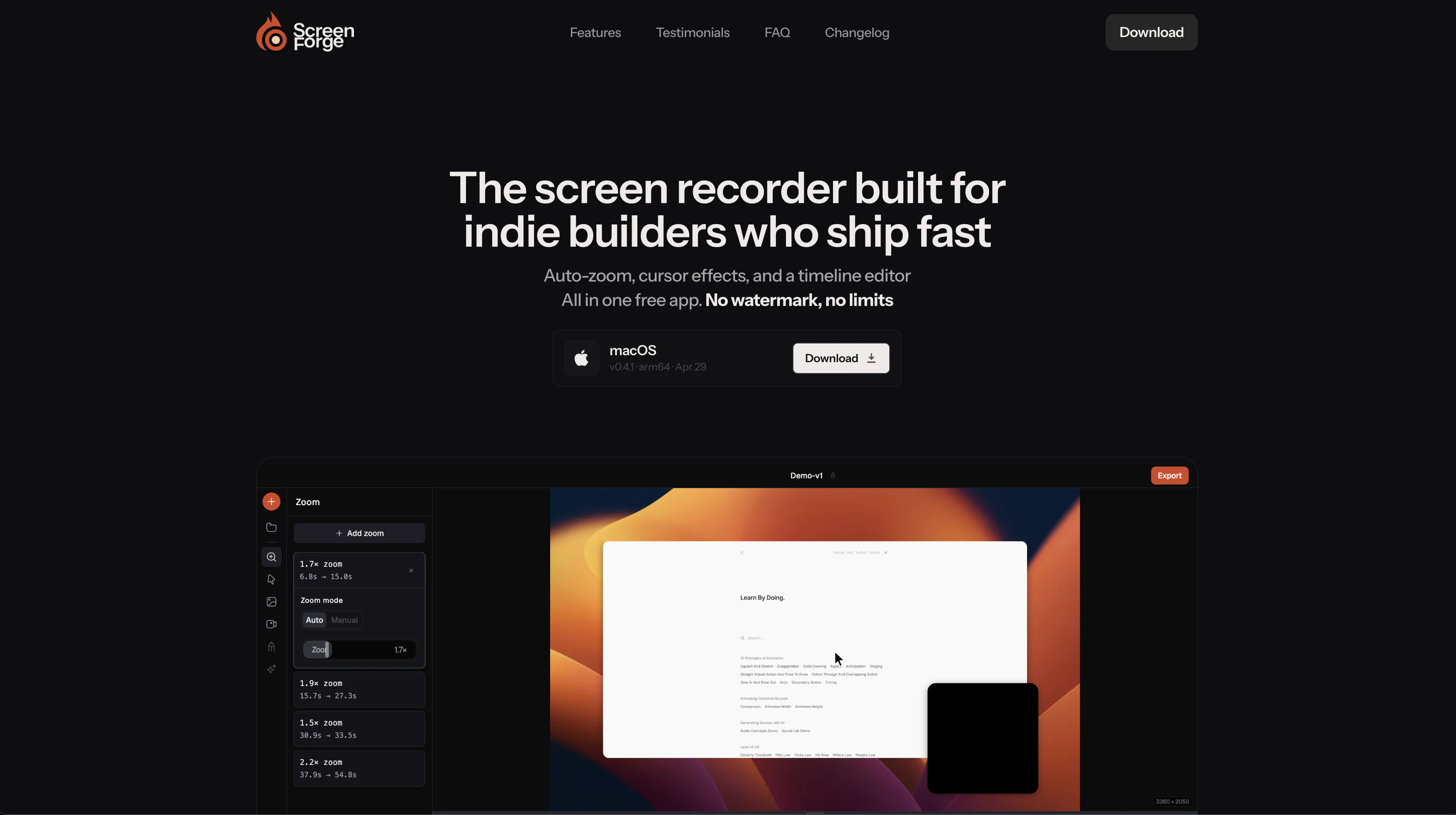
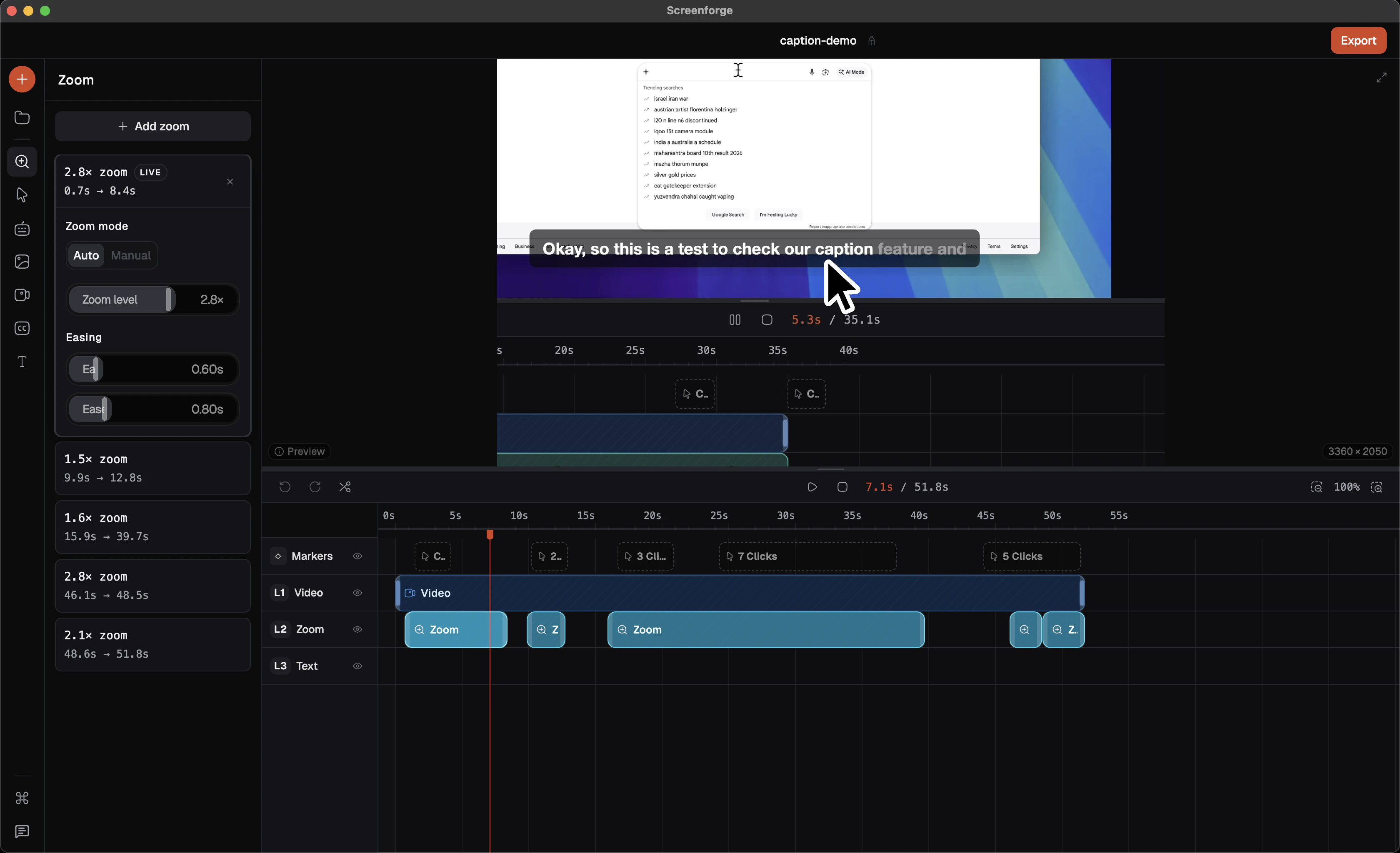
- Automatic zoom detection
- Customizable cursor effects
- Integrated timeline editor
In their own words
Free Screen Recorder for Mac — Auto-Zoom, No Watermark, No Limits — Free Screen Studio Alternative
The screen recorder built for indie builders who ship fast
Auto-zoom, cursor effects, and a timeline editor All in one free app. No watermark, no limits
Commercial cues
Model
free only
Free tier
Yes
Trial
No
Pricing Strategy
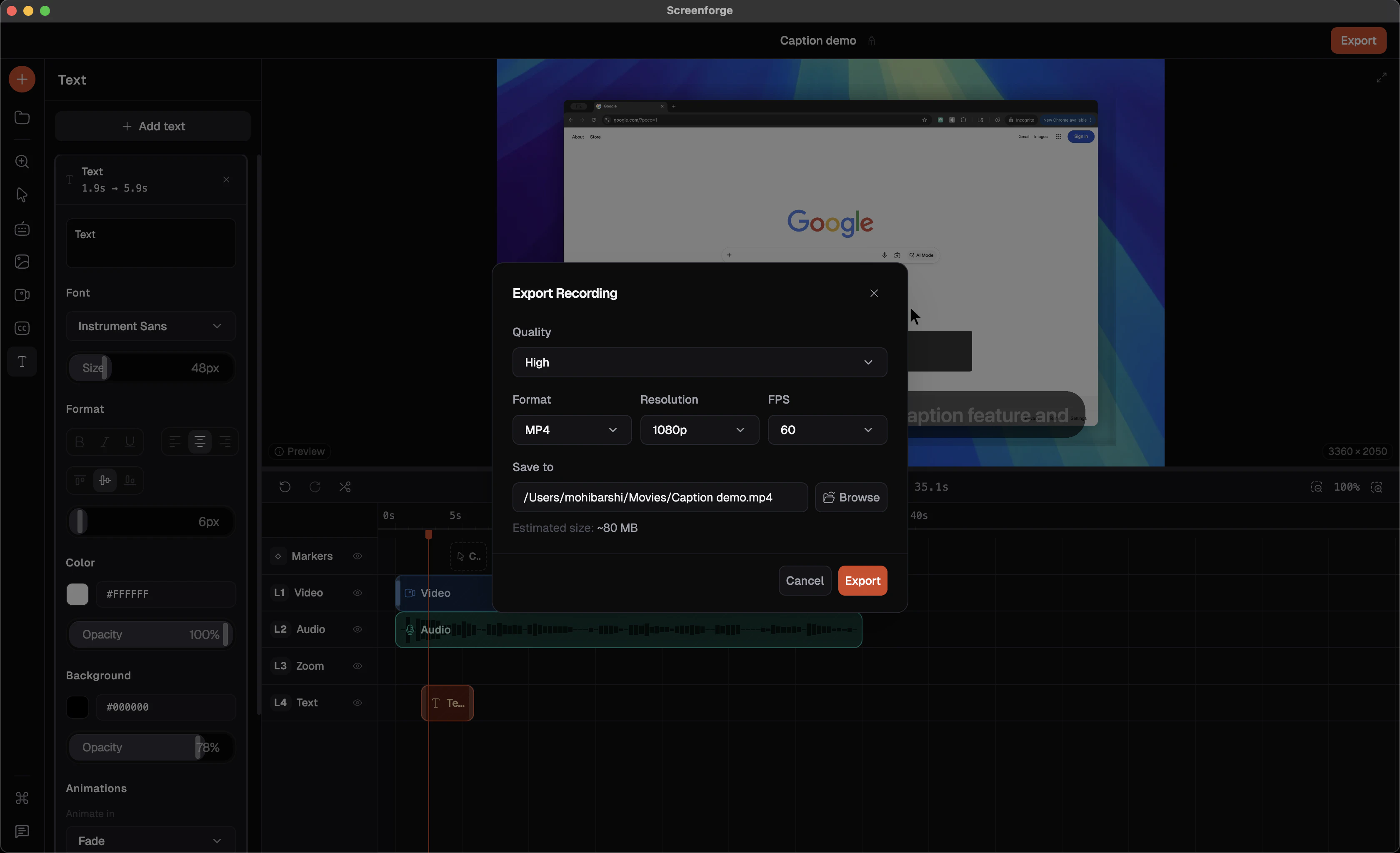
Screenforge offers unlimited screen recording and editing completely free, removing paywalls for advanced features.
- • Focuses on speed and ease of use for indie builders.
- • Free tier lowers testing friction.
- • Visible limits define plan boundaries.
Operator context
Team
Indie / lean
Founded
Mar 2026
Platform
Desktop
Audience
Creators
Payments
Polar
Public footprint
Tech stack
Builder Strategy
- Strategy Type
- Niche Specialist
- Stage
- Bootstrapped Lean
- Effort
- Solo Buildable
About Screenforge Expand
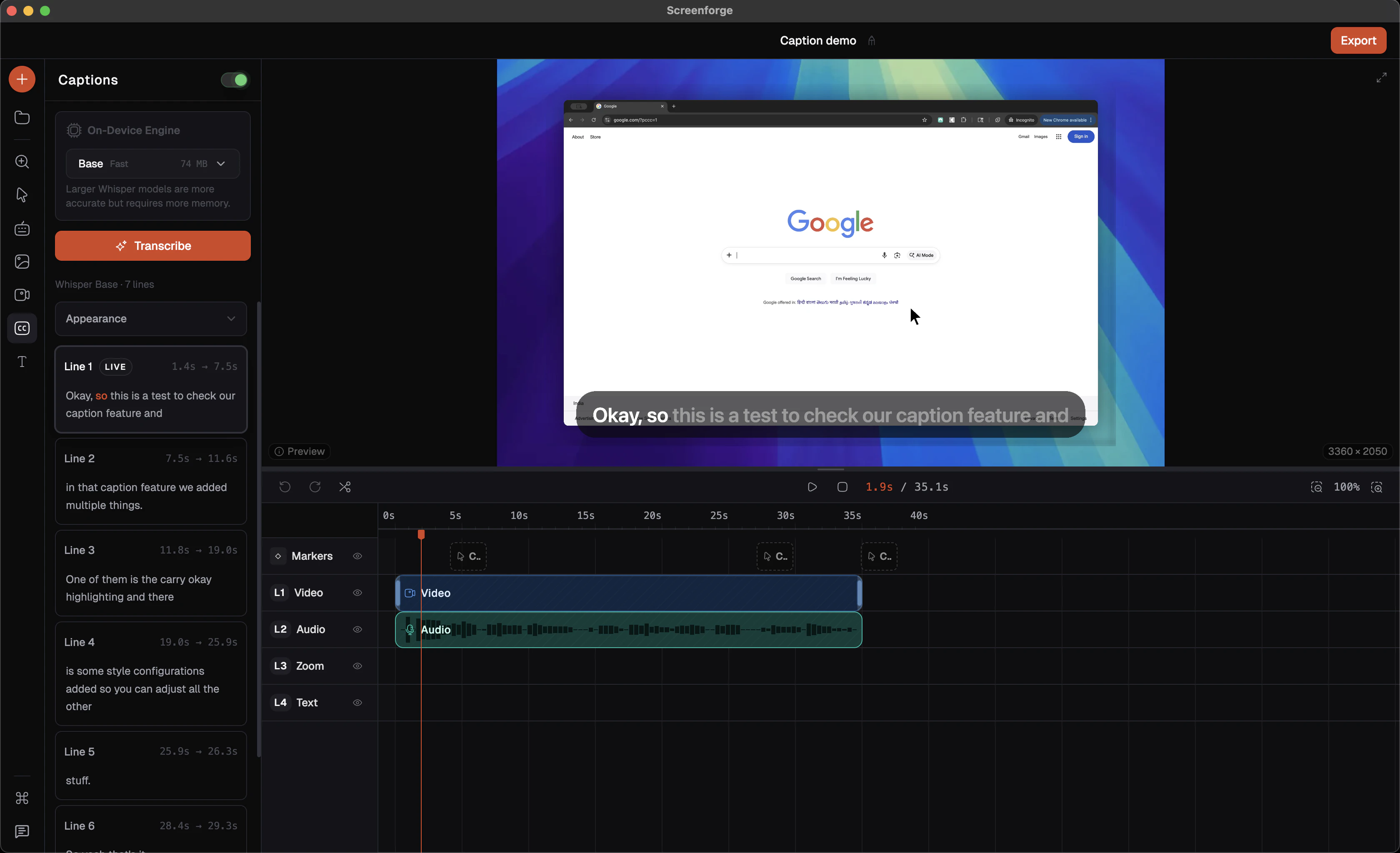
Screenforge simplifies video creation for indie builders and creators, offering a free, all-in-one screen recording and editing experience. It integrates advanced features such as automatic zoom detection and customizable cursor effects, which are often found in paid tools.
By providing a no-watermark, no-limits product, Screenforge removes common friction points, allowing users to focus on rapid content production. Its desktop application includes a timeline video editor, enabling quick adjustments from capture to final output.