Mac screen recorder with built-in zoom effects for polished video tutorials and demos.
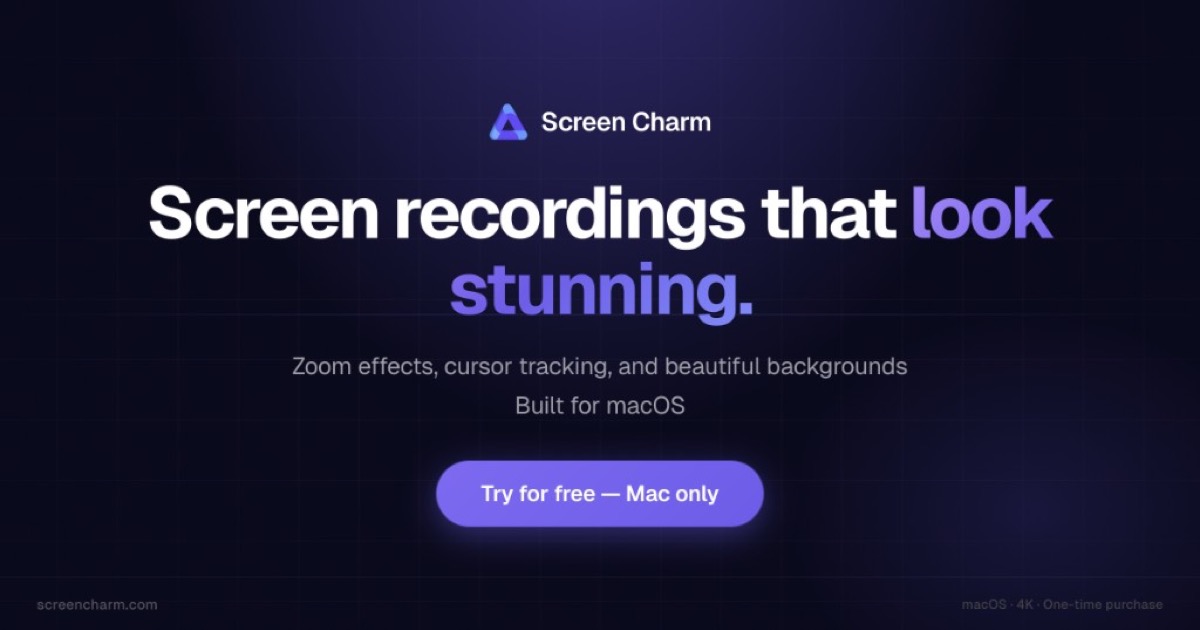
Product memo
Mac users creating video tutorials and demos often need polished output without complex editing. Screen Charm offers a "cinematic by default" approach, adding smart zoom effects, motion blur, and device frames automatically. This helps creators produce professional-looking recordings quickly, distinguishing it from more generalized editing software.
For who
Mac users creating polished video tutorials and demos
Solves what
Creating clear, professional screen recordings with built-in zoom effects and editing.
- Smart zoom effects
- Webcam overlay
In their own words
Screen Recorder for Mac. Cinematic by Default
A Mac screen recorder that helps you create clear, polished videos without complicated editing.
Record camera, microphone, and system audio, then export in 4K or share with a link.
Commercial cues
Model
one time
Free tier
Yes
Trial
No
Pricing Strategy
Screen Charm offers a free tier; paid plan details are not publicly priced.
- • Use on up to 3 devices provides flexibility for individual creators.
- • Free tier lowers testing friction.
Operator context
Founded
Jul 2023
HQ
Germany
Platform
Desktop
Audience
Creators
Payments
Stripe
Public footprint
Tech stack
Builder Strategy
- Strategy Type
- Niche Specialist
- Stage
- Vc Growth
- Effort
- Solo Buildable
About Screen Charm Expand
Screen Charm provides Mac users with a focused tool for creating high-quality screen recordings. It targets creators and professionals who need polished video output without the complexity of traditional editing suites.
By integrating features like smart zoom effects, motion blur, and device frames directly into the recording process, it simplifies producing professional-looking content. The product's one-time purchase model for lifetime access offers a clear value proposition, serving users who prefer owning their software rather than managing ongoing subscriptions for their macOS workflow.