
A macOS app for polished screen recordings with automated zoom and effects.
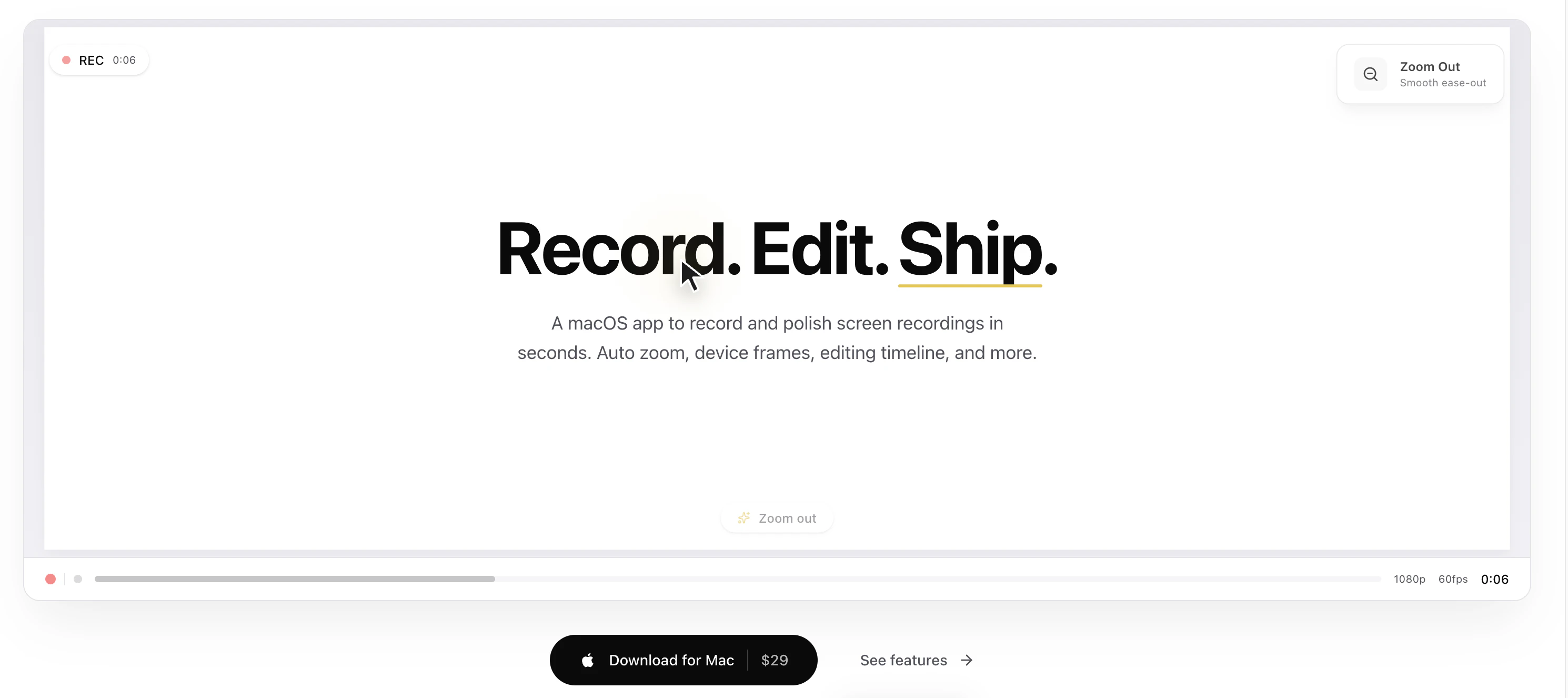
Product memo
Screen Bolt gives macOS users a simplified way to create professional screen recordings. It automates common editing tasks like cursor zoom and highlights, turning raw captures into polished marketing assets without manual effort. This positions it as a time-saving tool for creators and marketers who need high-quality demos and tutorials.
For who
macOS users creating tutorials and demos
Solves what
Polished screen recordings with auto zoom, effects, and timeline editing
- Auto-zoom on clicks
- Privacy blur & spotlight effects
- Customizable backgrounds & frames
In their own words
Record. Edit. Ship.
A macOS app to record and polish screen recordings in seconds. Auto zoom, device frames, editing timeline, and more.
Auto zoom that watches every click.
Commercial cues
Model
one time
Free tier
Yes
Trial
Available
Pricing Strategy
- • One-time purchase removes subscription friction for macOS users.
- • A free tier offers watermarked 3-minute recordings at 720p.
Operator context
Operating setup
Founded
May 2026
Platform
Desktop
Audience
Creators
Social footprint
Builder Strategy
- Strategy Type
- Niche Specialist
- Stage
- Bootstrapped Lean
- Effort
- Solo Buildable
About Screen Bolt Expand
A macOS app for polished screen recordings with automated zoom and effects.