
RegionMirror
A macOS app that shares a selected screen region for clearer presentations.
Product memo
RegionMirror targets macOS users with ultrawide monitors who struggle with screen sharing readability. It offers a specific product by allowing users to define and share only a portion of their screen, maintaining clarity for the audience while preserving the presenter's full desktop workspace. This approach avoids common 'zoom in' requests and the need to constantly switch windows.
- For who
- macOS users with ultrawide monitors
- Solves what
- Sharing a specific screen region instead of the entire display for better readability.
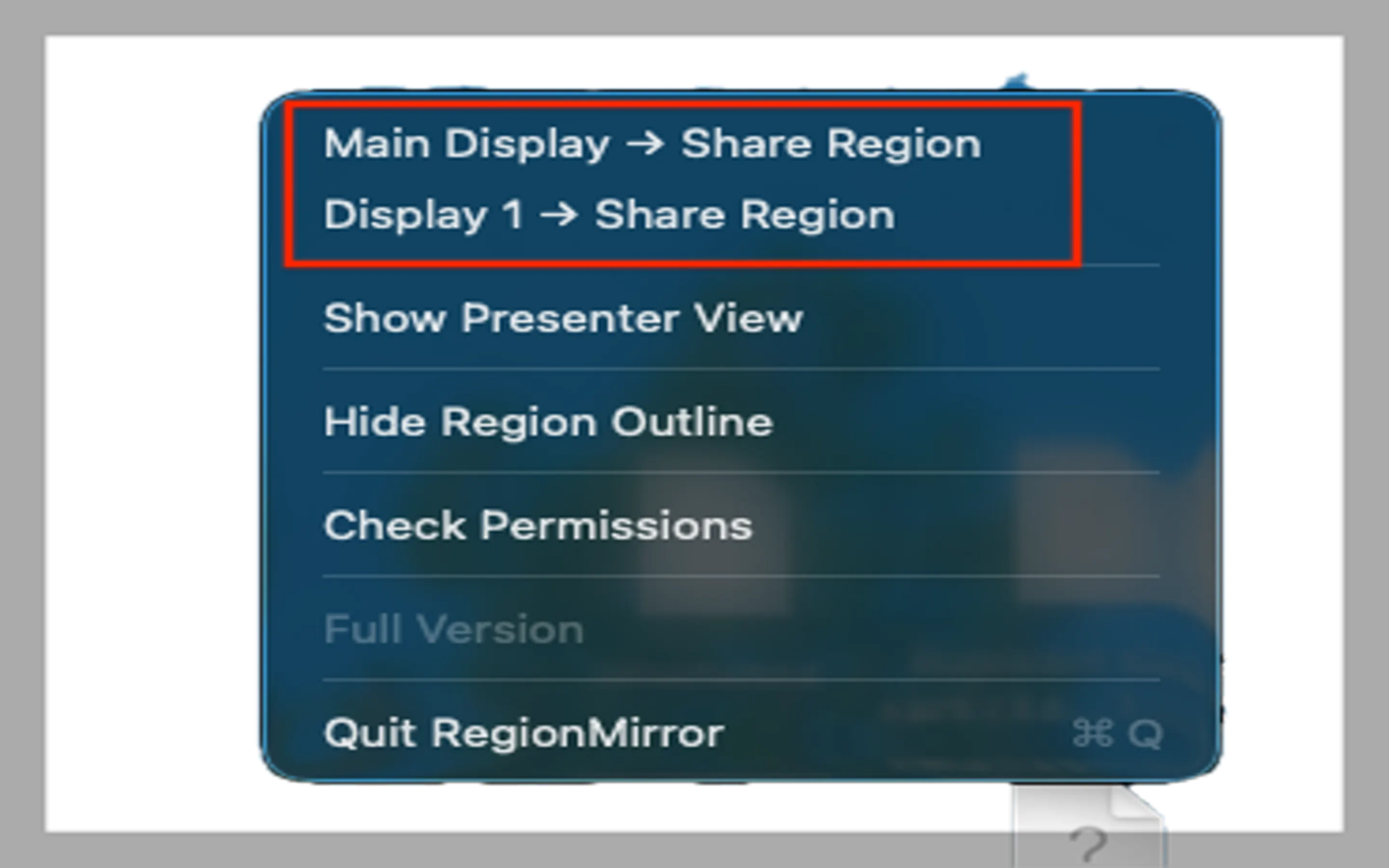
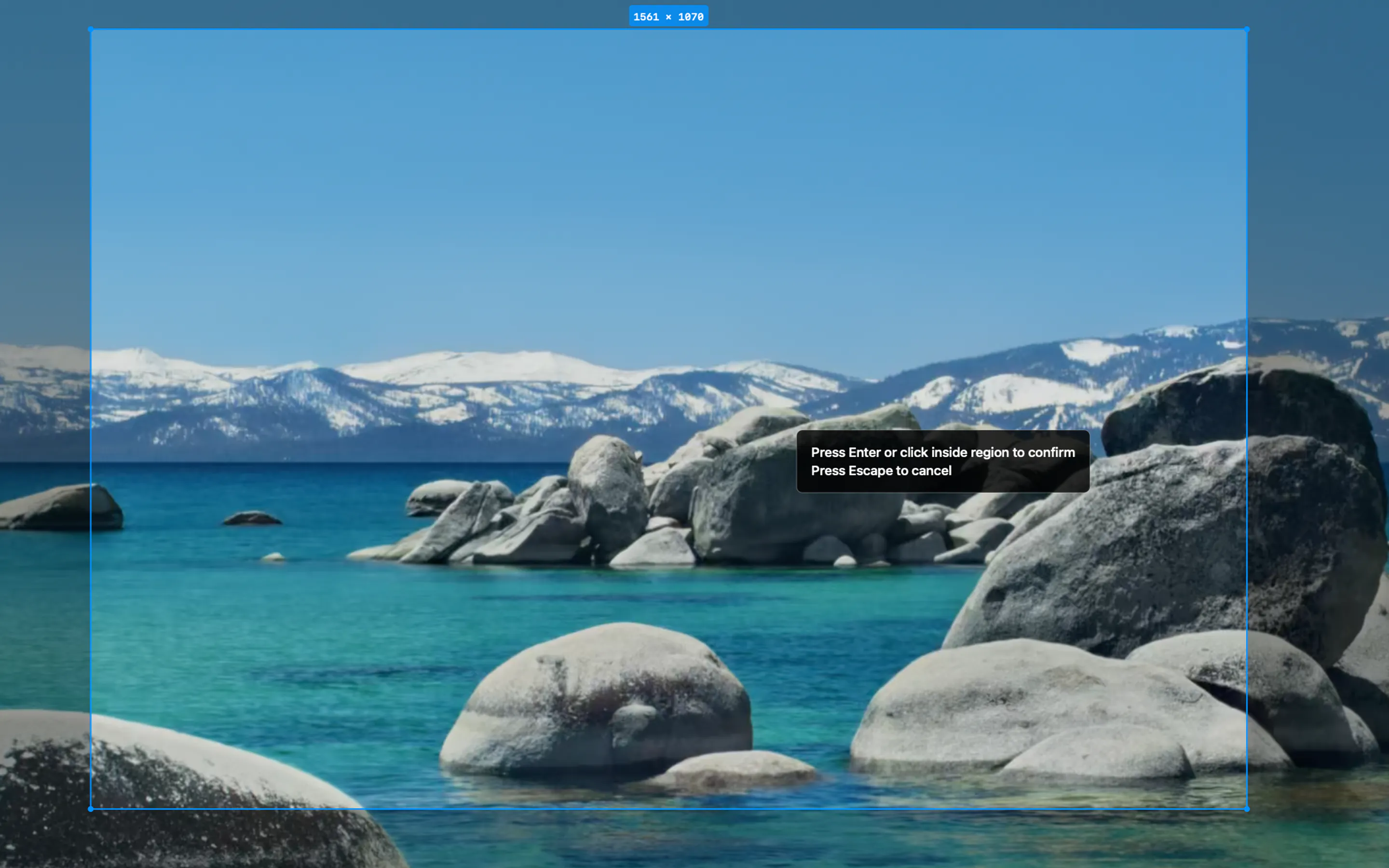
- Selectable screen region sharing
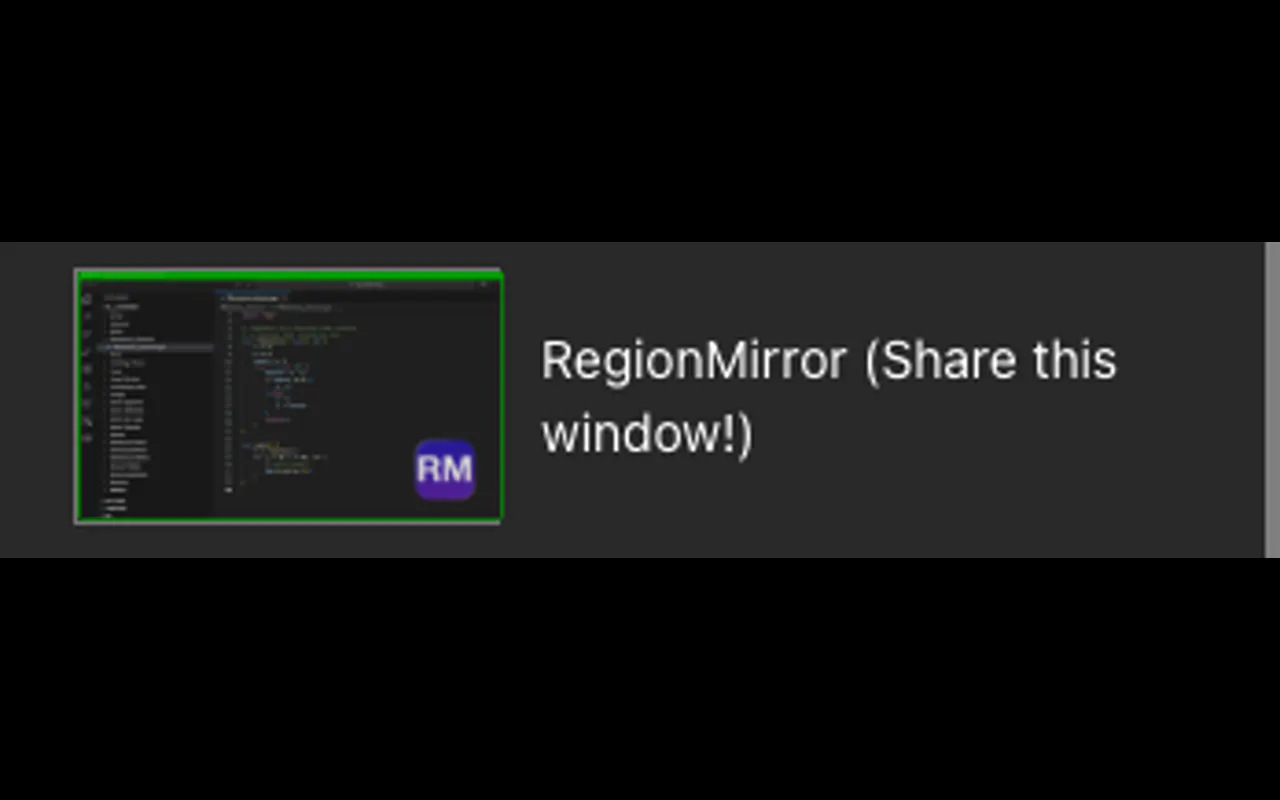
- Works with Zoom, Teams, Slack, Discord
- Built-in annotation and blur tools
Operator & company
Company
- Team
Indie / lean
- Founded
Jul 2026
Operating model
- Business model
One Time
- Platform
Desktop
- Audience
Developers
Product channels
Builder strategy
- Strategy Type
- Niche Specialist
- Stage
- Bootstrapped Lean
- Effort
- Solo Buildable
Niche specialist approach targeting ultrawide Mac users with a clear problem/solution and simple one-time purchase.
Unfair Advantages
-
Exclusive Distribution Mac App Store distribution simplifies user acquisition
-
Unorthodox Pricing One-time purchase with limited free functionality after trial
Builder Lesson
Focus on a specific hardware/OS constraint (ultrawide Mac) to create a unique, indispensable utility.
Full Reasoning
RegionMirror wins by hyper-focusing on the pain point of ultrawide monitor users struggling with screen sharing readability. Instead of building a broad screen recording tool, they created a highly specific product that integrates directly into existing meeting workflows. The one-time purchase model, coupled with a limited free tier post-trial, provides a clear value proposition and avoids subscription fatigue, making it an attractive, low-friction utility for its target audience.
About RegionMirror Expand
A macOS app that shares a selected screen region for clearer presentations.
Niche context
In their own words
Share the part of your screen that matters.
For macOS · Made for ultrawide monitors
Commercial cues
- Model
- one time
- Free tier
- No
- Trial
- 7 days
Pricing strategy
- • 7-day/10-session free trial encourages adoption
- • One-time purchase avoids subscription friction
- • Limited free functionality after trial incentivizes purchase
Source evidence
- Category
- Productivity
- Developer
- Appdevity, LLC
- Download
- Free download
- Current version
- 1.4
Latest observed release
v1.4 · Jul 26, 2026
Multiple region presets - Save up to 10 named regions, each tied to a specific display with its own optional keyboard shortcut. - Manage everything from the redesigned Preferences window — rename, set shortcuts, adjust the region, or delete. Your existing regions carry over automatically. Switch regions on the fly - Change presets in the middle of a share without interrupting your stream — from the menu or a keyboard shortcut. The menu now highlights your active preset. Smoother, more responsive sharing - Your shared region now follows along in real time as you drag or resize it, filling the view edge-to-edge with no black bars. - Higher frame rate and lower latency for smoother motion on t…
Evidence sources