
Precise screen sharing for macOS, focusing on ultra-wide and multi-monitor setups.

Product memo
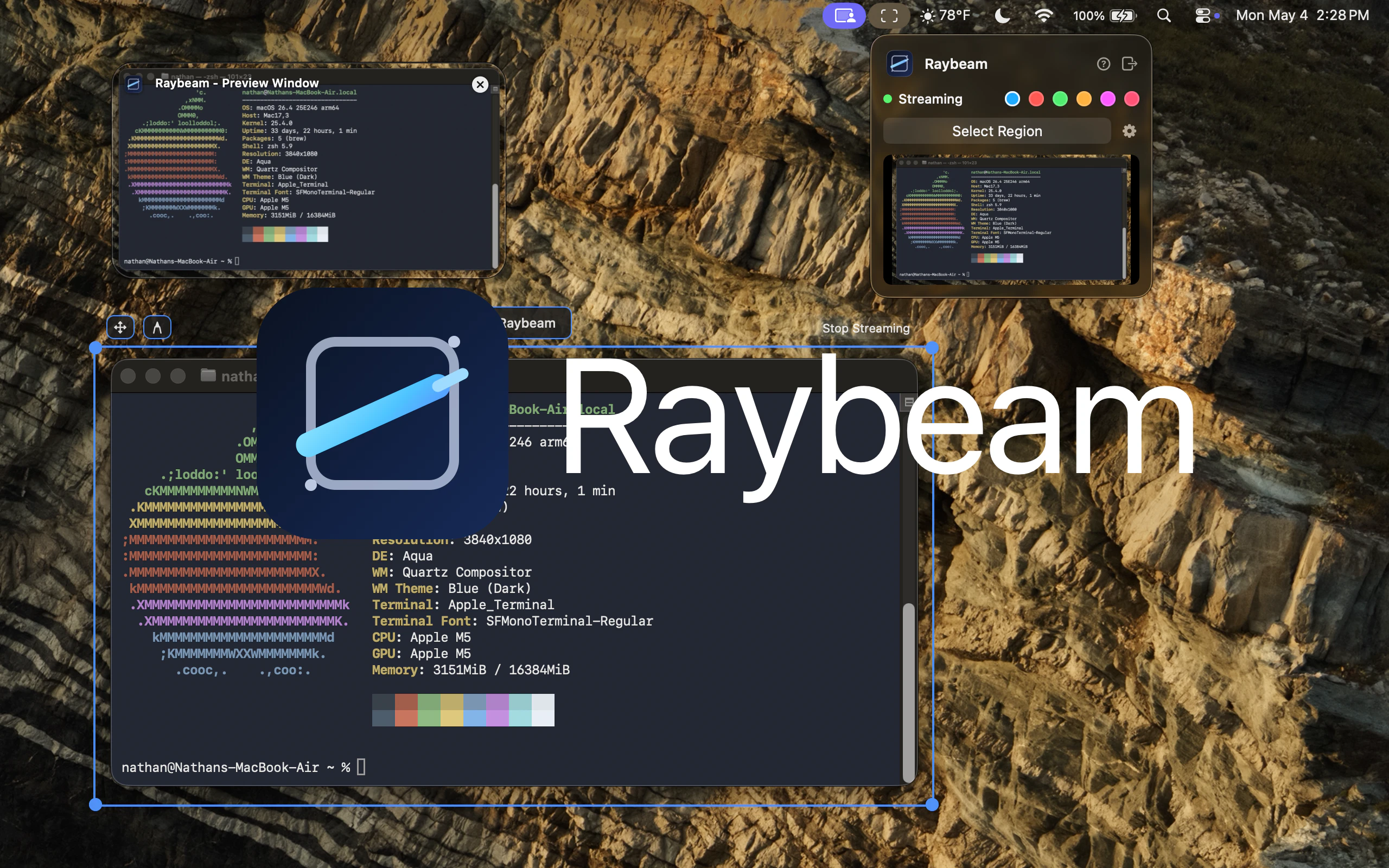
Raybeam gives macOS users granular control over screen sharing, especially those with ultra-wide or multi-monitor setups. Instead of sharing an entire screen, users define a draggable, resizable region to show only specific content. This approach enhances privacy and clarity during video calls, preventing accidental exposure of sensitive information or distracting elements outside the shared area. It integrates as a menu bar app, offering hotkey support and the ability to exclude hidden applications.
For who
macOS users with ultra-wide or multi-monitor setups
Solves what
Precise and flexible screen sharing for video calls
- Draggable screen region
- Menu bar access
- Hotkey controls
In their own words
Raybeam
A better way to screen share on macOS.
Share any part of your screen
Operator context
Operating setup
Founded
May 2026
Platform
Desktop
Audience
Developers
Social footprint
Builder Strategy
- Strategy Type
- Niche Specialist
- Stage
- Pre Revenue
- Effort
- Solo Buildable
About Raybeam Expand
Raybeam provides a specialized screen-sharing tool for macOS users, particularly those working with ultra-wide or multiple monitors. It allows users to define a draggable and resizable region of their screen for sharing, rather than broadcasting an entire display.
This feature is crucial for maintaining privacy and focus during video calls, as it prevents unintended content from being visible. The app integrates directly into the macOS menu bar, offering hotkey support and the ability to exclude specific applications from the shared view.
Its one-time purchase model makes it an attractive, focused utility for professionals seeking enhanced control over their virtual presentations and collaborations.