
A Chrome extension that styles browser screenshots with custom backgrounds and effects.

Product memo
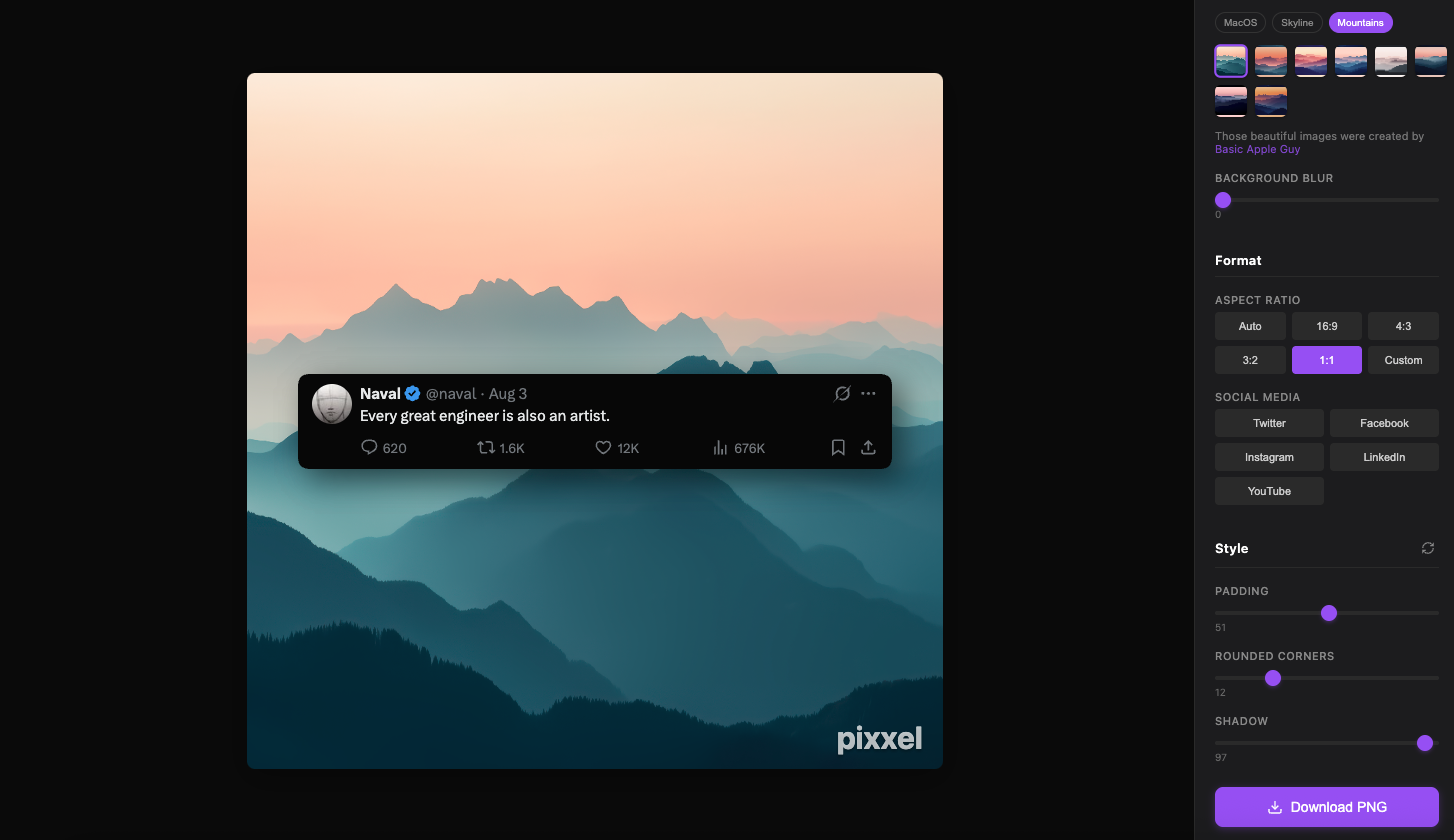
Creators and users styling browser screenshots use Pixxel to add rounded corners, shadows, and custom backgrounds. It offers a lightweight alternative to complex design software, focusing on speed and simplicity. The product removes friction for users who need polished visuals quickly, exporting high-quality PNGs directly from the browser.
For who
Creators and users styling browser screenshots
Solves what
Styling browser screenshots with rounded corners, shadows, and custom backgrounds.
- Chrome extension
- Simple editor
- High-quality export
In their own words
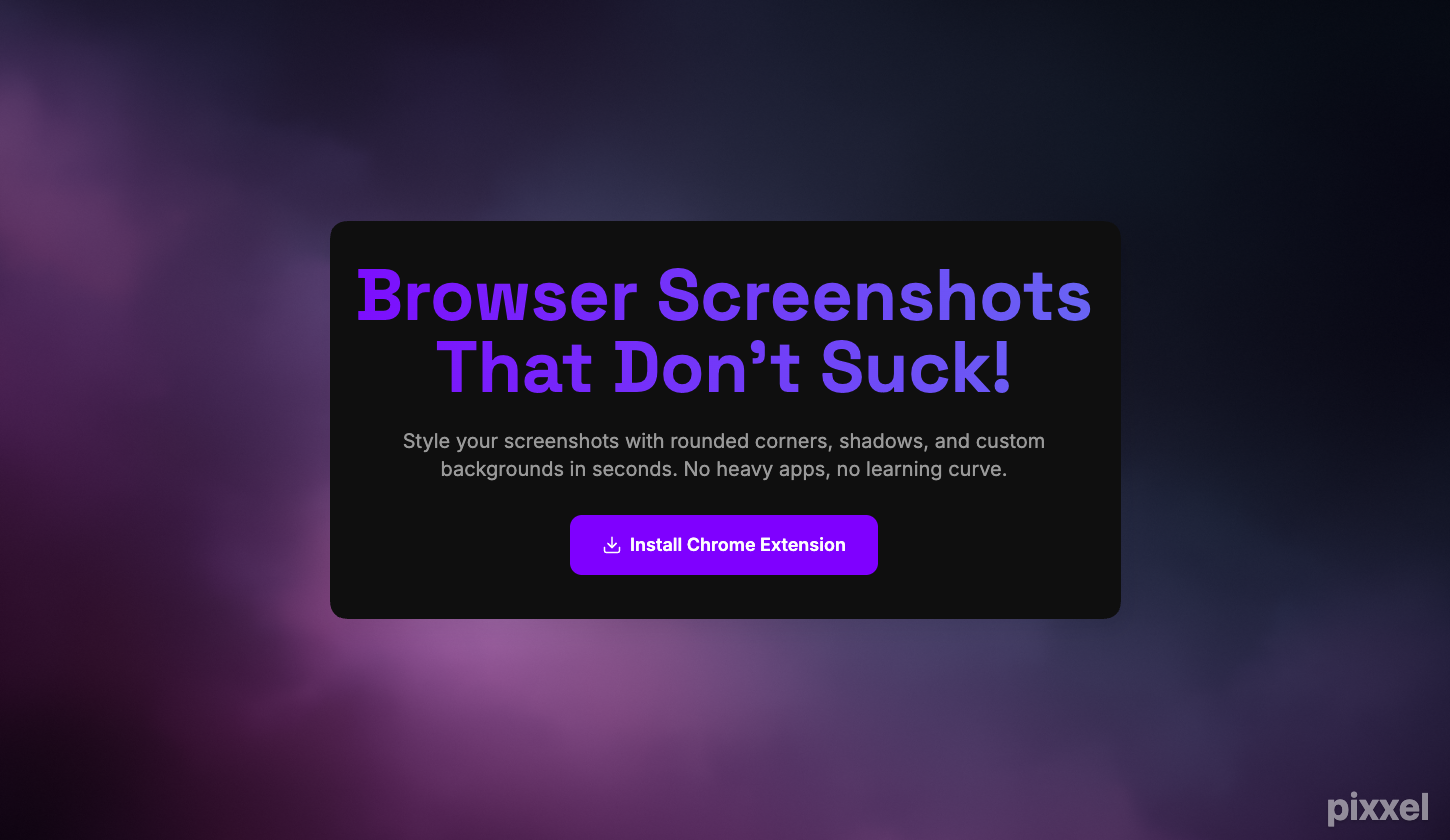
Browser Screenshots
Style your screenshots with rounded corners, shadows, and custom backgrounds in seconds. No heavy apps, no learning curve.
Commercial cues
Model
hybrid
Free tier
Yes
Trial
No
Pricing Strategy
- • Lifetime updates offer ongoing value, cementing the one-time purchase decision.
- • Free tier lowers testing friction.
Operator context
Operating setup
Team
Indie / lean
LLM classification
Founded
Aug 2025
Platform
Browser extension
Audience
Creators
Social footprint
Builder Strategy
- Strategy Type
- Niche Specialist
- Stage
- Bootstrapped Lean
- Effort
- Solo Buildable
About pixxel Expand
Pixxel provides a Chrome extension for styling browser screenshots, targeting creators and users who need polished visuals without heavy design software. It simplifies the process of adding rounded corners, shadows, and custom backgrounds directly from the browser.
This makes it a quick, accessible tool for anyone looking to enhance their screenshots for presentations, social media, or documentation. The product's one-time purchase model for its Pro version, which removes watermarks and includes lifetime updates, offers a straightforward value proposition for users seeking a permanent product.