Generates editable SVG icons, logos, and illustrations from text descriptions.

Product memo
Creates production-ready vector graphics from text for websites, apps, and marketing. It offers a free tier for initial use, then scales with monthly plans that provide increasing credit bundles. This approach removes the friction of manual design, delivering scalable and editable output with low file sizes.
For who
Websites, apps, and marketing creators
Solves what
Instantly generates SVG icons, logos, and illustrations from text.
- AI-powered SVG generation
- Editable vector graphics
- Scalable for all sizes
In their own words
AI SVG GeneratorCreate SVG Graphics Instantly
The most powerful AI SVG Generator for creating stunning vector graphics. SVG Generator AI transforms text descriptions into SVG icons, SVG logos, and illustrations. Make SVG for websites, apps, or marketing with this professional SVG creator, AI vector generator, and SVG logo maker.
Free AI SVG Generator trial - No credit card
Commercial cues
Model
usage based
Free tier
Yes
Trial
No
Pricing Strategy
- • A free tier with limited credits drives initial adoption and product experience.
- • Monthly plans bundle credits, offering predictable usage for regular designers.
- • Lower per-credit costs at higher tiers incentivize users to upgrade plans.
Operator context
Founded
Aug 2025
Platform
Web app
Audience
Designers
Public footprint
Tech stack
Builder Strategy
- Strategy Type
- Ai Wrapper
- Stage
- Vc Growth
- Effort
- Solo Buildable
About PixelartGen Expand
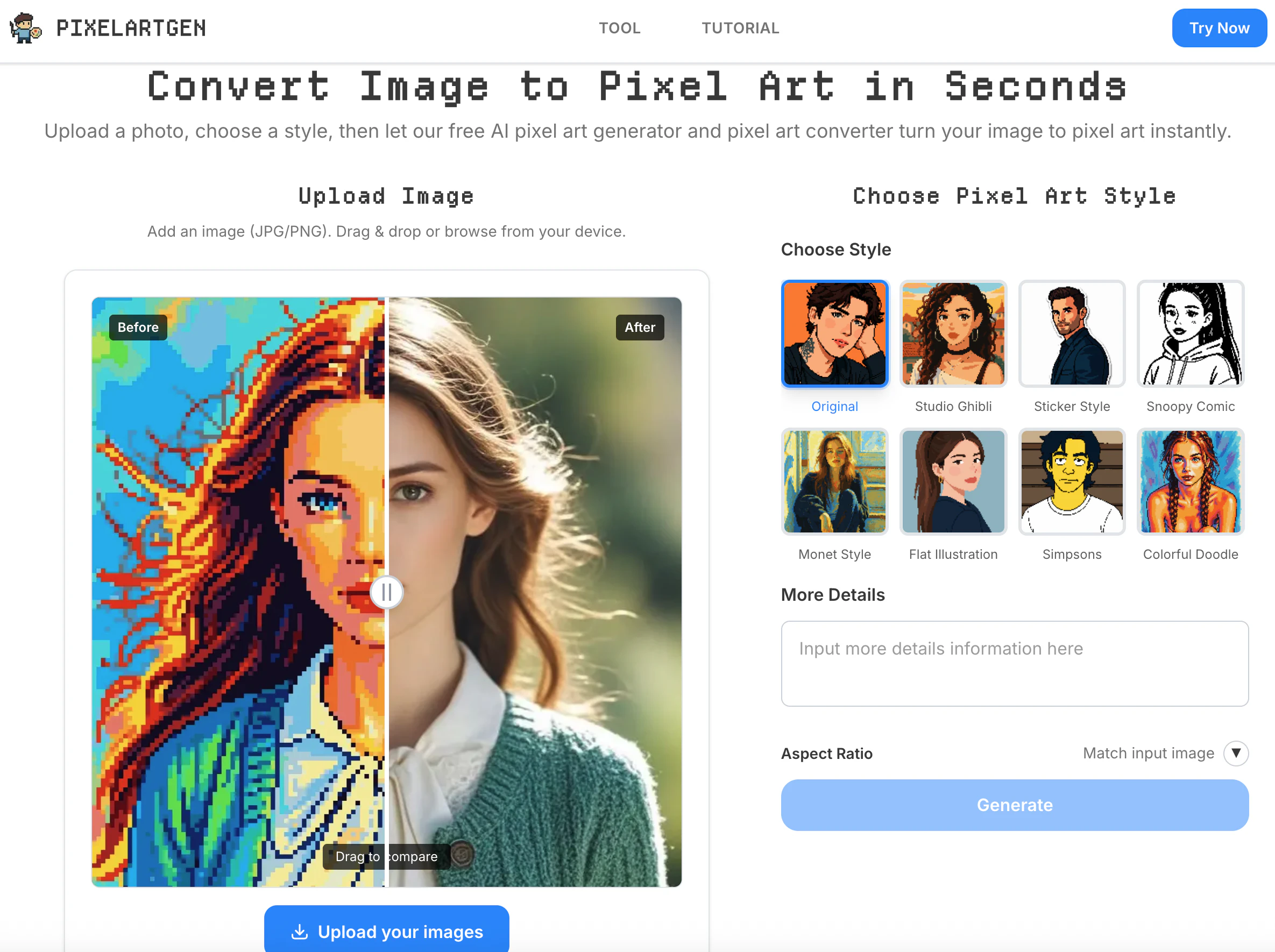
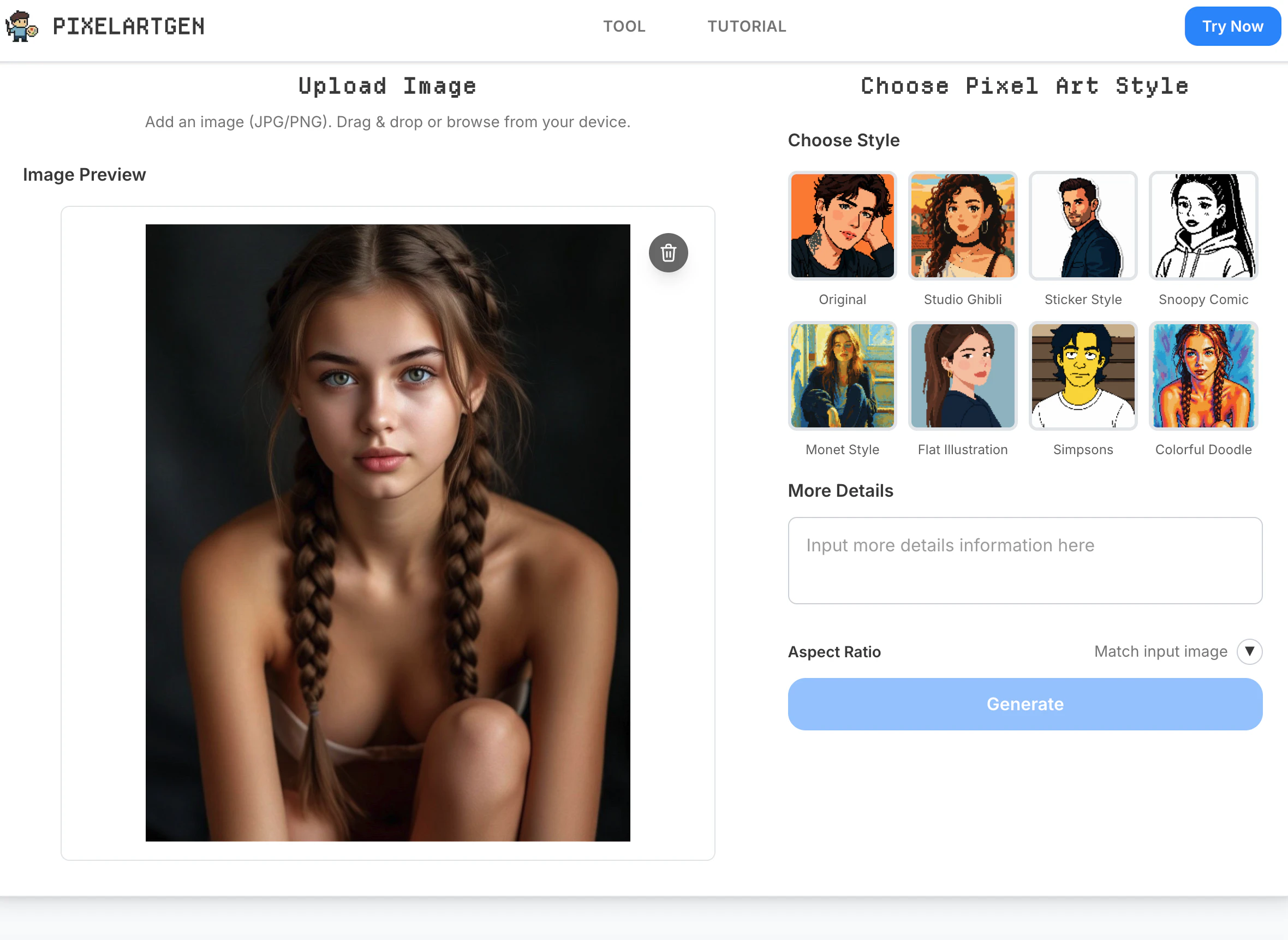
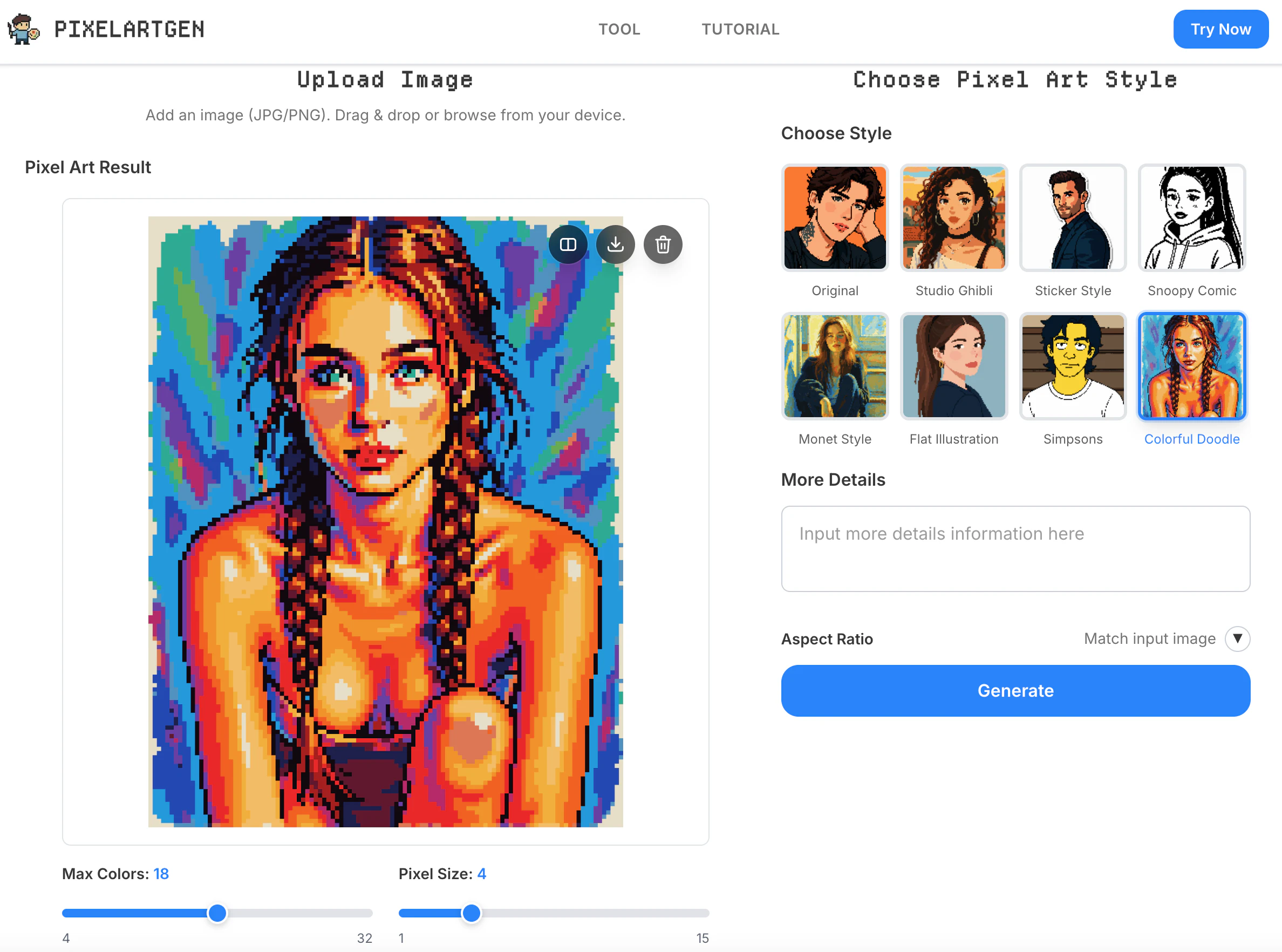
PixelartGen provides an AI-powered product for generating vector graphics, converting text descriptions into production-ready SVG icons, logos, and illustrations. It targets creators in web development, app design, and marketing who need scalable and editable visual assets quickly.
The product's positioning around AI-driven creation addresses the need for efficient graphic design, offering a free tier to onboard users and demonstrate its capabilities before they commit to monthly plans based on credit usage. This approach simplifies the design workflow, allowing users to focus on their core projects rather than manual graphic creation.