Organizes ChatGPT conversations into folders, with cross-device sync for paid users.
Product memo
For ChatGPT users overwhelmed by sprawling chat histories, OrganizeChatGPT provides a structured way to manage conversations. It introduces customizable, color-coded folders and pinning features to keep important discussions accessible. A one-time purchase adds cross-device synchronization, ensuring organized chats are available across all user computers.
For who
ChatGPT users needing organized chat history
Solves what
Organizes ChatGPT conversations into customizable folders and allows cross-device access.
- Customizable folders
- Cross-computer sync
- Pin important chats
In their own words
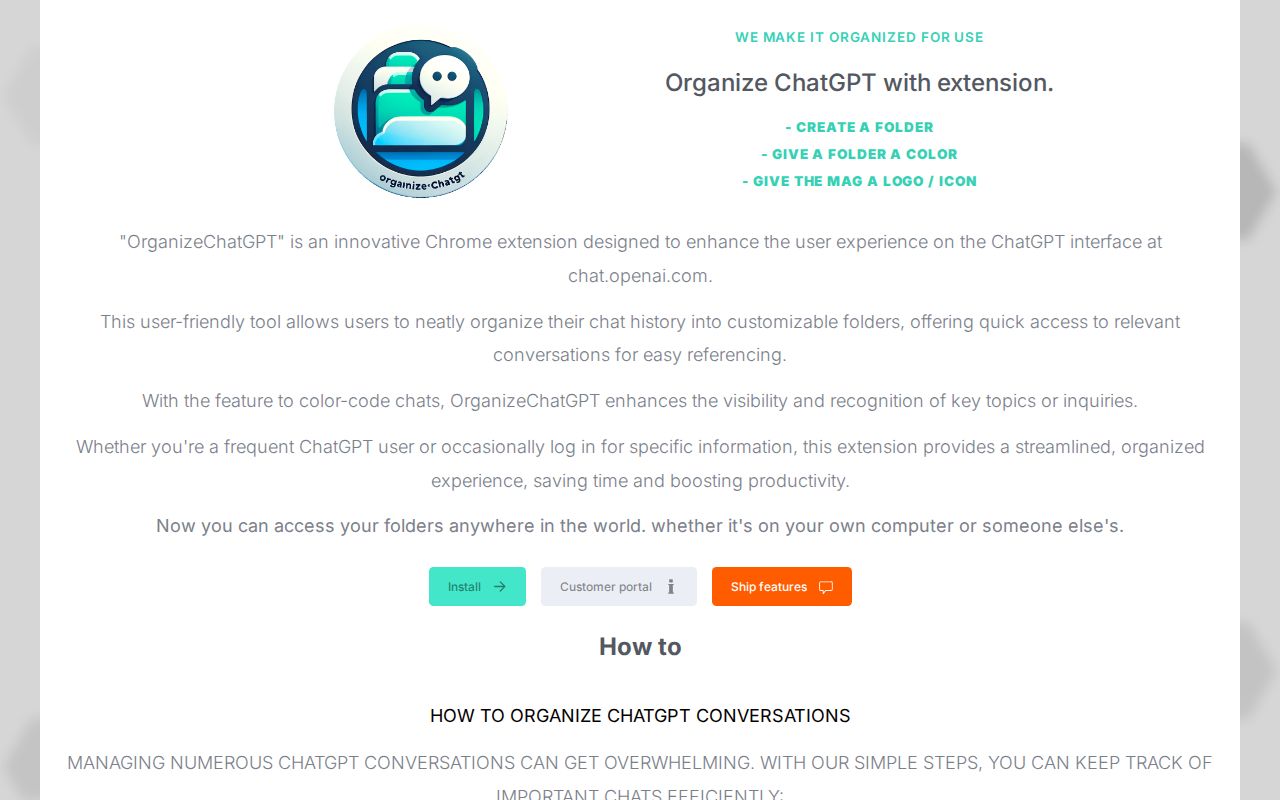
Organize ChatGPT with extension.
Now you can access your folders anywhere in the world. whether it's on your own computer or someone else's.
Commercial cues
Model
hybrid
Free tier
Yes
Trial
No
Pricing Strategy
A freemium model allows users to organize conversations for free.
- • A free tier offers core chat organization to attract new users.
- • Lifelong access to sync folders across devices simplifies purchasing decisions.
- • Listed plans make pricing easy to compare.
Operator context
Operating setup
Founded
Jun 2024
HQ
Netherlands
Platform
Browser extension
Audience
General
Payments
Stripe
Social footprint
Tech stack
Builder Strategy
- Strategy Type
- Niche Specialist
- Stage
- Pre Revenue
- Effort
- Solo Buildable
About OrganizeChatGPT Expand
OrganizeChatGPT is a Chrome extension designed for ChatGPT users who need to bring order to their conversation history. It provides a folder system, complete with color-coding and pinning options, making it easier to categorize and retrieve specific chats.
The product's free tier handles basic organization, while a one-time purchase enables cross-computer sync, allowing users to access their structured conversations from any device. This niche-focused tool addresses a common user frustration by integrating directly into the ChatGPT workflow via a browser extension.