

Product memo
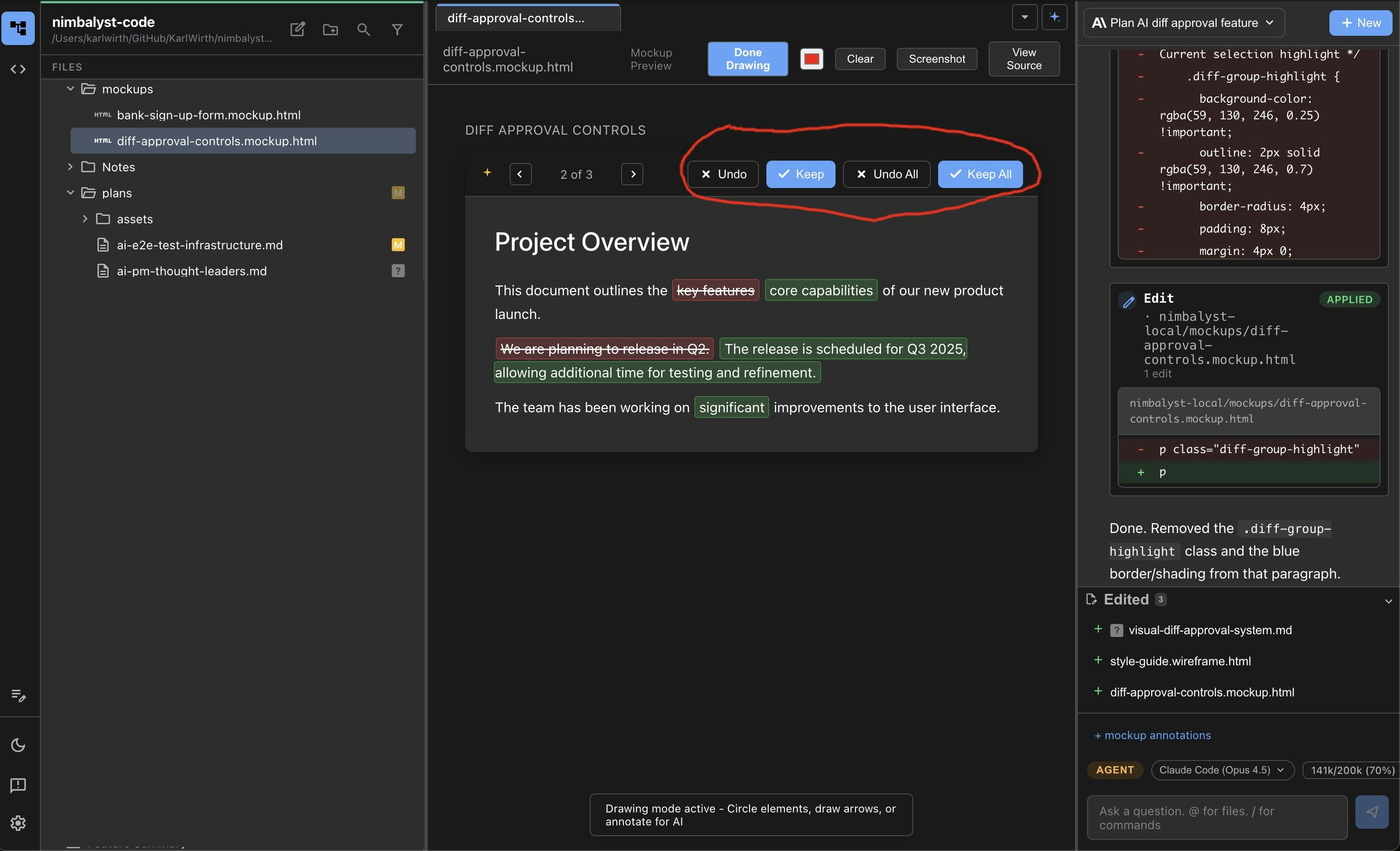
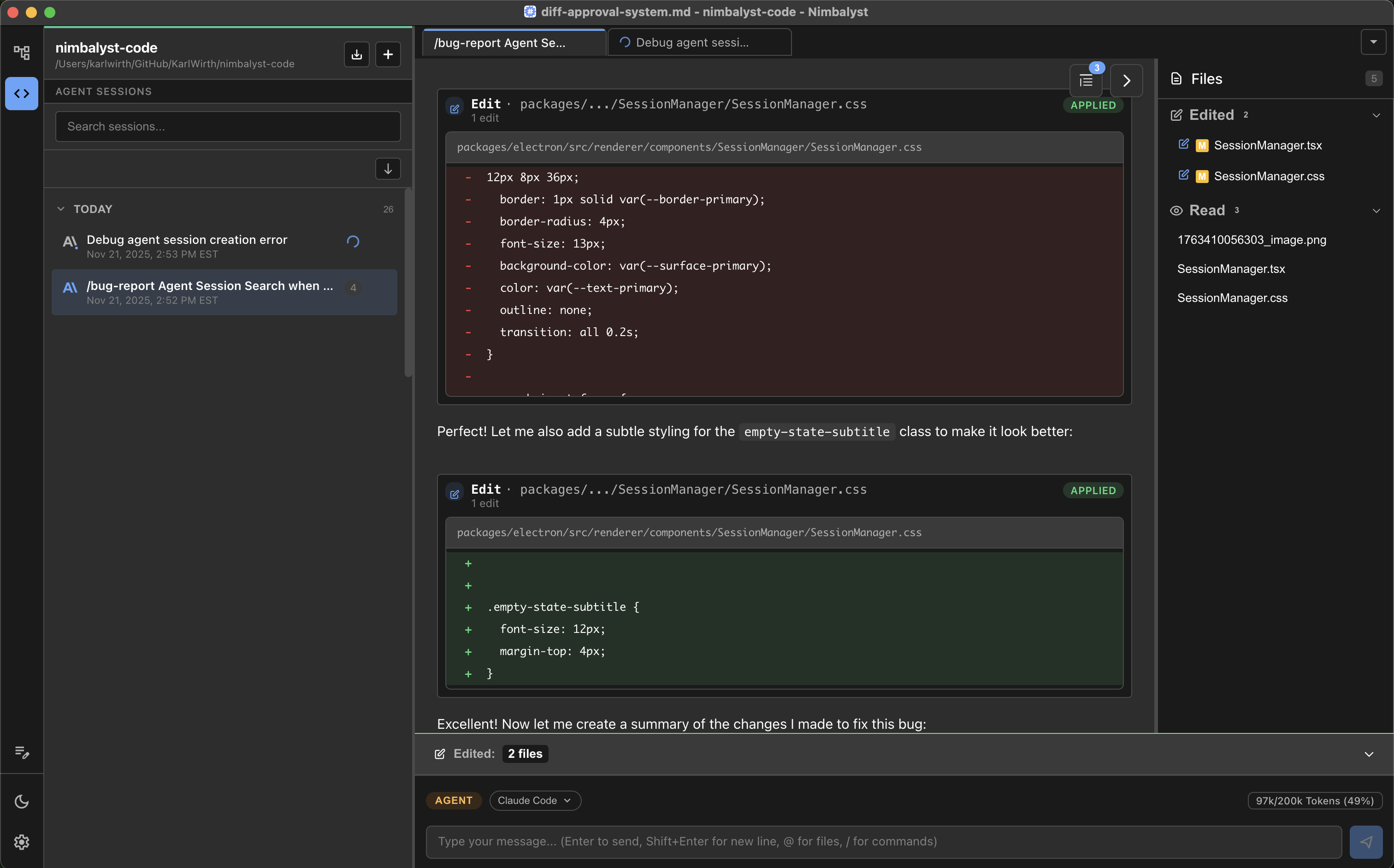
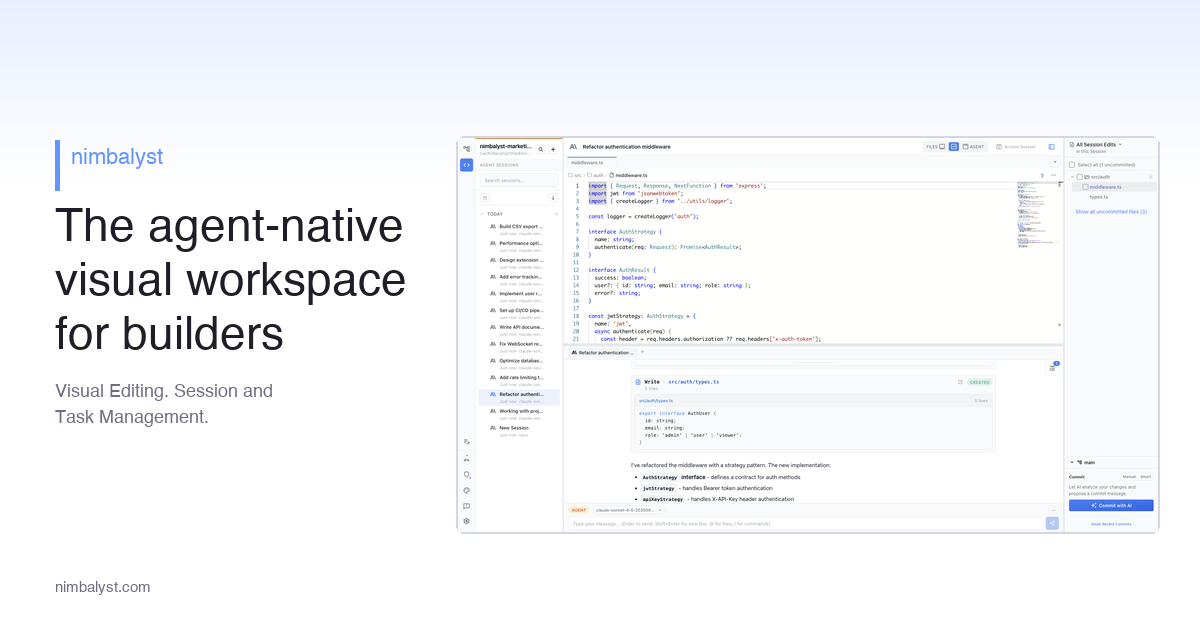
Developers and product managers building with AI code need a focused environment. Nimbalyst provides a visual workspace that unifies agent, session, and file management. It supports visual editing of markdown, mockups, and diagrams, all within the project context. This approach minimizes context switching and offers greater control over AI-generated code and content.
For who
Developers and product managers building with AI code.
Solves what
Streamlines AI code development by providing a visual workspace for managing agents, sessions, and files.
- Visual editor for markdown, mockups, and code
- Side-by-side AI assistance
- Context-aware editing across project files
In their own words
The open-source visual workspace for building with Codex, Claude Code, and more
Trusted by thousands of builders
Manage your agents, sessions, tasks, and files. Visually edit markdown, mockups, diagrams, diffs, and code. Extend.
Commercial cues
Model
free only
Free tier
Yes
Trial
No
Pricing Strategy
Nimbalyst offers a free Individual tier with no feature limits, driving adoption for solo developers. A custom Team plan is available for collaboration.
- • Custom team pricing maps pricing to collaborative development workflows.
- • No feature limits on the free plan encourage deep product engagement.
- • Visible limits define plan boundaries.
Operator context
Operating setup
Founded
Dec 2025
Platform
Desktop
Audience
Developers
Social footprint
Tech stack
Market demand
Nimbalyst keyword demand
5 keywords
Market demand is Starter-tier market intelligence.
Derived from this product’s latest SimilarWeb keyword mix — directional demand, not proof.
Builder Strategy
- Strategy Type
- Niche Specialist
- Stage
- Pre Revenue
- Effort
- Small Team
About Nimbalyst Expand
Nimbalyst provides a visual workspace specifically for developers and product managers working with AI code assistants like Claude Code and Codex. It narrows the developer experience around a core job: managing AI agents, sessions, and project files in one place.
The platform's integrated visual editor handles markdown, mockups, and diagrams, reducing the need to switch between tools. This helps users maintain context and control over their AI-generated code and content, making it a focused tool for modern AI-driven development workflows.