

Product memo
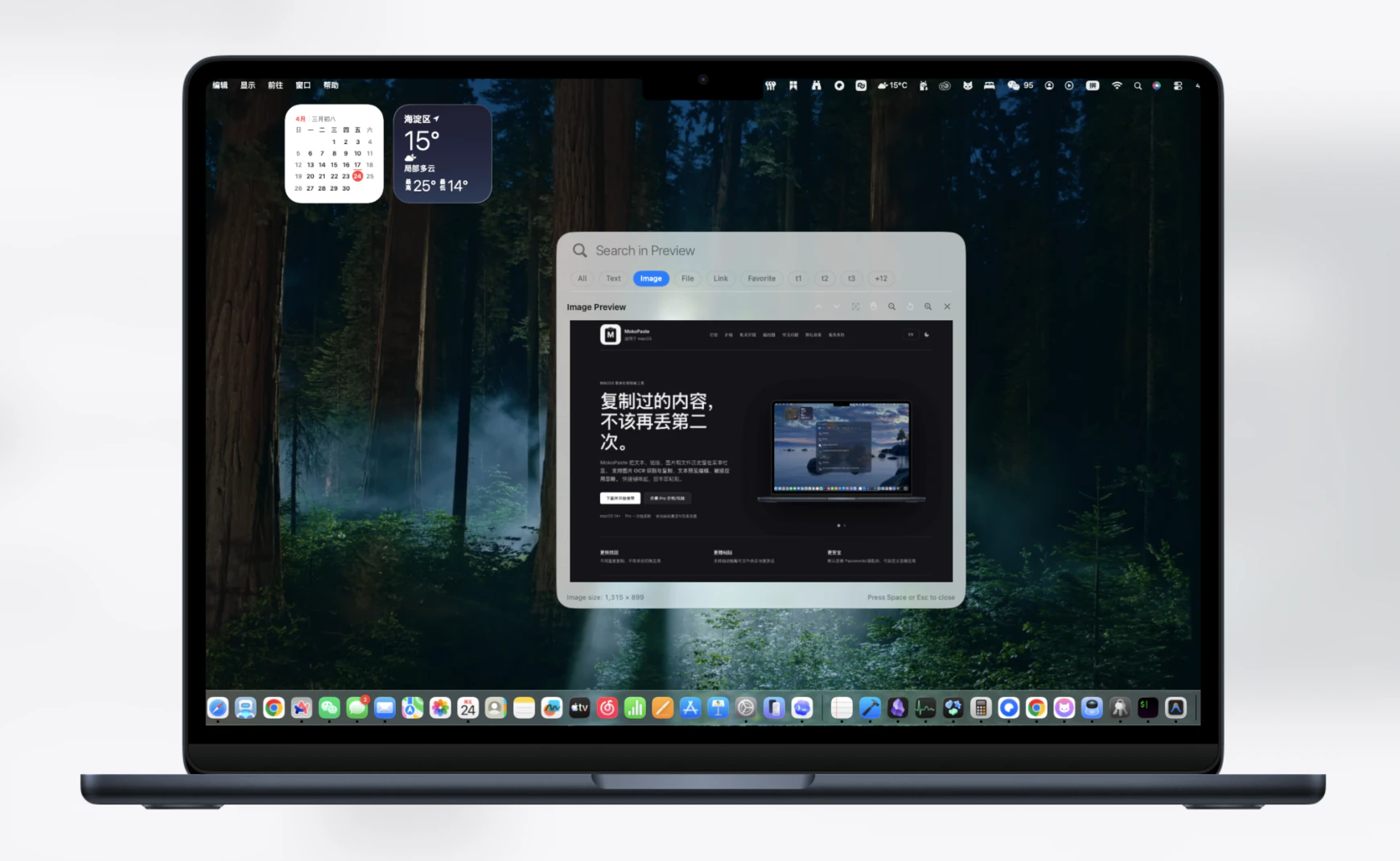
MacOS users often lose copy history, struggle with inefficient pasting, or manually extract text from images. MokoPaste solves these issues by placing a full clipboard history directly in the menu bar. It offers image OCR extraction and auto-paste functionality, making it a privacy-focused alternative to subscription-based productivity tools.
For who
macOS users needing efficient clipboard management
Solves what
Lost copy history, inefficient pasting, and manual text extraction from images.
- Menu bar clipboard history
- Image OCR extraction
- Auto-paste with ignore rules
In their own words
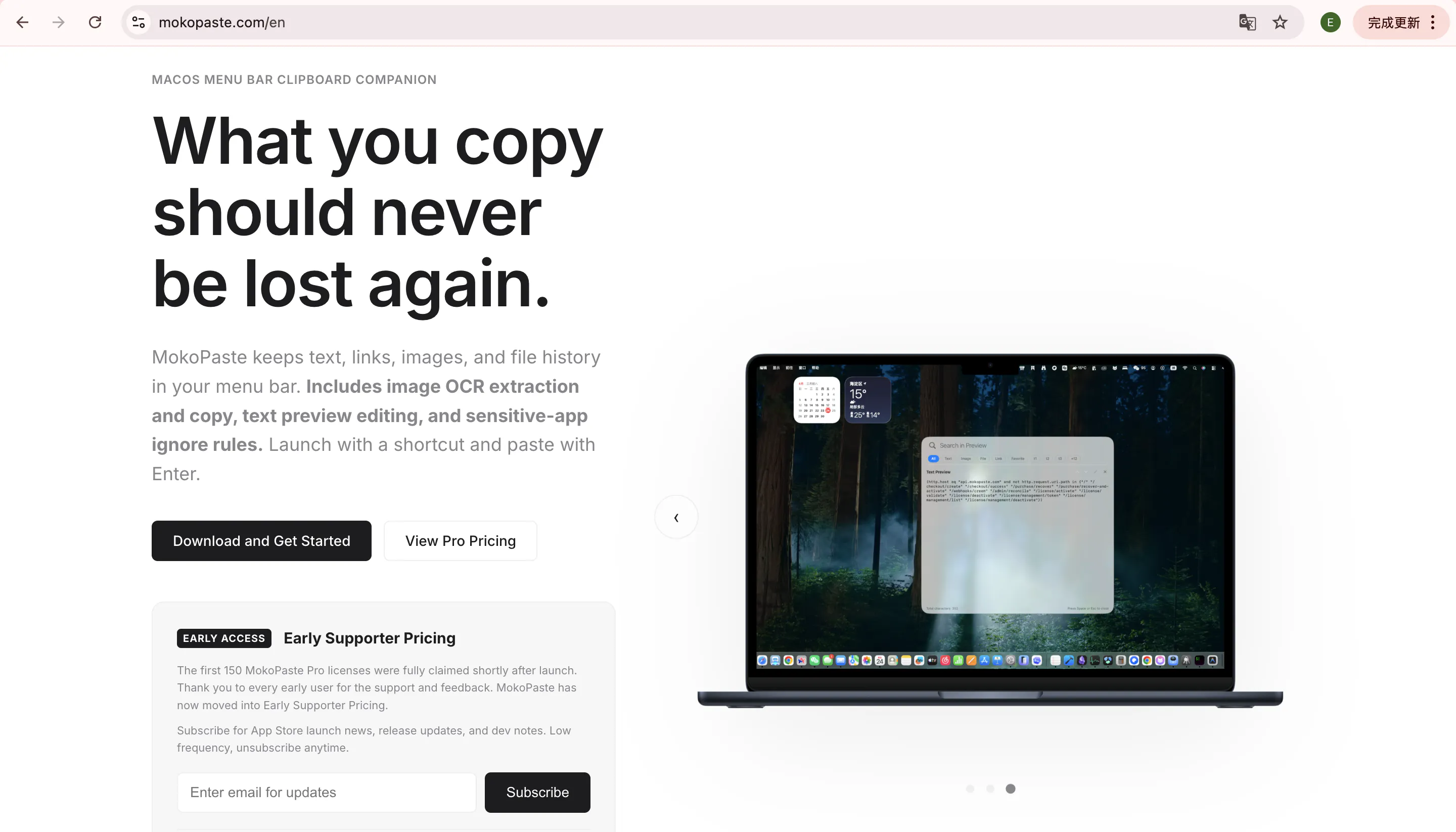
macOS Menu Bar Clipboard Companion
What you copy should never be lost again.
MokoPaste keeps text, links, images, and file history in your menu bar.
Commercial cues
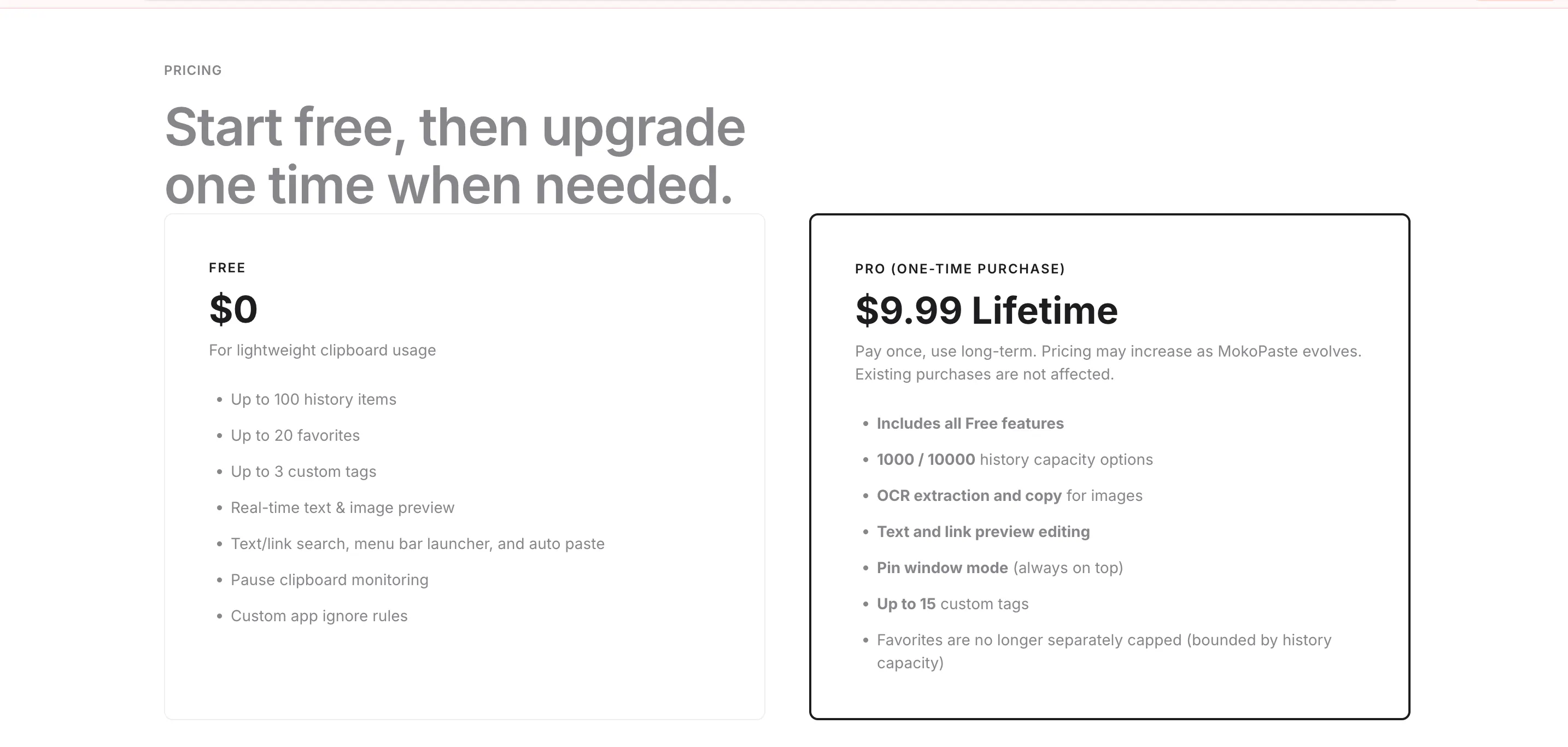
Model
one time
Free tier
Yes
Trial
Available
Pricing Strategy
- • Free tier lowers testing friction.
- • Listed plans make pricing easy to compare.
Operator context
Operating setup
Team
Indie / lean
LLM classification
Founded
May 2026
HQ
United States
Platform
Desktop
Audience
General
Social footprint
Builder Strategy
- Strategy Type
- Niche Specialist
- Stage
- Bootstrapped Lean
- Effort
- Solo Buildable
About MokoPaste Expand
MokoPaste offers a dedicated clipboard manager for macOS users, addressing common frustrations like lost copy history and inefficient pasting. It integrates directly into the menu bar, providing quick access to text, links, images, and file history.
The tool differentiates itself with advanced features such as image OCR extraction, which pulls text directly from images, and an auto-paste function with custom ignore rules. This appeals to users seeking a lightweight, privacy-focused utility that avoids the subscription model common among productivity software.