
Simulates 3D portrait lighting in a browser, free for photographers.
Product memo
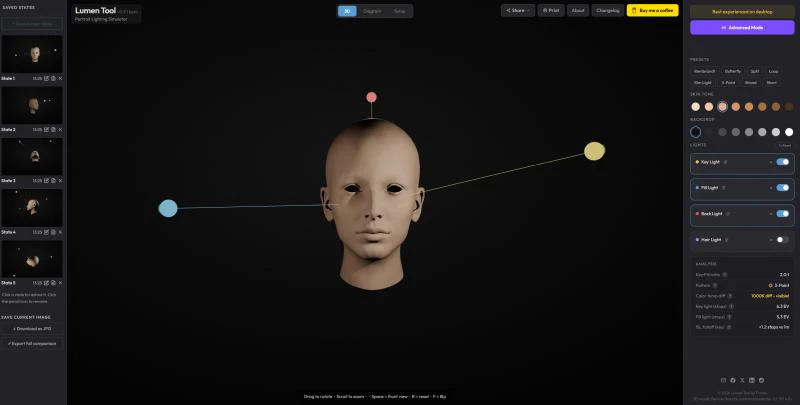
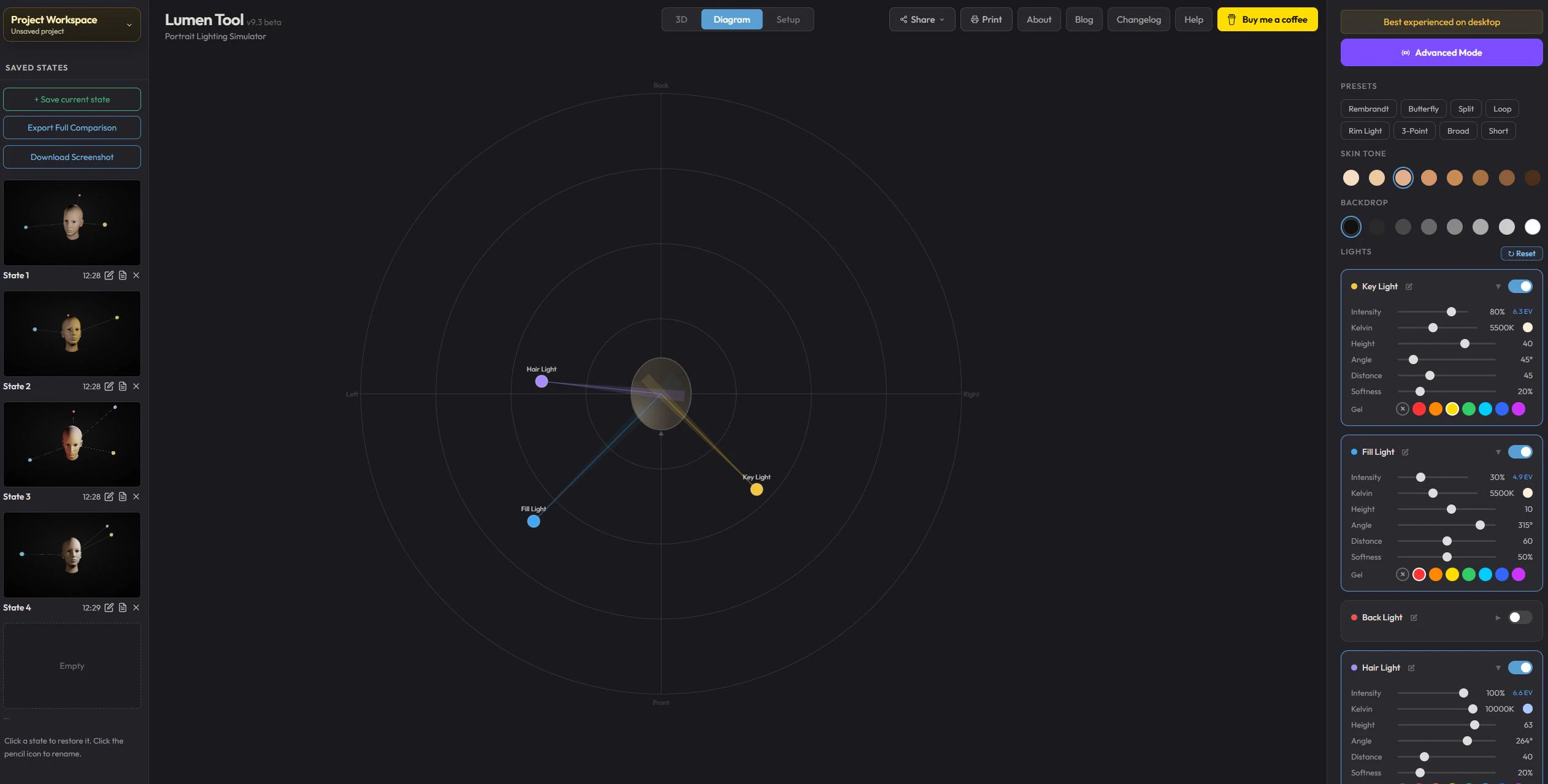
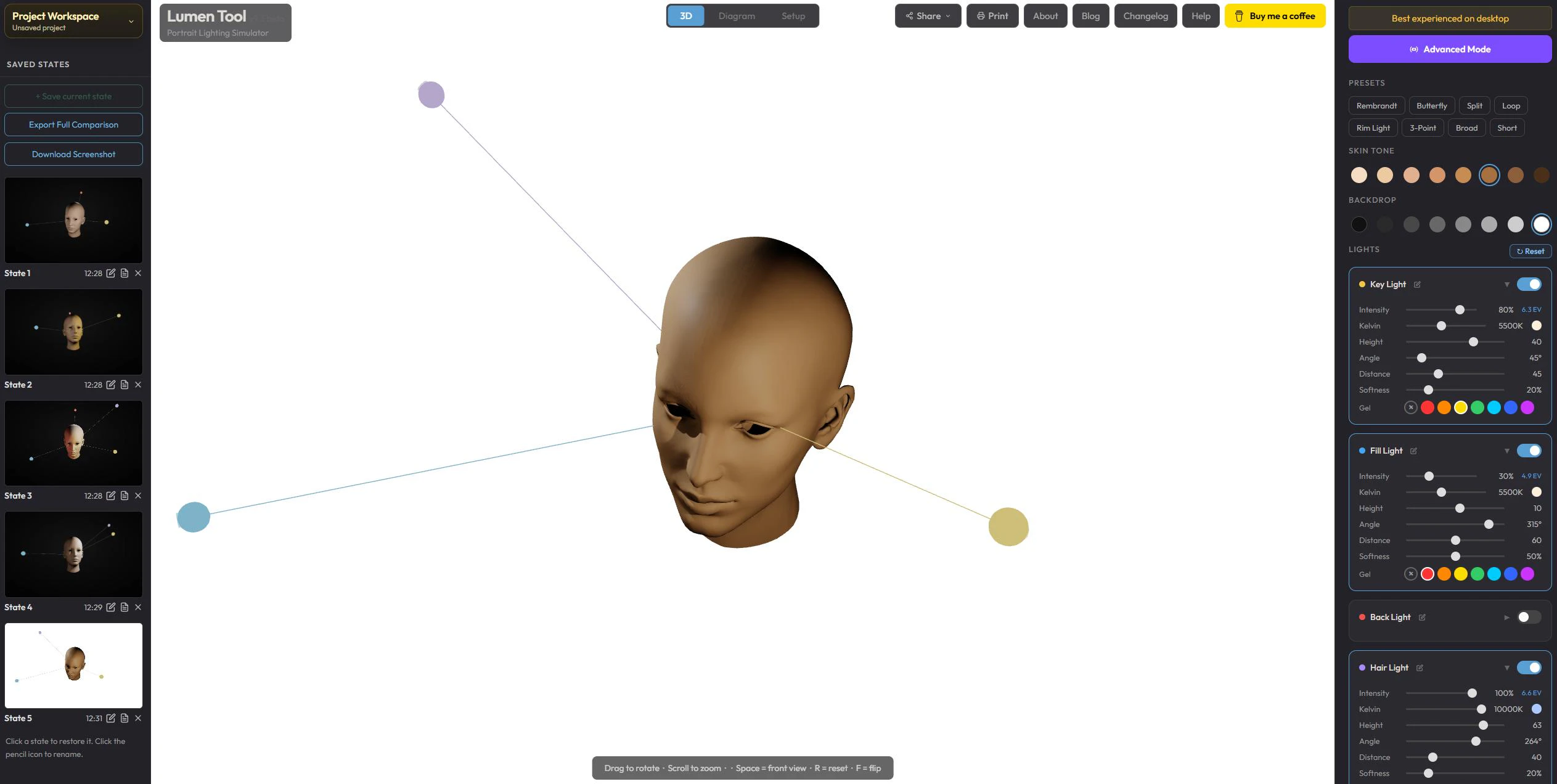
Photographers and creators use Lumen Tool to plan portrait lighting setups before a shoot. It offers a browser-based 3D simulator, letting users adjust light position, angle, distance, softness, and color. This approach helps visualize light behavior and experiment with ideas without needing expensive desktop software or physical gear setup, making advanced planning accessible.
For who
Photographers and creators
Solves what
Simulates portrait lighting setups in a browser
- 3D portrait lighting simulation
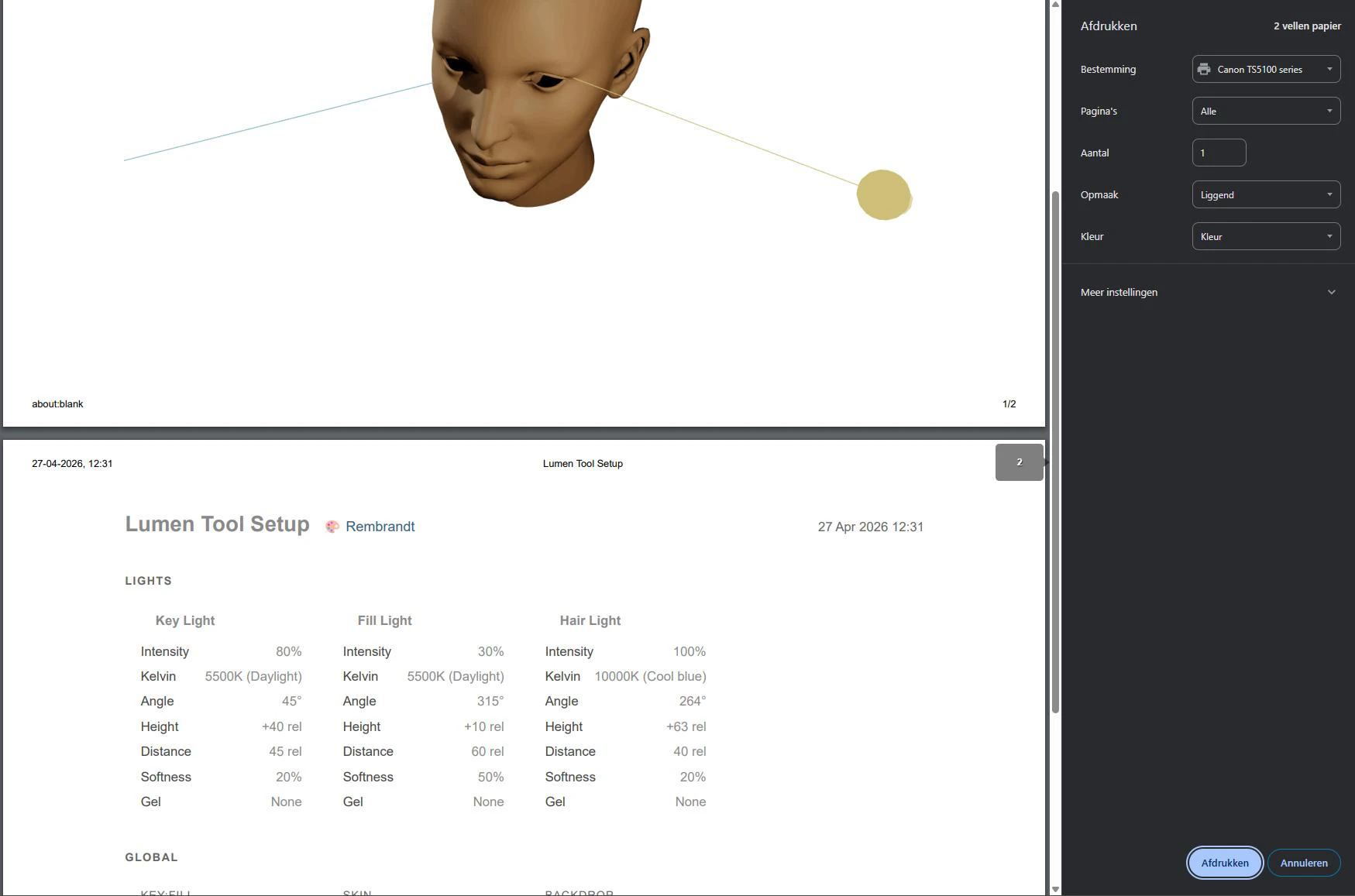
- Adjustable light parameters
- Visual setup preview
In their own words
Free browser-based tool
Plan portrait lighting before you set up real gear.
Commercial cues
Model
free only
Free tier
Yes
Trial
No
Pricing Strategy
Lumen Tool offers a free tier; paid plan details are not publicly priced.
- • A free-only model removes all pricing friction for new users.
- • Browser-based access lowers the adoption barrier for all creators.
- • Focuses on utility and visual planning for a specific niche job.
Operator context
Founded
Apr 2026
Platform
Web app
Audience
Creators
Public footprint
Tech stack
Builder Strategy
- Strategy Type
- Niche Specialist
- Stage
- Pre Revenue
- Effort
- Solo Buildable
About Lumen Tool Expand
Lumen Tool provides a free, browser-based 3D portrait lighting simulator for photographers and creators. It helps users plan complex lighting setups by adjusting parameters like light position, angle, distance, softness, and color.
This allows for visual experimentation and analysis of shadows, highlights, and contrast before a physical shoot. The tool's positioning as a no-cost, accessible utility removes the need for expensive desktop software, making advanced lighting design available to a wider audience.
It serves as a practical aid for understanding light behavior and refining creative concepts.