
Visualizes keystrokes and mouse actions in real-time for screencasters and presenters.

Product memo
Keyviz gives screencasters, presenters, and collaborators a real-time view of keyboard and mouse inputs. It helps audiences follow along during screen shares by displaying shortcuts and actions as they happen. The tool focuses on input visualization, offering deep customization for appearance and animations, and processes everything locally to ensure privacy.
For who
Screencasters, presenters, and collaborators
Solves what
Visualizing keystrokes and mouse actions in real-time during screen shares.
- Real-time keypress visualization
- Mouse click and scroll tracking
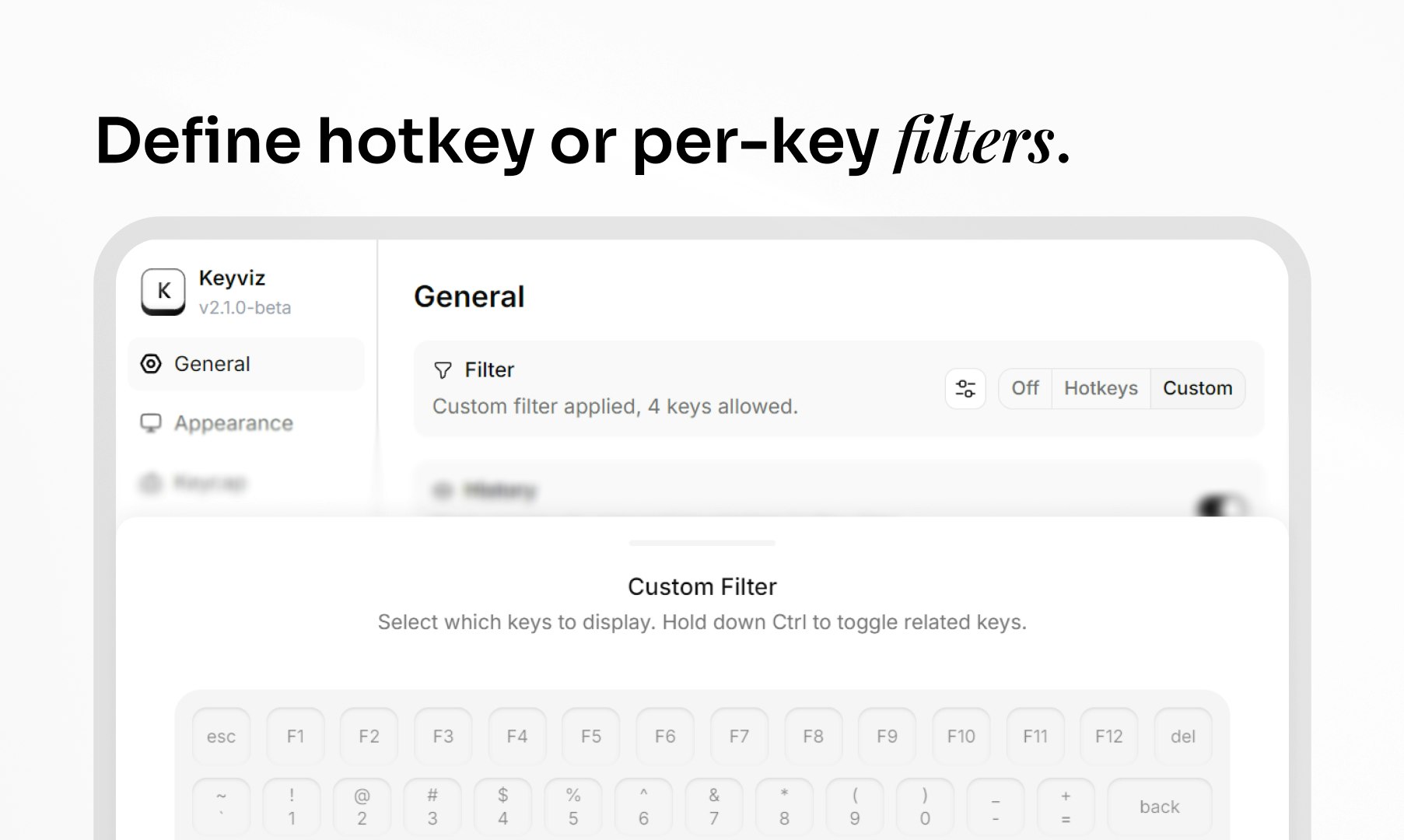
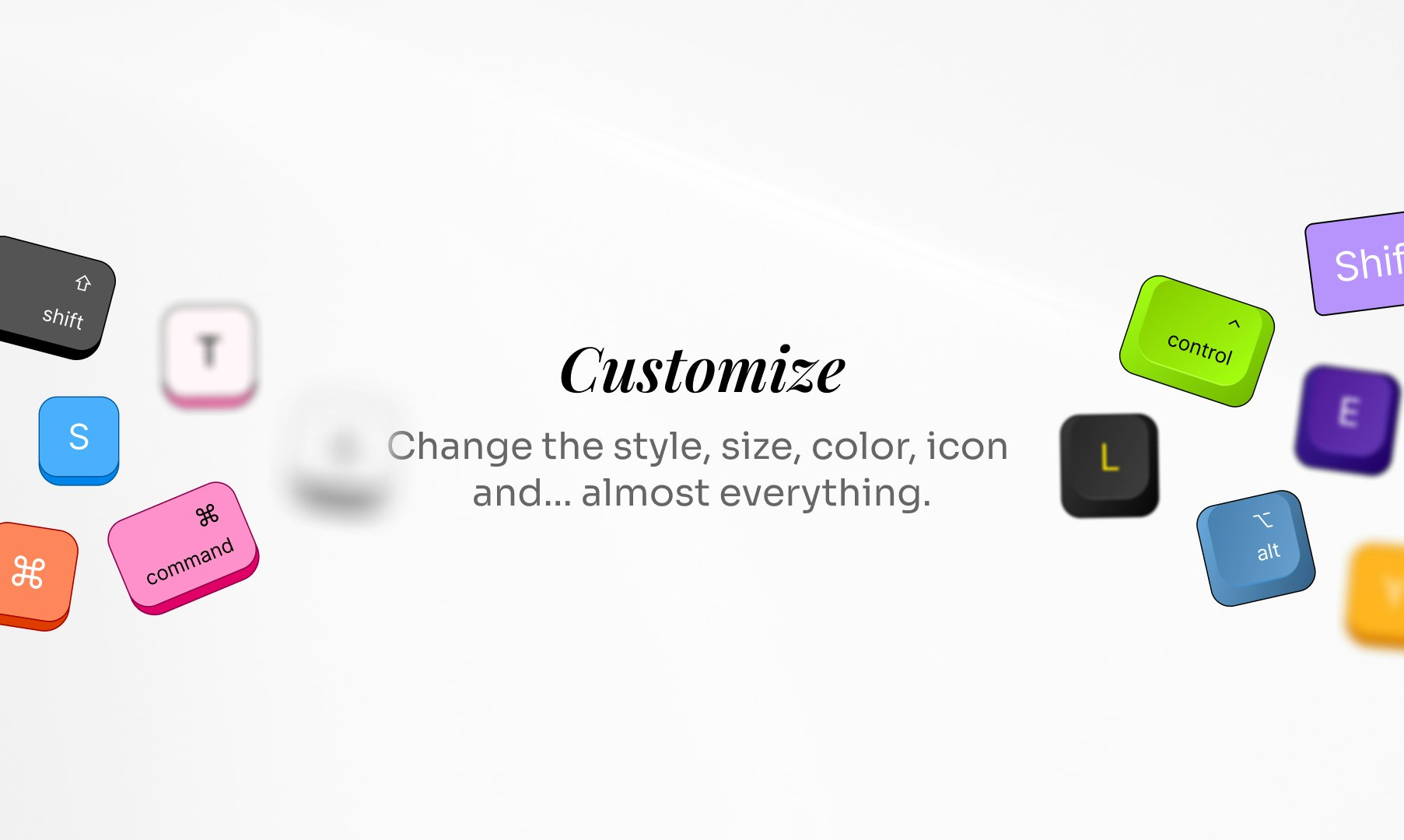
- Extensive customization options
In their own words
Visualise your keypress in real-time
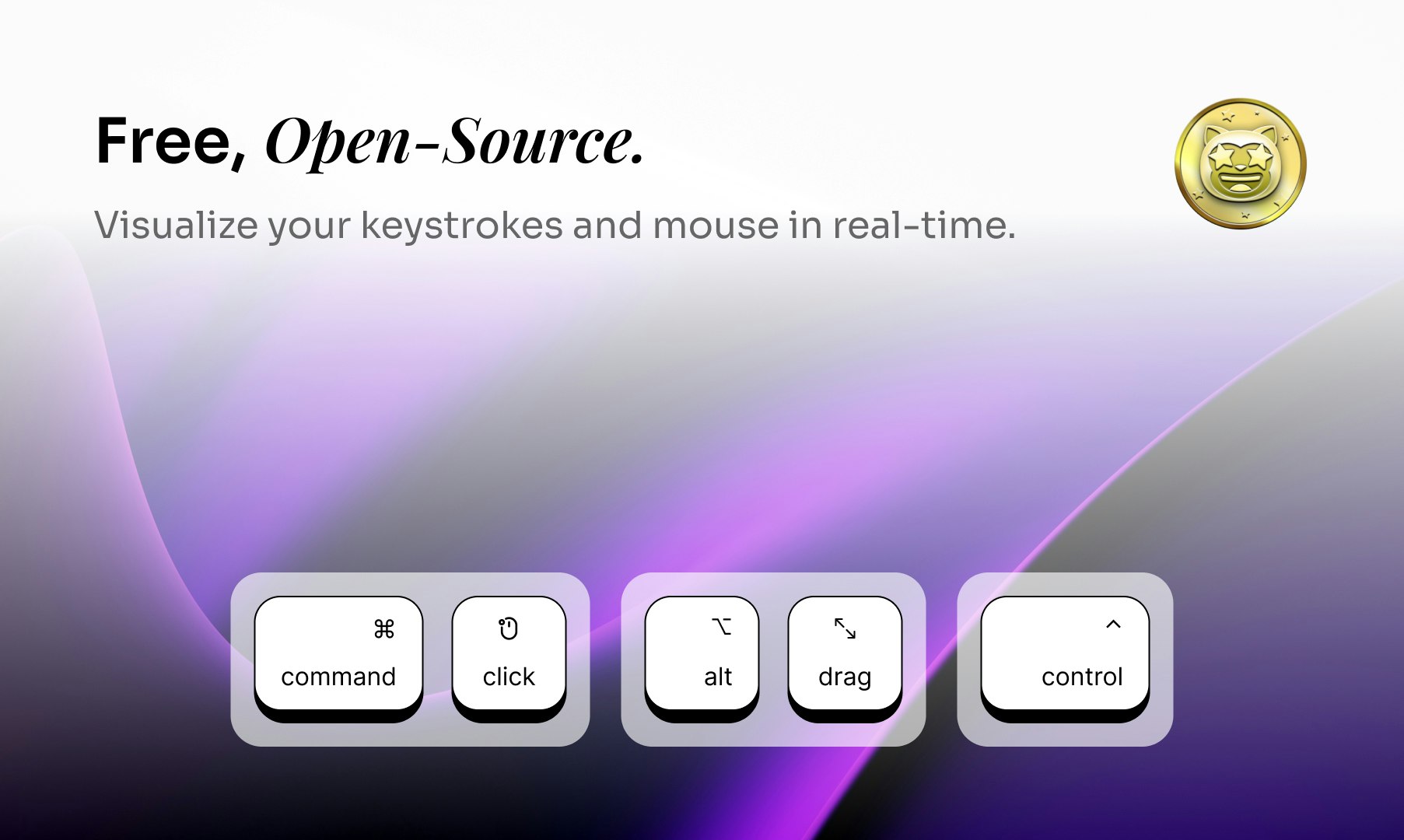
Keyviz is a free and open-source tool to visualize your keystrokes and mouse actions.
Give your audience a real-time look at your inputs. The easiest way to highlight your shortcuts during any screen-share.
Commercial cues
Model
hybrid
Free tier
Yes
Trial
No
Pricing Strategy
- • Open-source distribution builds trust and community around the core utility.
- • Free tier lowers testing friction.
Operator context
Operating setup
Team
Indie / lean
LLM classification
Founded
Jan 2026
Platform
Desktop
Audience
Creators
Social footprint
Tech stack
Builder Strategy
- Strategy Type
- Open Source Commercial
- Stage
- Bootstrapped Lean
- Effort
- Solo Buildable
About Keyviz Expand
Keyviz provides real-time visualization of keyboard and mouse inputs, a critical tool for anyone sharing their screen. It helps presenters, educators, and collaborators ensure their audience can easily follow along with every shortcut and click.
The product's open-source nature fosters community and trust, while its focus on local processing addresses privacy concerns. Users can customize the appearance, size, and color of visualizations, along with entry and exit animations, making it adaptable to various presentation styles.
This as a highly customizable, privacy-focused utility makes it a practical choice for creators.