
An in-app AI tool that transforms text instantly, eliminating tab-switching.
Product memo
KeyShift AI targets users who need instant text manipulation across various applications. It embeds AI actions directly into any app, removing the friction of copy-pasting and tab-switching. This approach integrates AI capabilities like rewriting, translation, and summarization directly into existing user workflows, leveraging context without disrupting focus.
For who
Users needing instant AI text manipulation
Solves what
In-app AI text transformation without tab-switching
- Works in any app
- Instant text transformation
- Multiple trigger methods
In their own words
AI that types
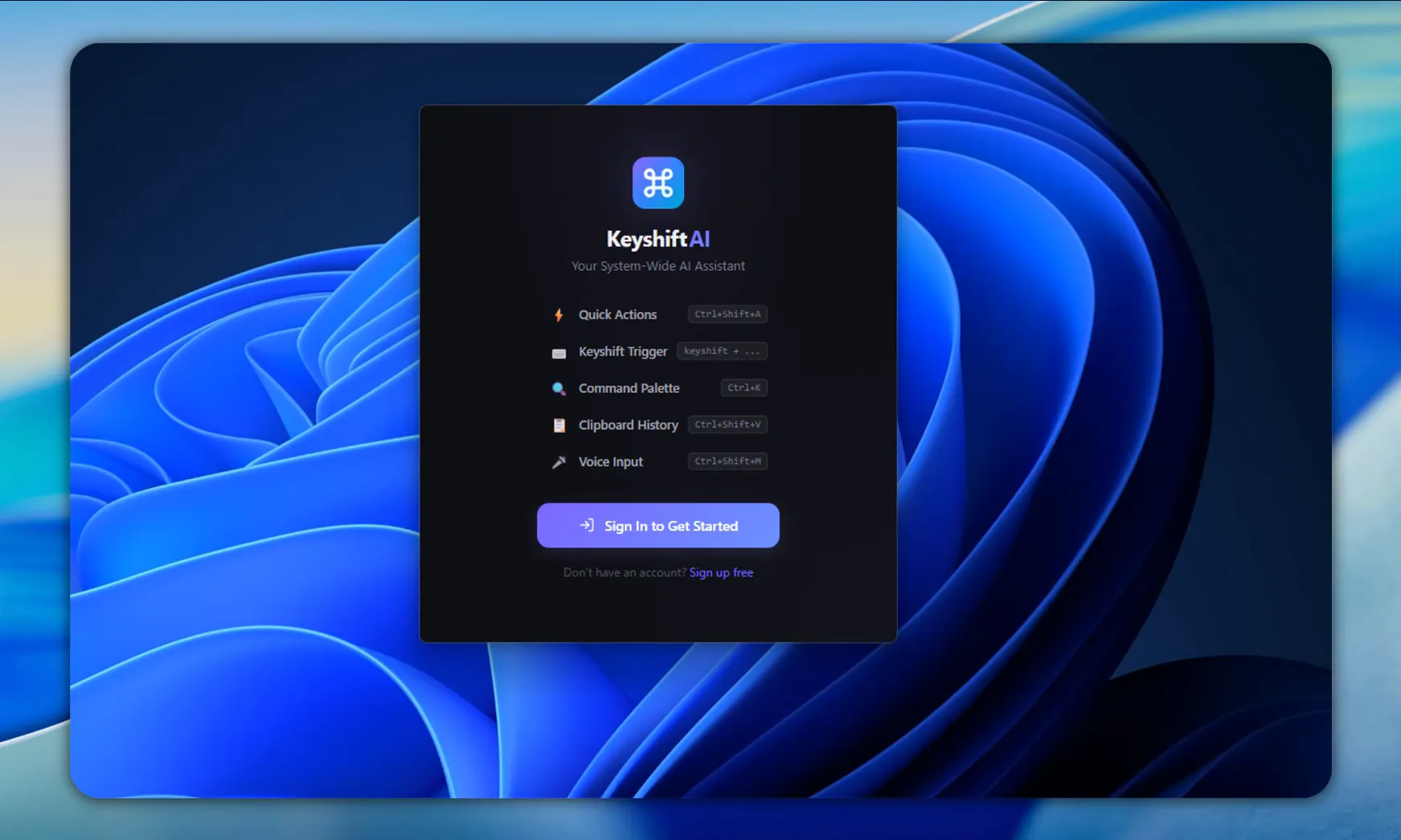
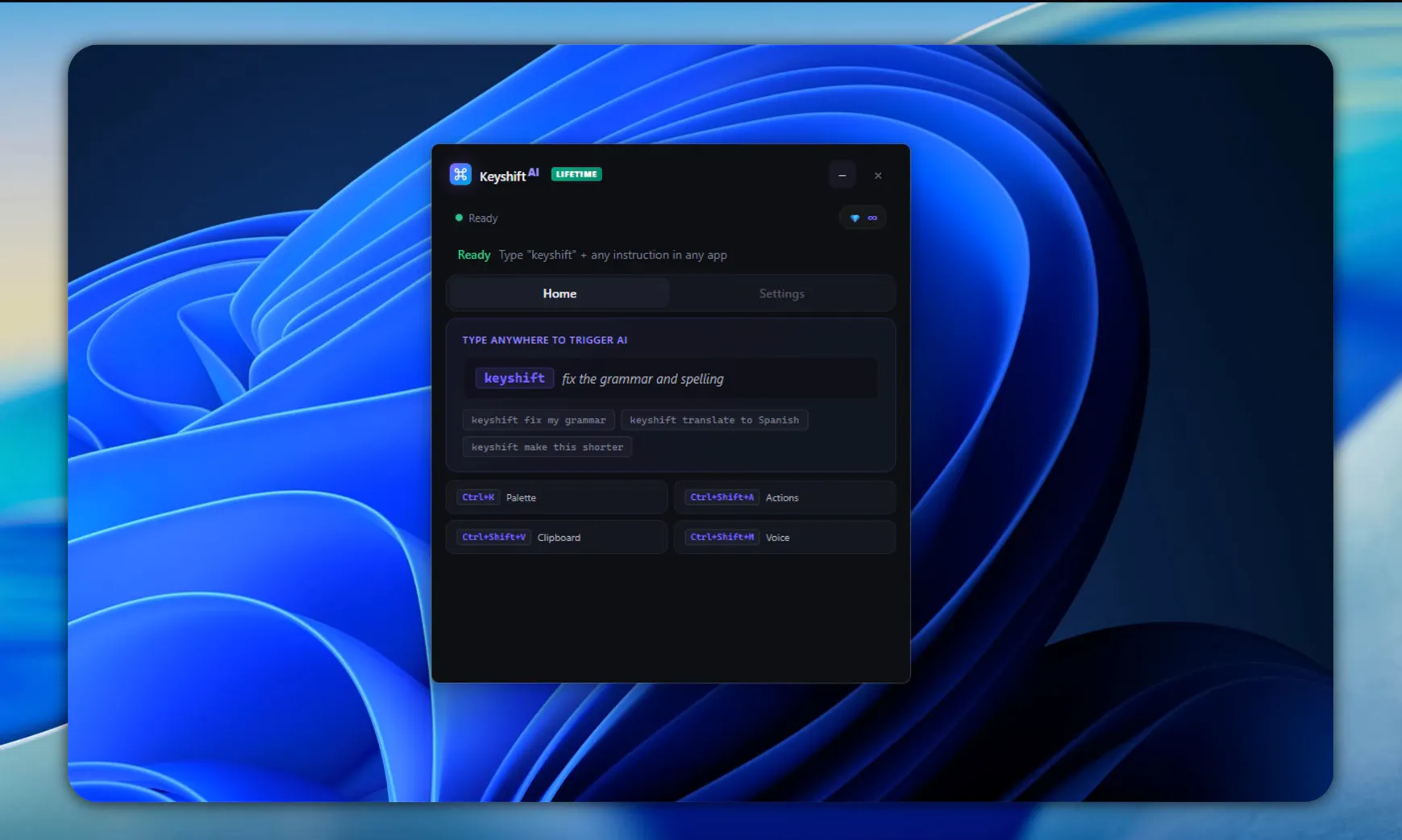
Type keyshift + any instruction inside Discord, Slack, WhatsApp, X — or any app. Your text is rewritten, translated, or answered in place.
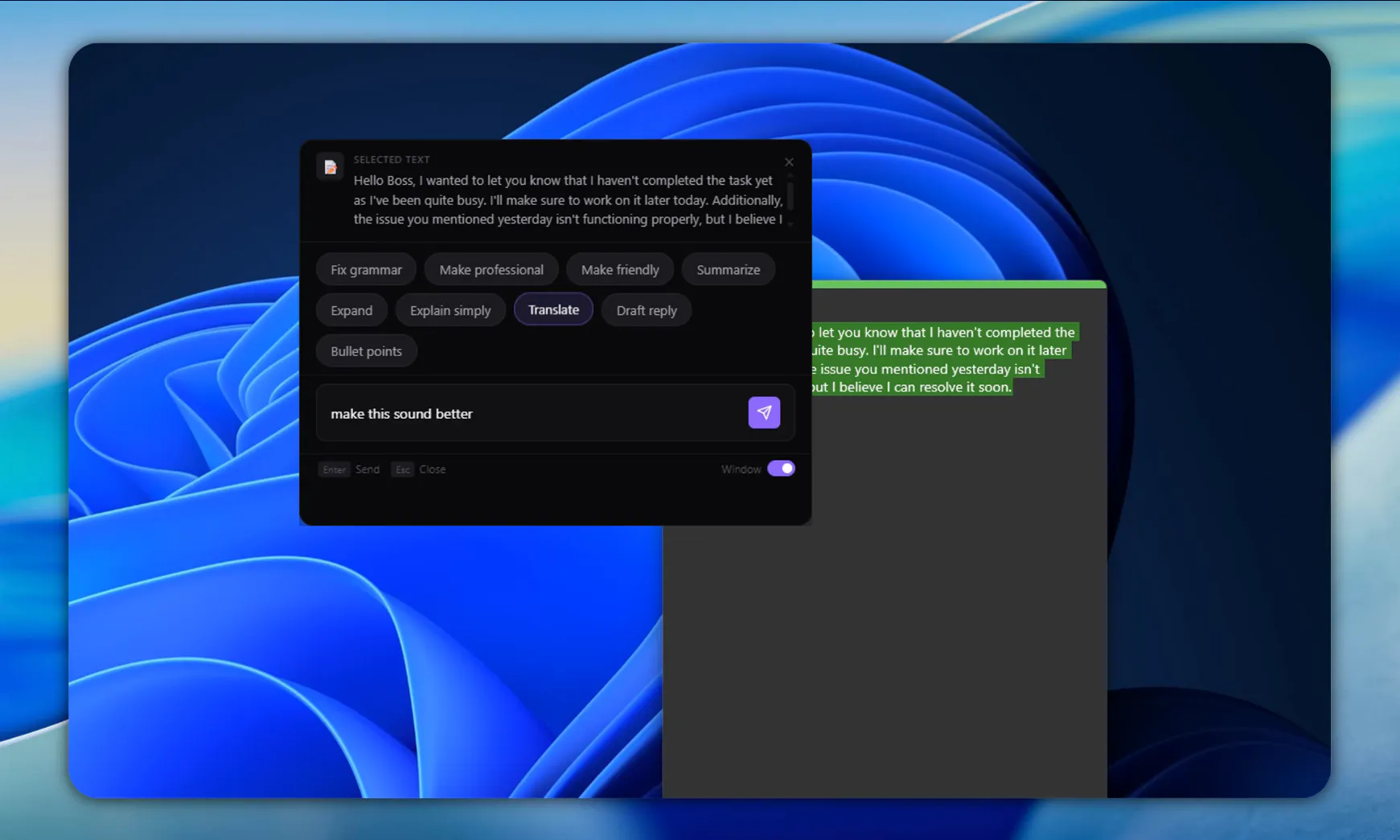
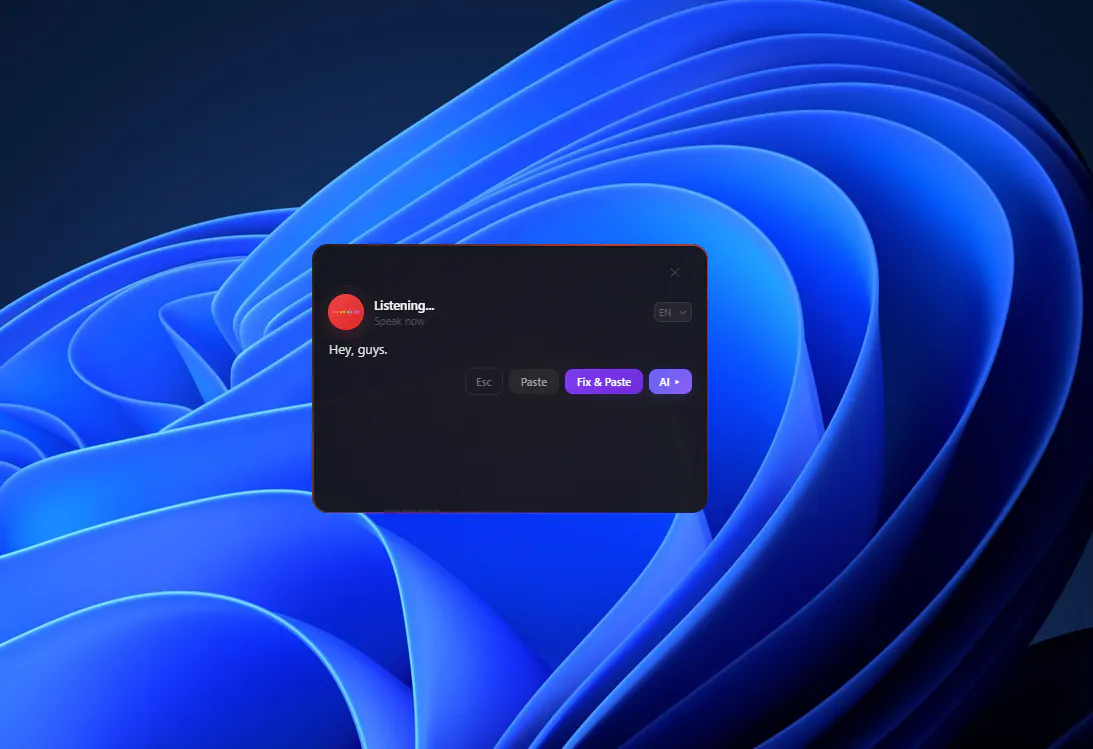
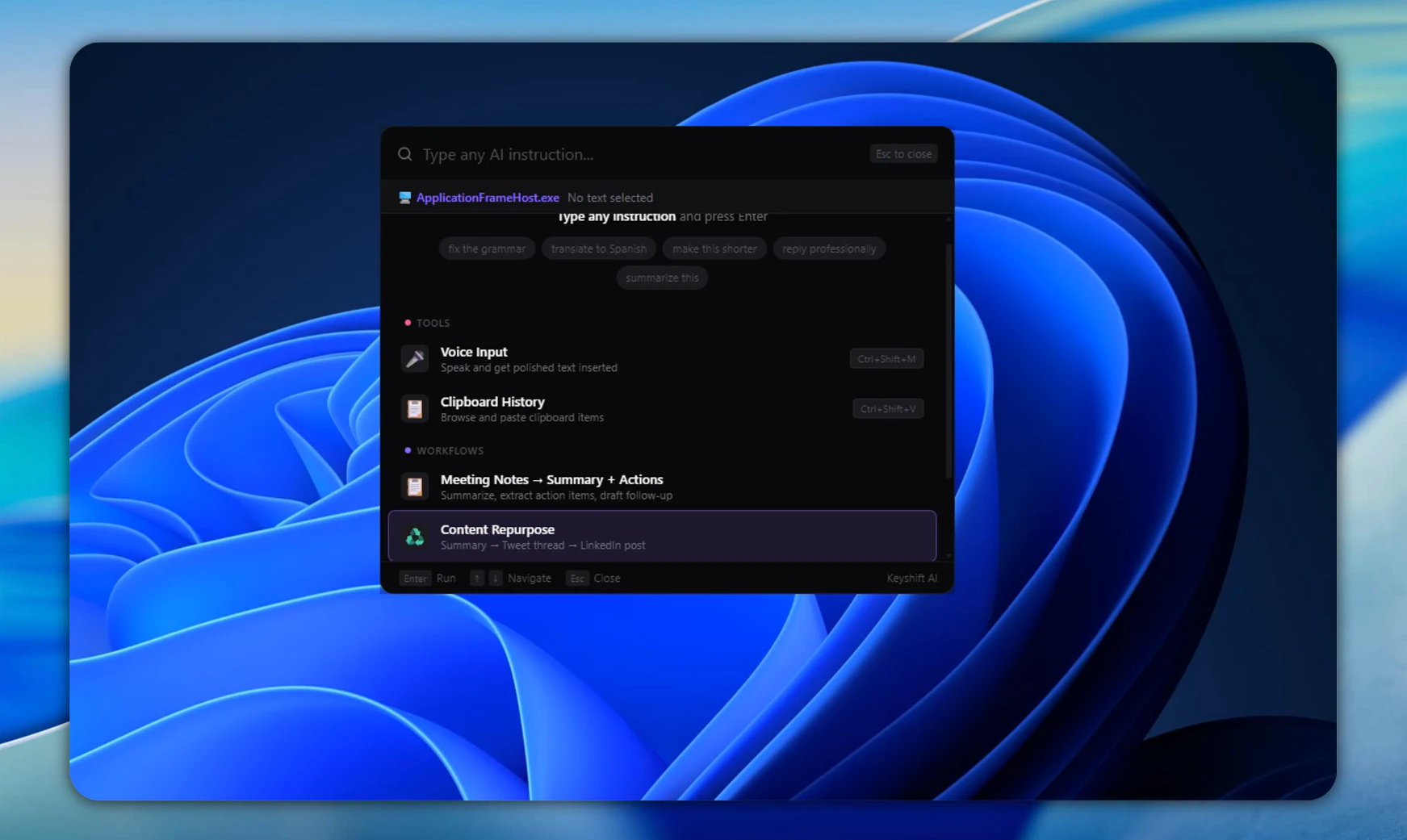
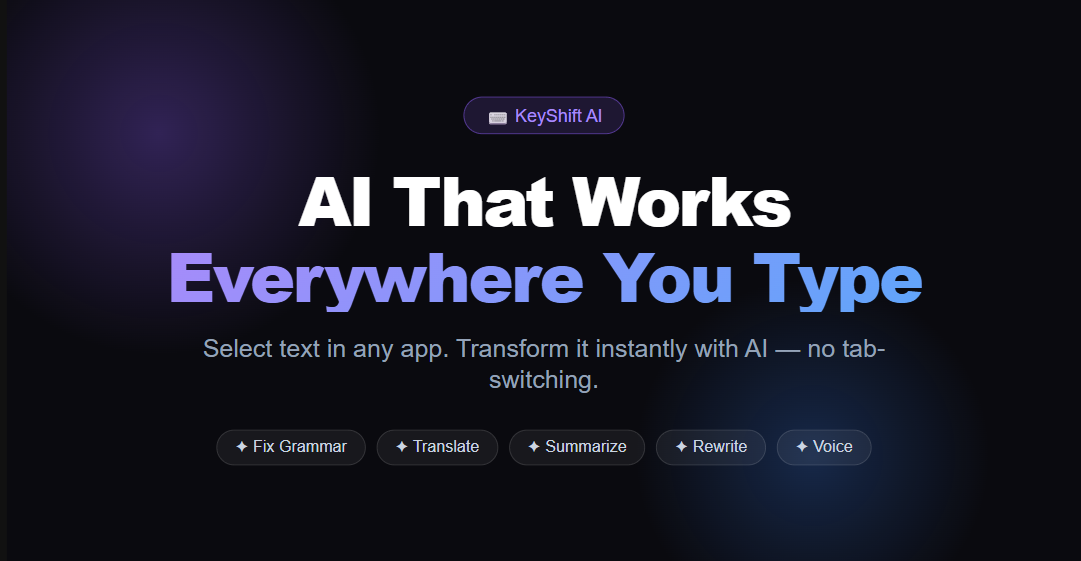
Select text and transform it with AI in any app. Quick Actions, command palette, slash commands, voice input, clipboard AI, and multi-step workflows — no tab-switching required.
Commercial cues
Model
hybrid
Free tier
Yes
Trial
Available
Pricing Strategy
KeyShift AI offers a free tier; paid plan details are not publicly priced.
- • Annual billing for Pro offers a discount, securing user commitment.
- • Credit limits on the free plan encourage upgrades for power users.
- • Listed plans make pricing easy to compare.
Operator context
Operating setup
Founded
Apr 2026
Platform
Desktop
Audience
General
Builder Strategy
- Strategy Type
- Wedge Expand
- Stage
- Pre Revenue
- Effort
- Solo Buildable
About Keyshift AI Expand
KeyShift AI provides instant AI text manipulation directly within any application, eliminating the need for users to switch tabs or copy-paste content. It serves individuals and teams who frequently work with text across different platforms, offering features like AI rewriting, translation, and summarization.
The product's positioning as "AI that types" emphasizes its direct integration into existing workflows, allowing users to trigger actions via keyboard shortcuts, quick actions, or voice input. This approach creates a low-friction adoption path for integrating advanced AI capabilities into daily productivity.