
An invisible AI overlay assistant for Windows that stays private during screen shares.
Product memo
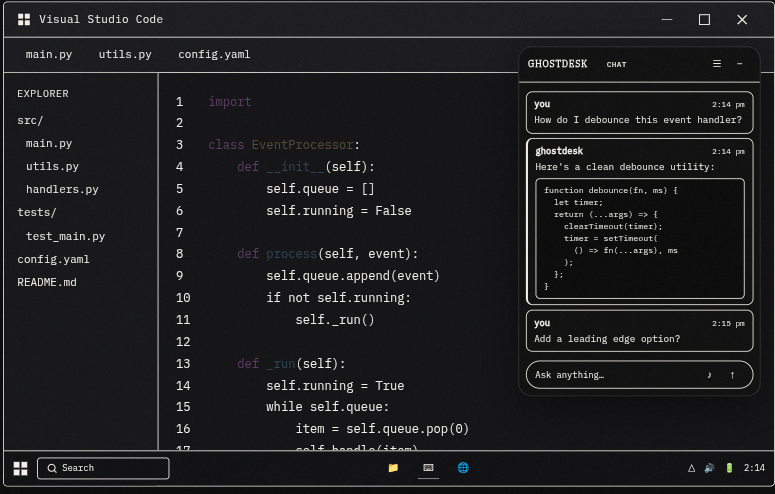
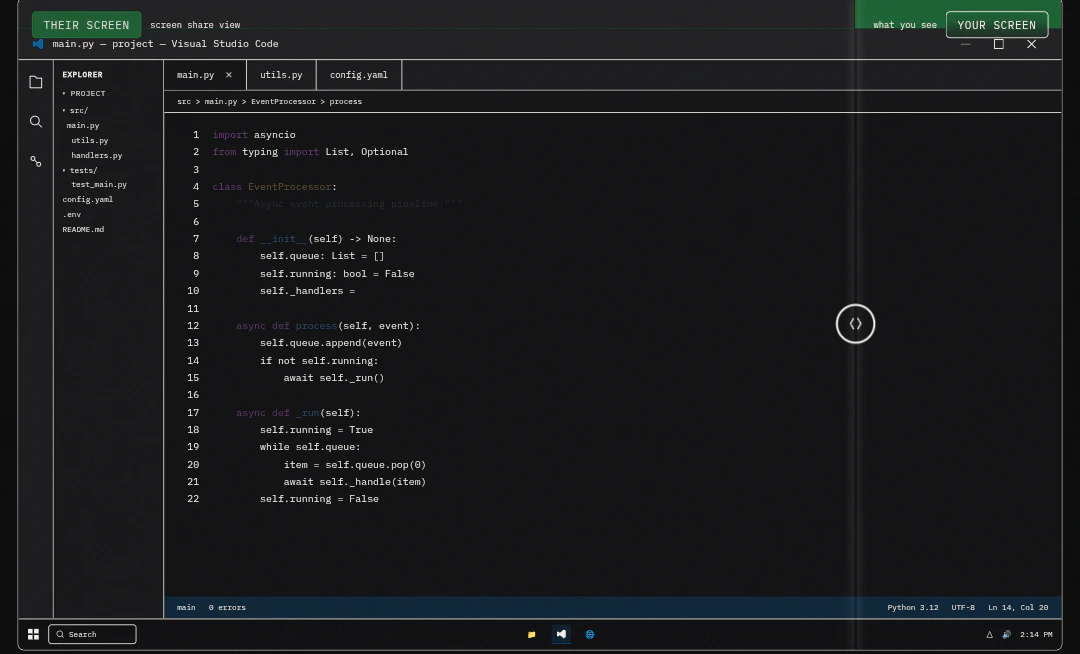
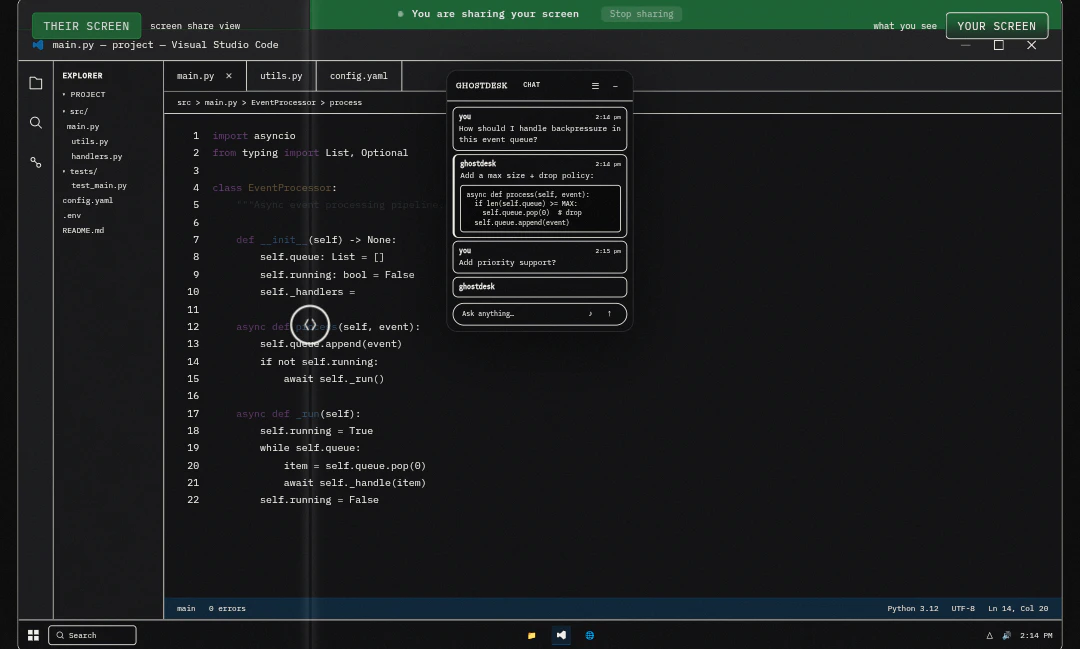
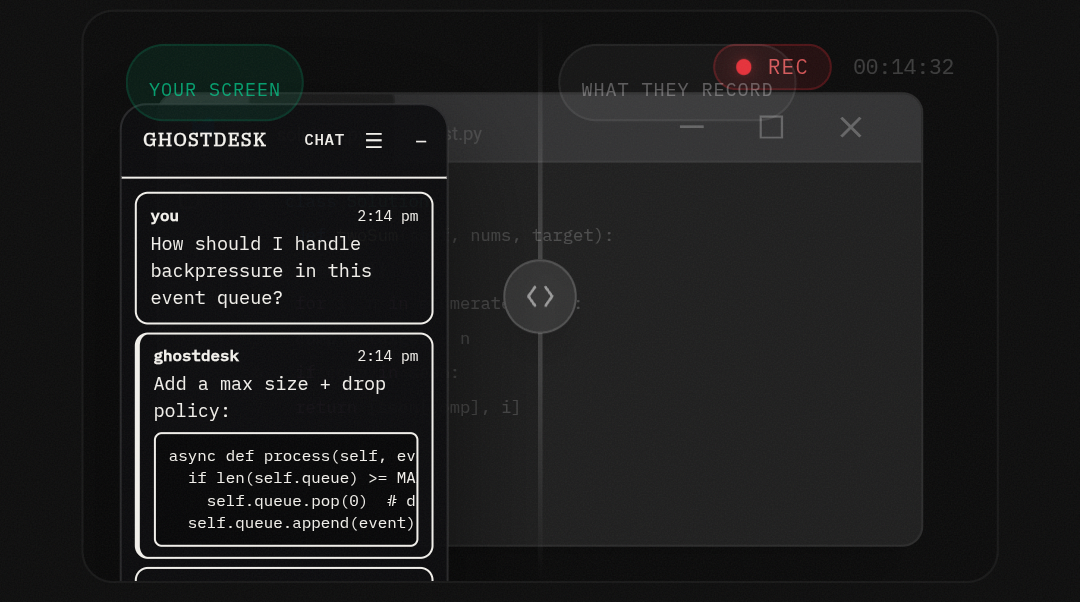
Windows users needing AI assistance during calls get an invisible overlay that doesn't show during screen shares. This native app provides voice input and screen OCR without revealing its presence. Its core wedge is OS-level invisibility during screen captures, differentiating it from browser-based tools and serving professionals concerned about sensitive information exposure.
For who
Windows users needing AI assistance during calls
Solves what
Provides an invisible AI assistant for Windows that doesn't show during screen shares.
- Invisible AI overlay
- Windows native app
- Screen share privacy
In their own words
AI Overlay for Windows
Stay in flow. Your AI handles the rest.
A smart, always-on-top assistant that floats above any app — private during screen shares for legitimate note-taking, zero tab switching, zero distraction.
Commercial cues
Model
hybrid
Free tier
Yes
Trial
3d
Pricing Strategy
- • A free tier with daily query limits drives upgrades to paid plans.
- • 3-day trial lowers adoption risk.
Operator context
Founded
Mar 2026
HQ
India
Platform
Desktop
Audience
General
Public footprint
Builder Strategy
- Strategy Type
- Niche Specialist
- Stage
- Pre Revenue
- Effort
- Solo Buildable
About GhostDesk Expand
GhostDesk provides an invisible AI assistant for Windows users, designed to offer real-time help during calls without revealing its presence to others. It operates as a native Windows app, using voice input and screen OCR to assist with information retrieval and note-taking.
The core value proposition centers on privacy, as the overlay remains hidden during screen shares, addressing a key concern for professionals handling sensitive information. This approach differentiates GhostDesk from browser-based AI tools, which often lack the same level of discretion and OS-level integration.