
Generates step-by-step documentation from screen recordings, ready for Confluence or Notion.
Product memo
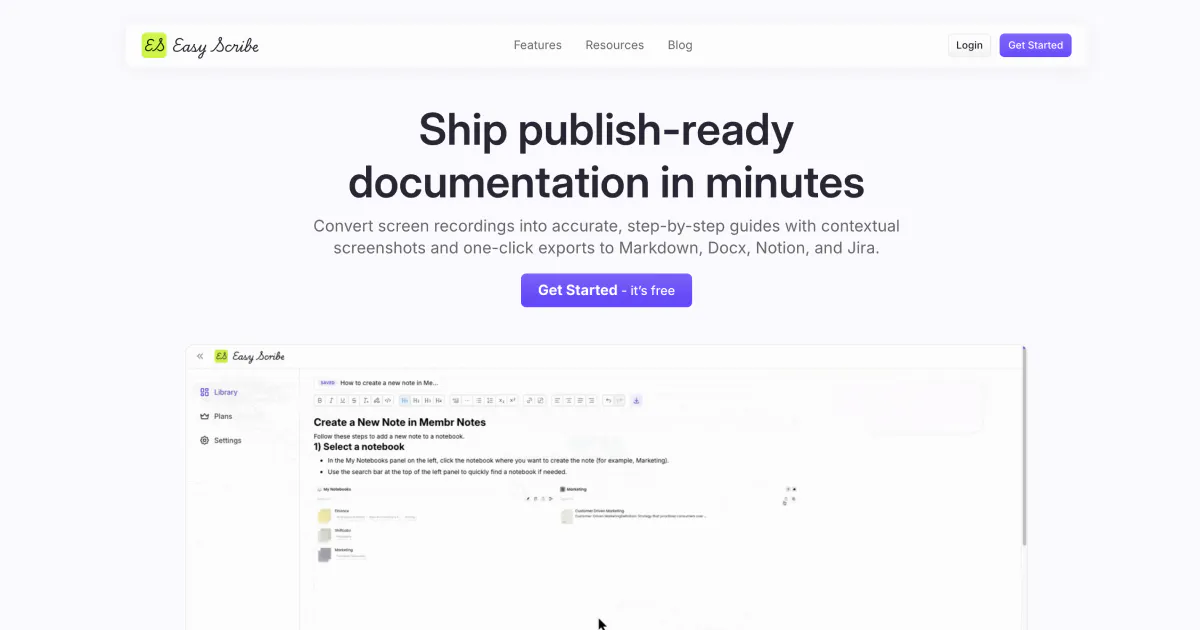

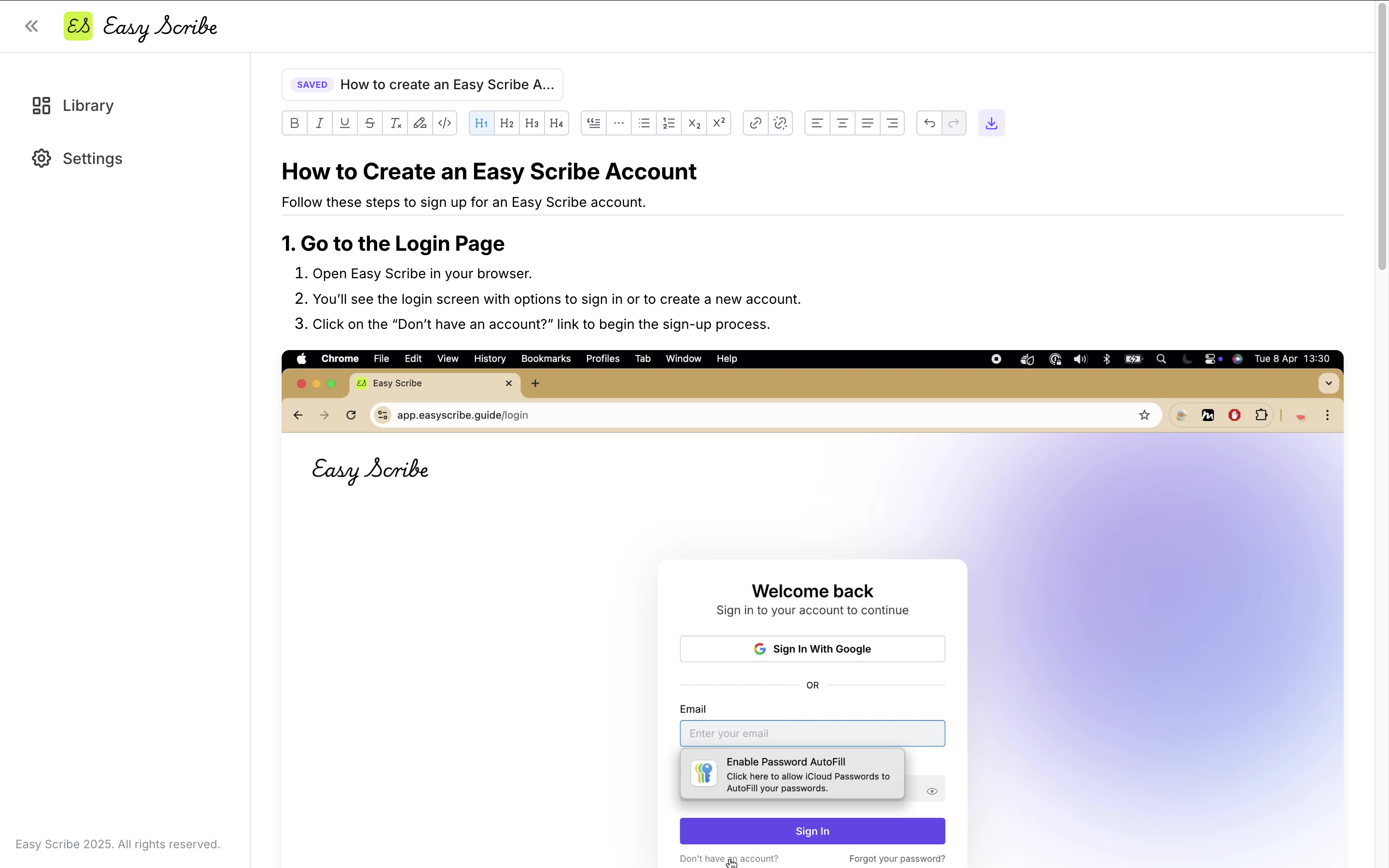
Easyscribe helps founders, consultants, and teams quickly produce polished documentation. It turns screen recordings into step-by-step guides, complete with auto-extracted screenshots and PII redaction. The browser-based approach removes friction for users on locked-down machines or those preferring mobile workflows, creating an adoption wedge against desktop-first incumbents.
For who
Founders, consultants, and teams creating user guides
Solves what
Automated generation of step-by-step documentation from screen recordings.
- Screen recording and upload
- AI-generated guides
- Confluence and other exports
In their own words
Capture how work gets done,
without writing a word
Turn screen recordings into polished step-by-step documentation, ready for Confluence, Notion, or your clients.
Commercial cues
Model
subscription
Free tier
Yes
Trial
No
Pricing Strategy
- • A free tier for two users lowers adoption risk for small teams.
- • Unlimited users on the Pro Plan kill per-seat friction for growing teams.
Operator context
Operating setup
Team
Indie / lean
LLM classification
Founded
Jul 2025
Platform
Web app
Audience
General
Social footprint
Tech stack
Builder Strategy
- Strategy Type
- Niche Specialist
- Stage
- Bootstrapped Lean
- Effort
- Solo Buildable
About Easyscribe Expand
Easyscribe automates the creation of step-by-step documentation, turning screen recordings into polished user guides. It serves founders, consultants, and teams who need efficient ways to produce training materials, client deliverables, or internal knowledge base articles.
The platform differentiates itself with in-app screen recording, AI-generated guides, and automatic contextual screenshot extraction. Its PII redaction feature addresses privacy concerns, while direct Confluence export simplifies publishing.
This browser-based tool offers a alternative for users seeking a low-friction way to create and share documentation.