
Browser-based screen recording and editing for polished product demos.
Product memo
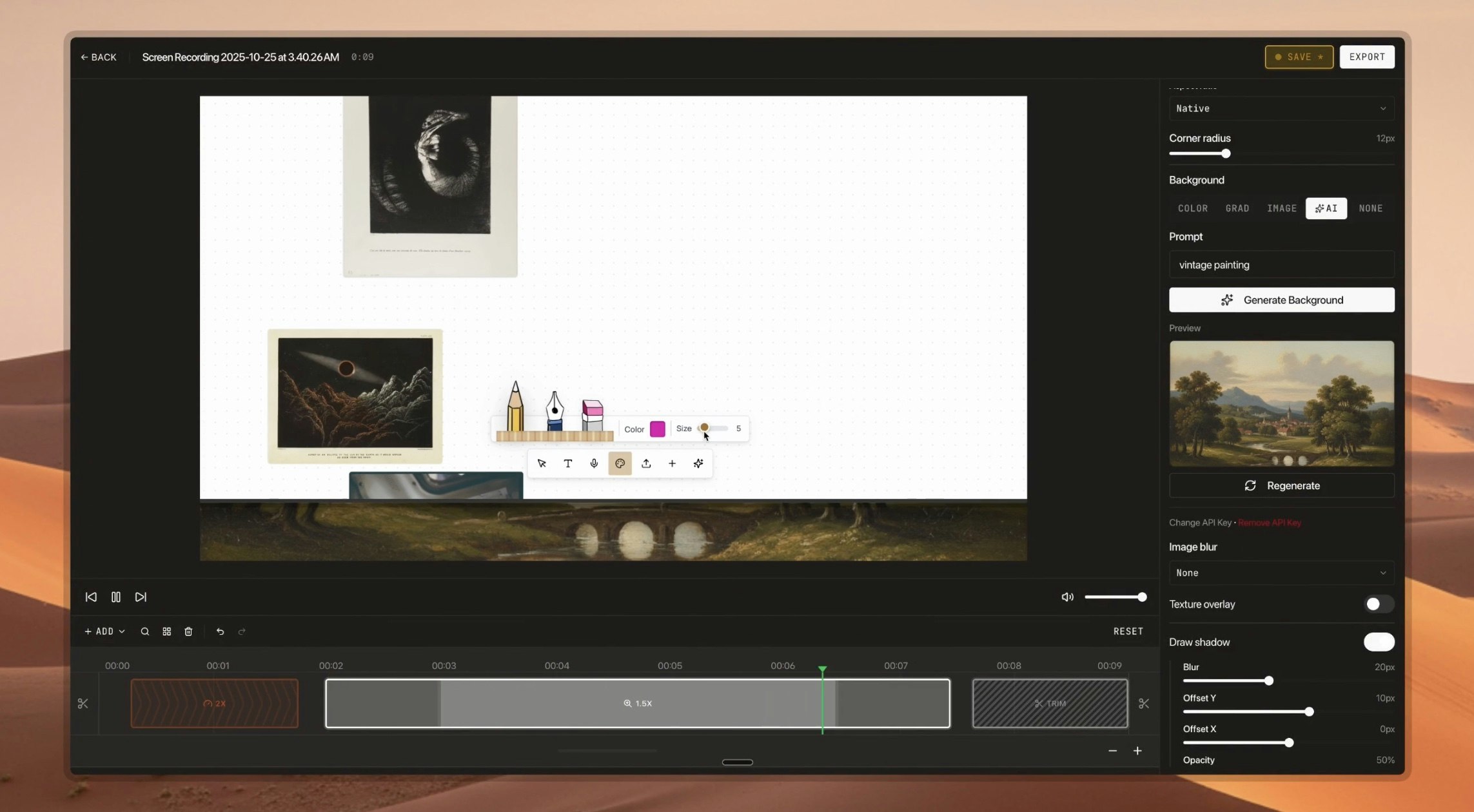
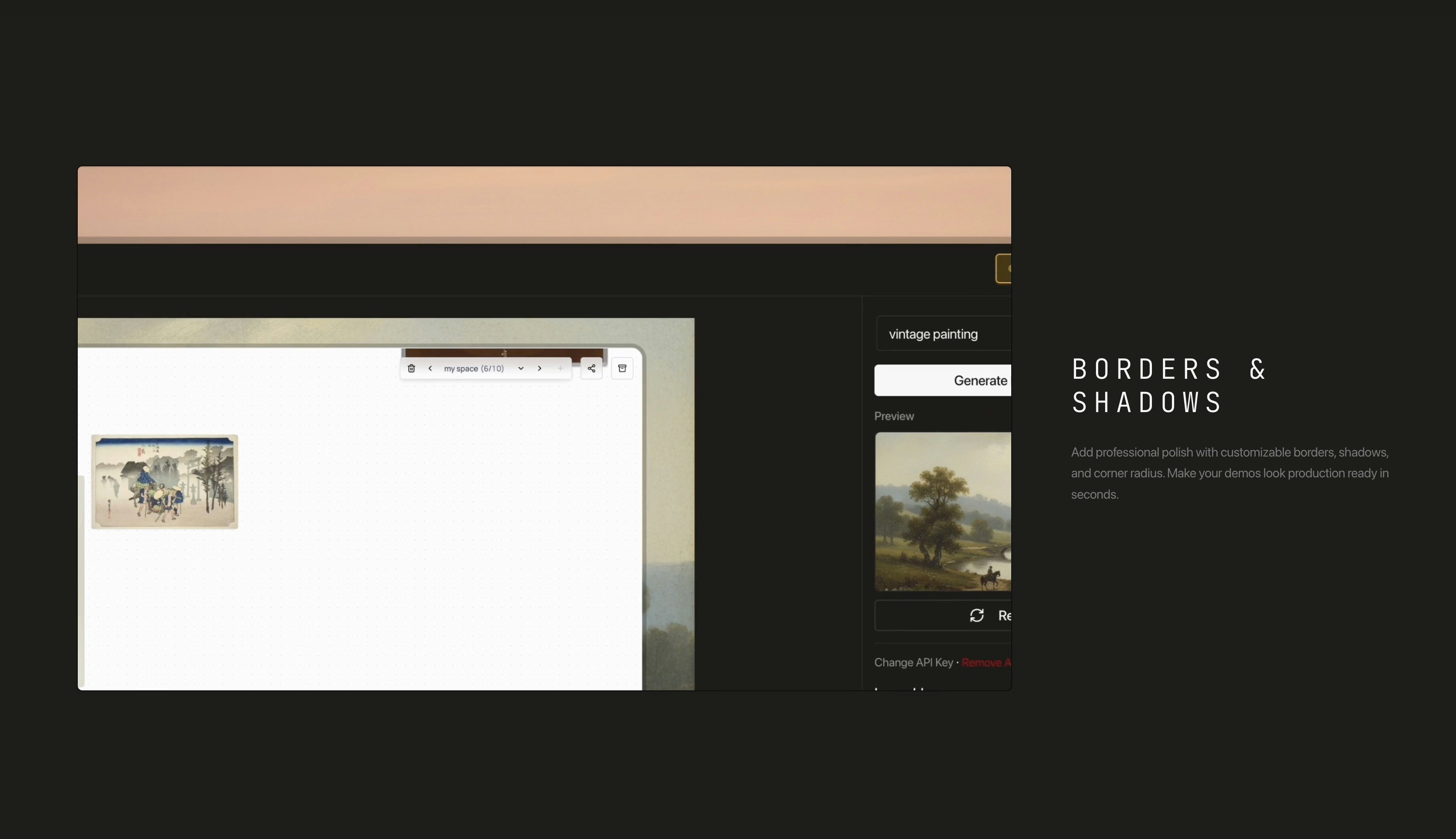
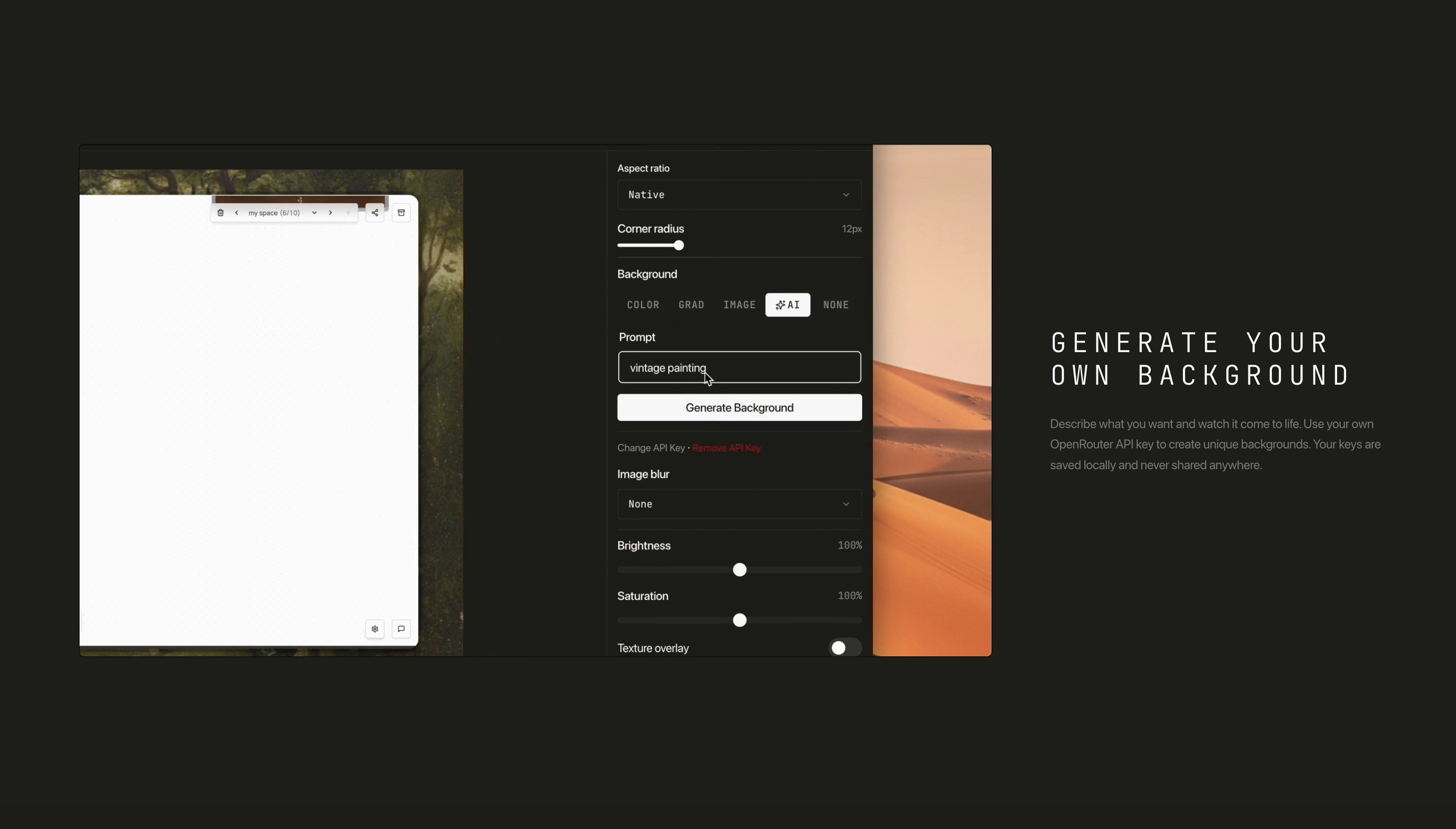
Creators and designers use DemoStudio to produce polished product demonstrations. It simplifies screen recording and video editing, adding features like follow-cursor zooms, borders, shadows, and customizable aspect ratios. The tool also incorporates AI background generation, letting users create professional-looking demos directly in their browser.
For who
Creators and designers recording product demos
Solves what
Streamlining screen recording and video editing for polished demos
- Browser-based screen recording
- AI-powered background generation
- Customizable borders and shadows
In their own words
DEMOSTUDIO
Browser-based screen recording editor
Record beautiful screen recordings with follow-cursor zooms or load your own video in the editor and add zooms manually.
Commercial cues
Model
free only
Free tier
Yes
Trial
No
Pricing Strategy
A freemium model offers unlimited recordings at no cost, providing essential editing tools and AI features to attract new users.
- • Focus on core editing features attracts creators needing polished demo videos.
- • AI background generation offers a unique, specialized feature for demo creators.
- • Free tier lowers testing friction.
Operator context
Operating setup
Founded
Nov 2025
Platform
Web app
Audience
Creators
Social footprint
Builder Strategy
- Strategy Type
- Niche Specialist
- Stage
- Pre Revenue
- Effort
- Solo Buildable
About DemoStudio Expand
DemoStudio focuses on the specific needs of creators and designers who produce product demonstrations. It provides a browser-based editor that simplifies screen recording and enhances videos with features like follow-cursor zooms, borders, and shadows.
Users can also use AI background generation and customizable aspect ratios to achieve a professional look. This specialized approach helps users create high-quality demos without needing complex, desktop-based video editing software.