
MacOS screen recorder with automatic cursor zoom for polished video demos.
Product memo
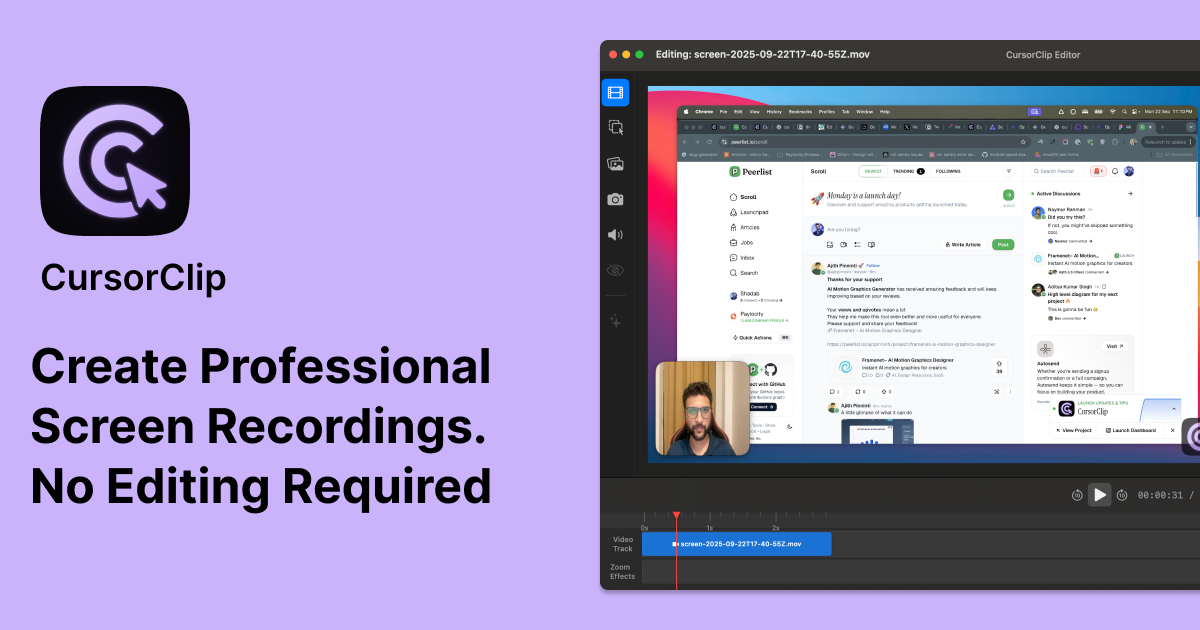
MacOS users creating video demos can record polished content without post-production. It automatically zooms and focuses on the cursor, eliminating manual editing. This approach targets creators and professionals who need to produce high-quality tutorials and demonstrations quickly, making it a time-saving tool.
For who
macOS users creating video demos
Solves what
Polished screen recordings with automatic cursor zoom and focus.
- Automatic cursor zoom
- Webcam capture
In their own words
Stunning Screen Recordings. Without the editing hassle.
CursorClip auto-zooms on what matters as you record, so your videos look polished and are ready to share the moment you hit stop.
Commercial cues
Model
hybrid
Free tier
Yes
Trial
Available
Pricing Strategy
- • The 7-day trial offers a low-risk way to test the core auto-zoom.
- • Subscription tiers provide flexibility for users with short-term recording needs.
Operator context
Operating setup
Team
Indie / lean
LLM classification
Founded
Sep 2025
HQ
India
Platform
Desktop
Audience
Creators
Payments
Dodo Payments
Detected via TrustMRR
Social footprint
Tech stack
Market demand
cursorclip keyword demand
5 keywords
Market demand is Starter-tier market intelligence.
Derived from this product’s latest SimilarWeb keyword mix — directional demand, not proof.
Builder Strategy
- Strategy Type
- Niche Specialist
- Stage
- Bootstrapped Lean
- Effort
- Solo Buildable
About cursorclip Expand
CursorClip provides macOS users with a simplified way to create professional video demos and tutorials. It focuses on a single, specific feature: automatic cursor zoom and focus during screen recording.
This eliminates the need for manual post-production editing, saving creators significant time. The product is designed for anyone needing to produce clear, engaging video content quickly, from software demonstrations to educational materials.
Its positioning as a specialized tool for macOS, combined with a one-time purchase option, makes it an attractive choice for users seeking efficiency and simplicity in their video creation workflow.