
ClipFlow
A video and audio editor for iPhone and iPad with 27 tools.
Product memo
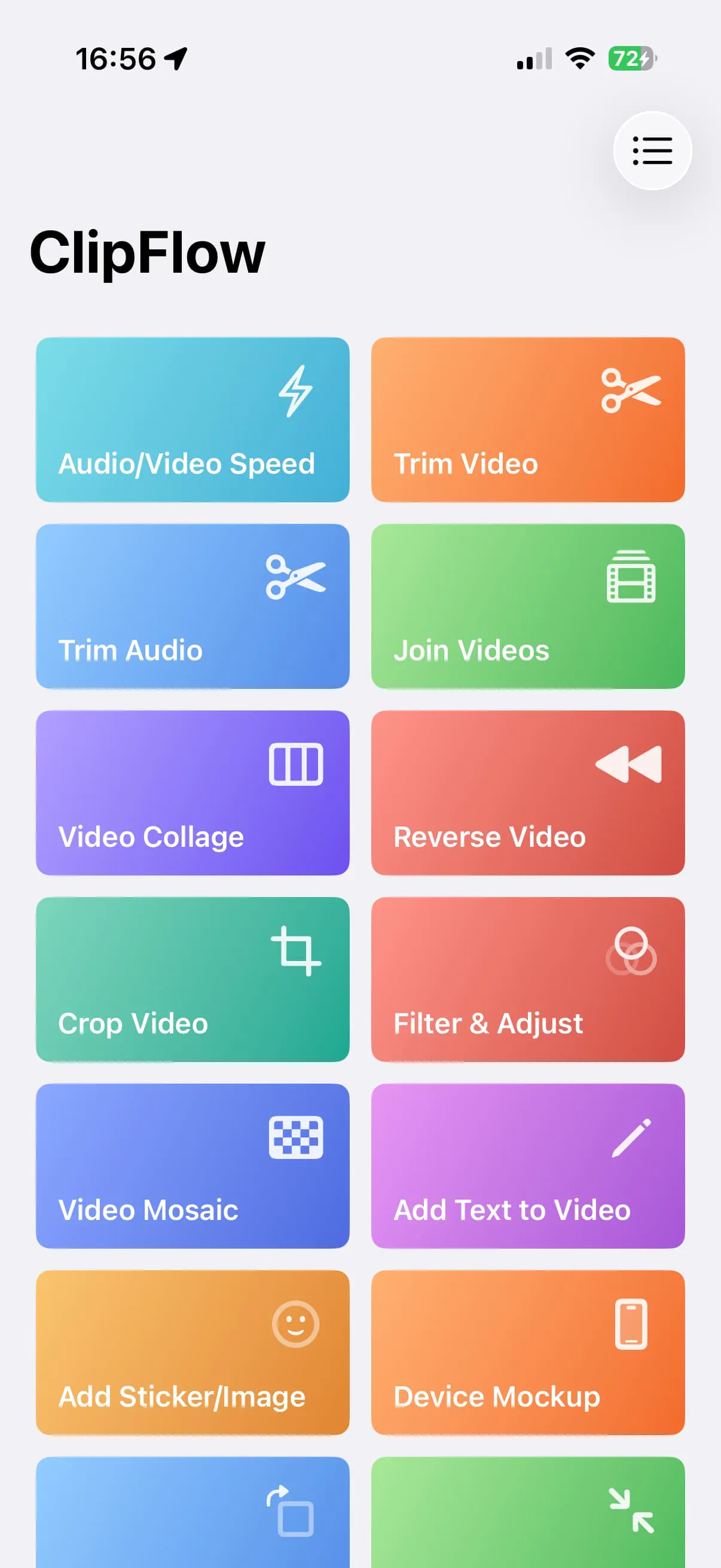
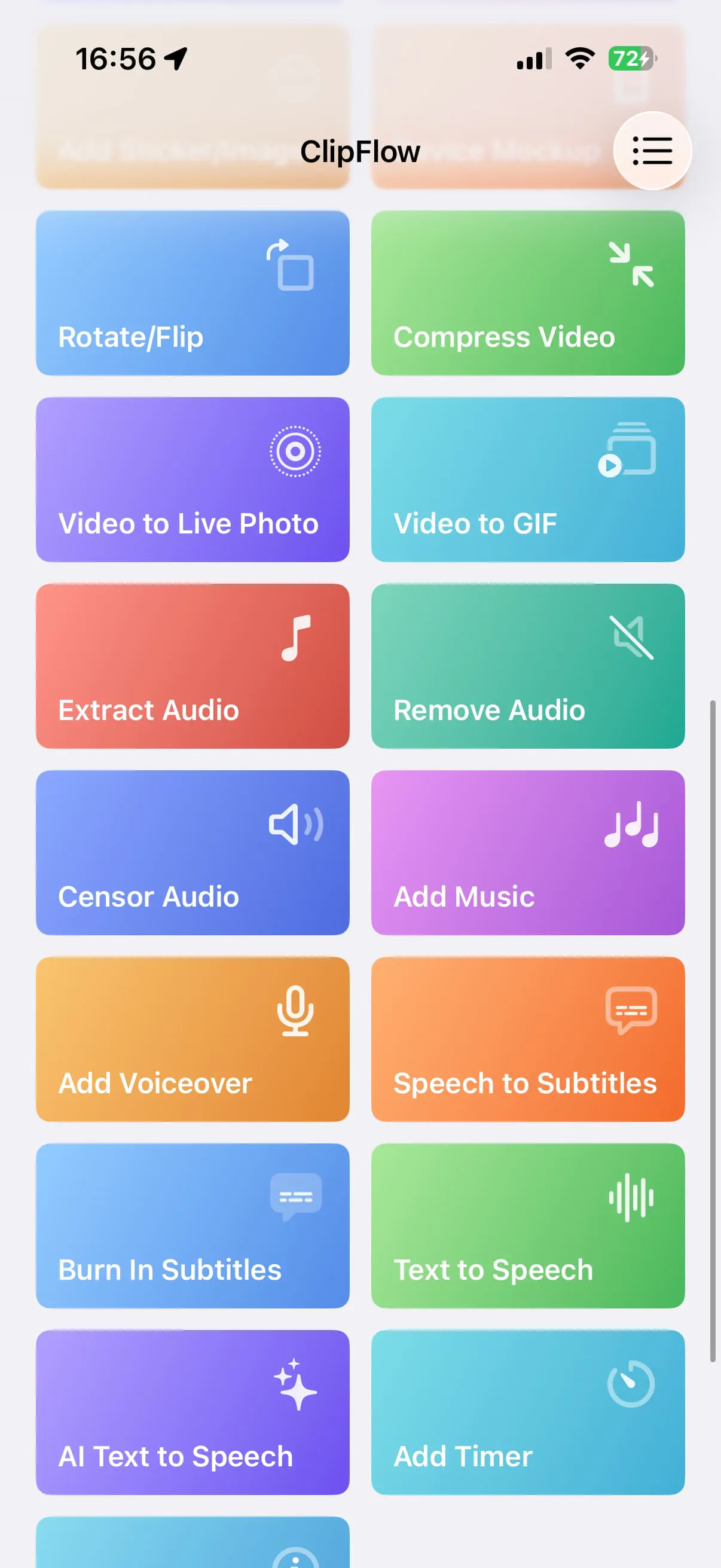
ClipFlow targets iPhone and iPad users who need to perform quick video and audio edits without the complexity of a traditional timeline editor. It offers 27 focused tools for trimming, joining, compressing, converting, and captioning clips, with all core processing happening directly on the device for a smooth workflow.
- For who
- iPhone and iPad users needing quick video edits
- Solves what
- Performing common video and audio edits without a complex timeline interface
- 27 focused editing tools
- On-device processing
- No heavyweight timeline
Operator & company
Company
- Team
Indie / lean
- Founded
Jul 2026
Operating model
- Business model
One Time
- Platform
Mobile
- Audience
Creators
Product channels
Builder strategy
- Strategy Type
- Niche Specialist
- Stage
- Bootstrapped Lean
- Effort
- Solo Buildable
About ClipFlow Expand
ClipFlow is a video and audio editing application designed for iPhone and iPad users who need to perform quick edits without the complexity of a traditional timeline. It provides 27 focused tools for tasks such as trimming, joining, compressing, reversing, filtering, captioning, and converting video clips.
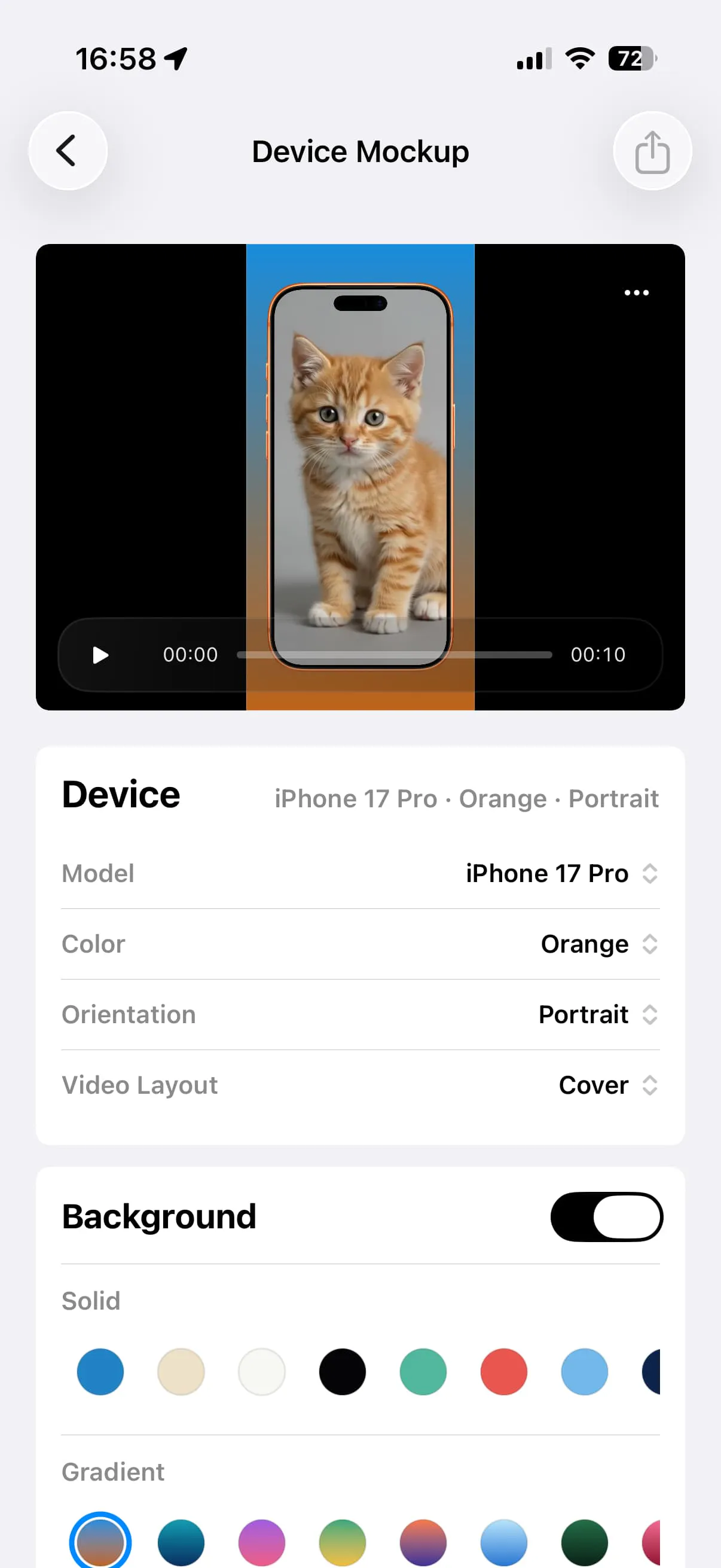
The app emphasizes a smooth workflow by running core editing functions directly on the device, allowing users to move directly between tools and export their final creations. ClipFlow is available as a one-time purchase, offering a straightforward way to manage small video jobs efficiently.
In their own words
Every edit.
Trim, remix, caption, convert, and export—without a heavyweight timeline.
27 focused tools for video, audio, captions, and conversion on iPhone and iPad.
Competitive context
1 peer · Same primary niche · Radar benchmark · ClipFlow #4276.

Source evidence
- Category
- Productivity
- Developer
- 辉 周
- Download
- Free download
- Current version
- 2.1
Latest observed release
v2.1 · Jul 30, 2026
- Added Media Format Conversion: export Apple-compatible video as MP4, MOV, or M4V, or export audio sources and video soundtracks as AAC, M4A, WAV, AIFF, or CAF, entirely on device. Compatible AAC and MP3 files can both be imported; AAC can be exported, while MP3 remains input-only. - Added Photo Slideshow for ClipFlow Pro: choose 2 to 30 still photos, GIFs, or Live Photos, adjust their order, shared display time, and transitions, then add music to the silent video in the next step. - Added Sound Filters with 17 character, space, device, and atmosphere presets for audio files, video soundtracks, and new recordings, producing separate audio files. - Added audio joining with clip reordering,…
Evidence sources