
A browser extension for setting customizable one-time or repeating reminders.

Product memo
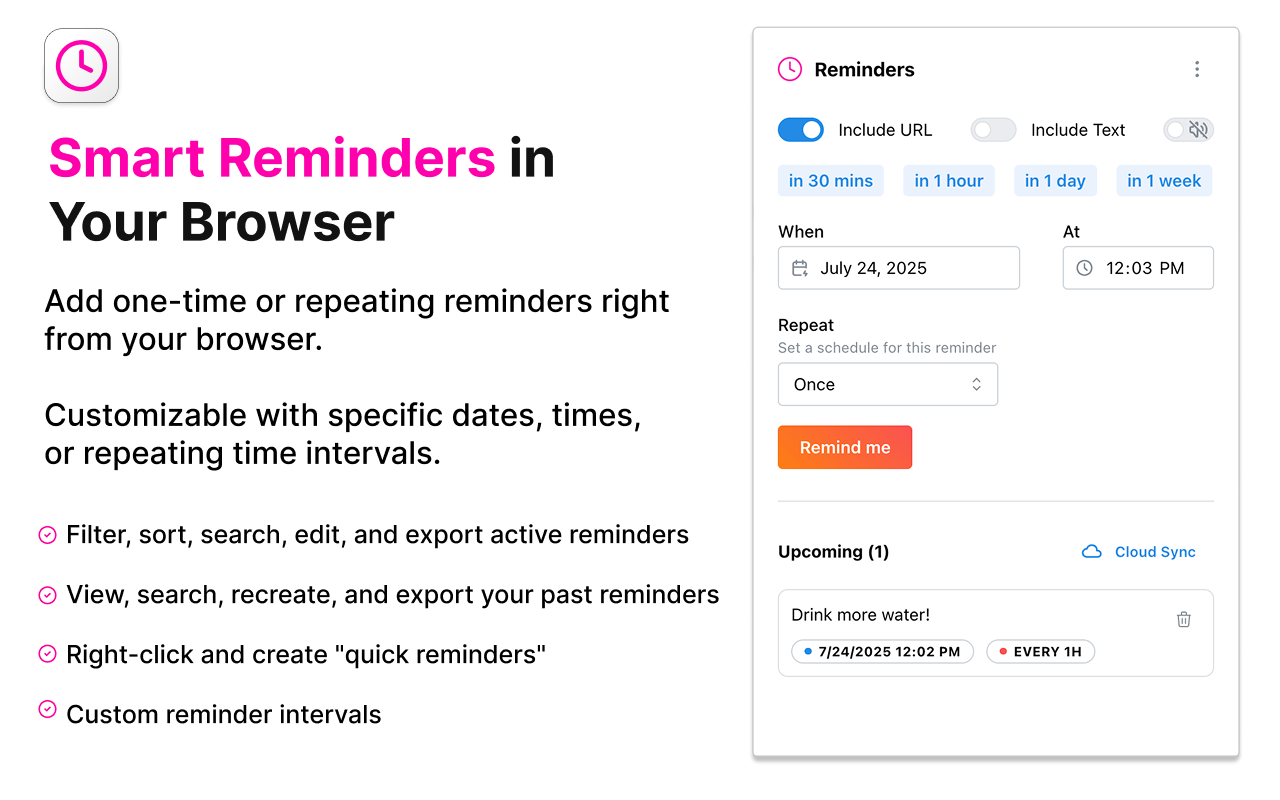
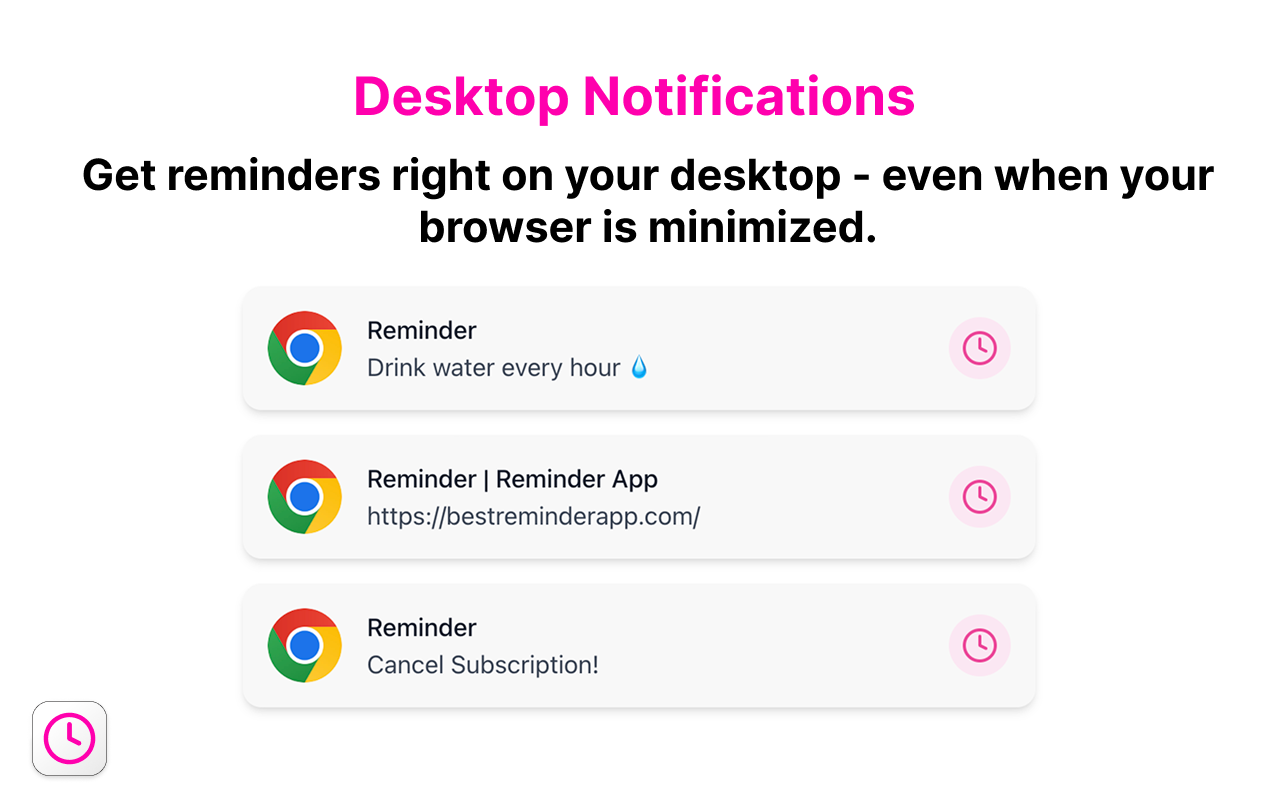
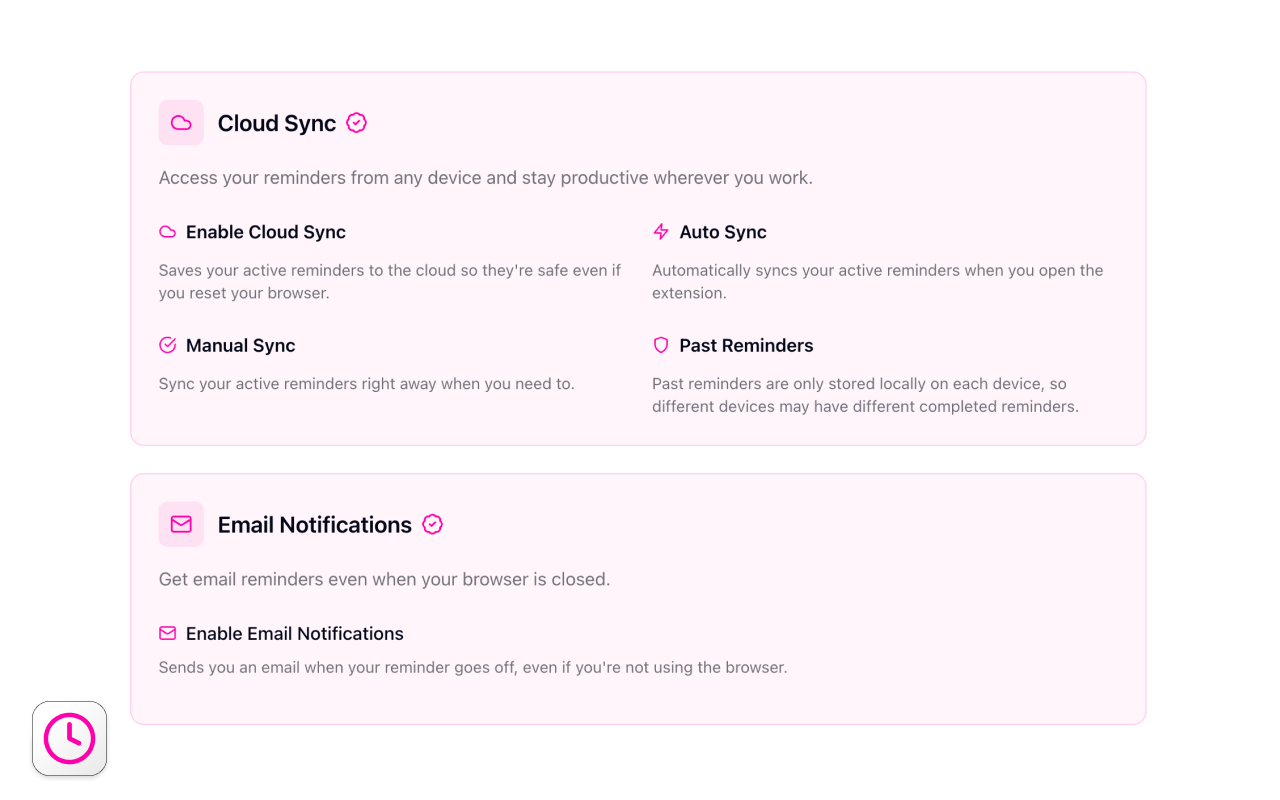
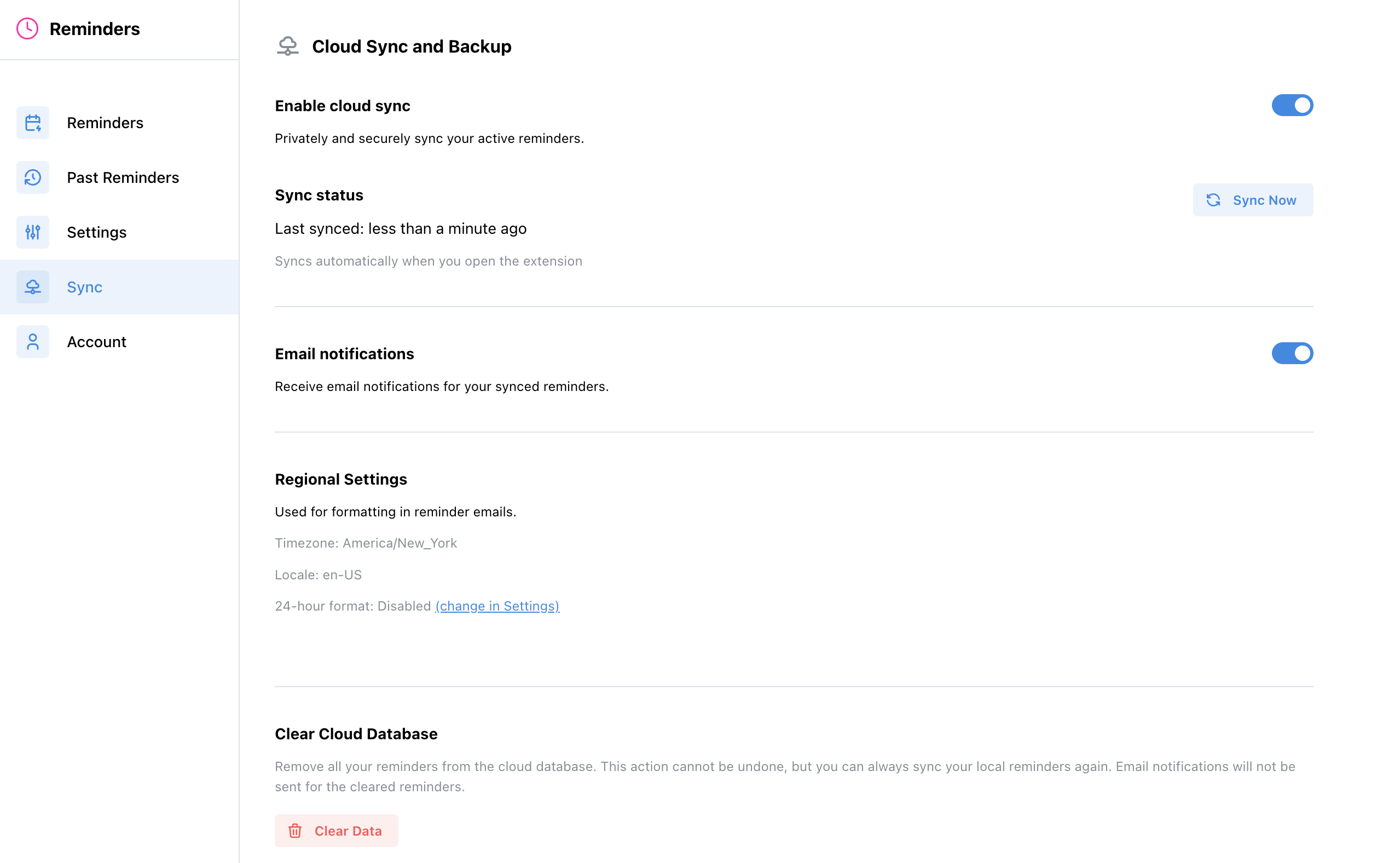
Individuals needing to remember online tasks and deadlines use this Chrome extension. It offers both browser-based and desktop notifications, with advanced features like cloud sync and email alerts available via a Pro subscription. This addresses the need for reliable, accessible reminders without requiring users to constantly browse.
For who
Browser users needing task and website reminders
Solves what
Setting customizable one-time or repeating reminders directly within the browser.
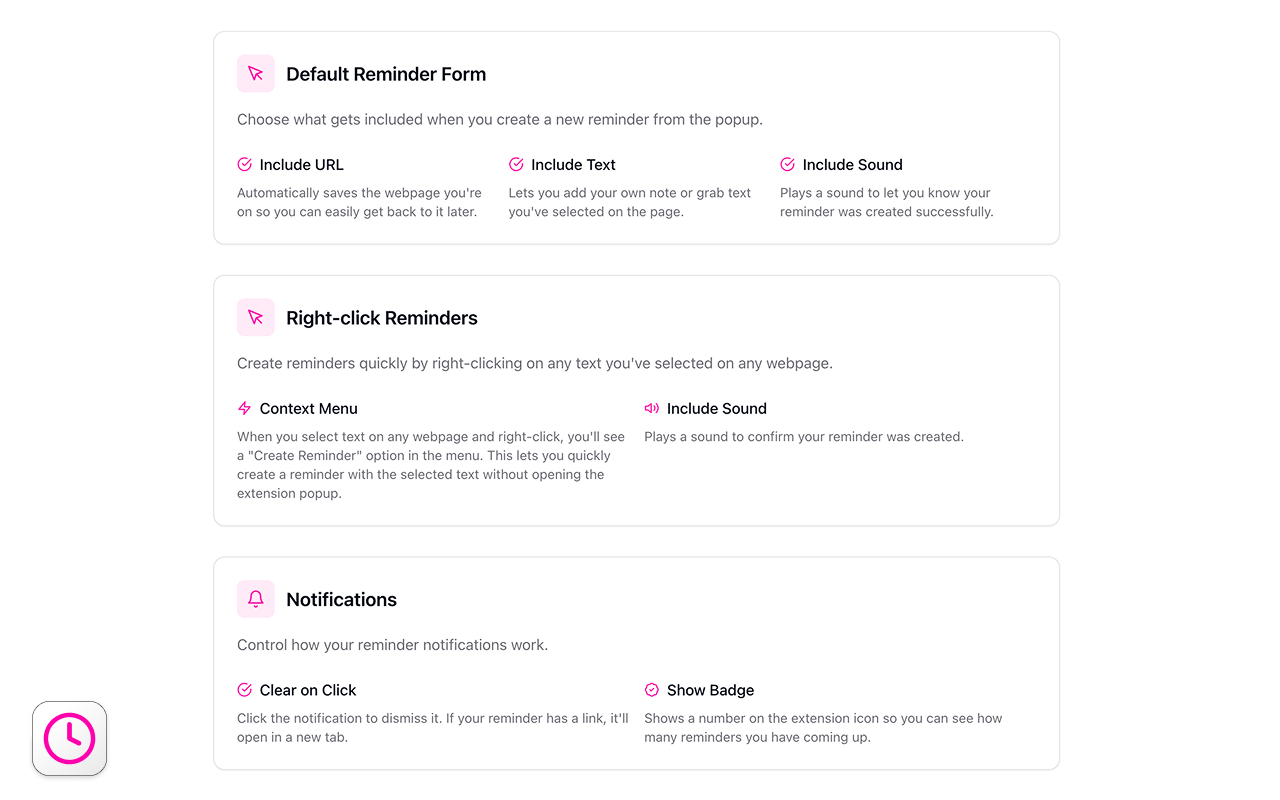
- Browser and desktop notifications
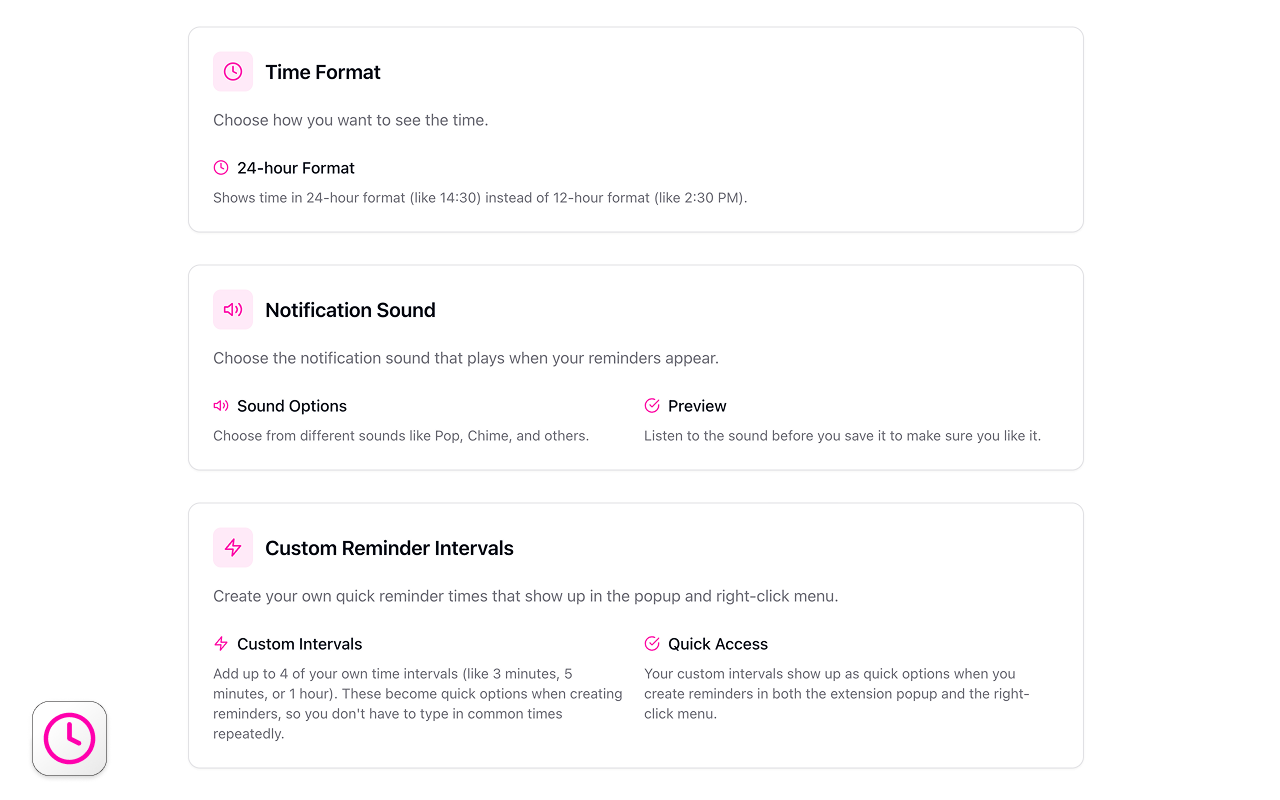
- Customizable reminder intervals
- Cloud sync and email alerts
In their own words
Smart Reminders in Your Browser
The Easiest Way to Remember Anything Online
Schedule daily reminders for websites, tasks, and important deadlines—so you stay productive and never miss a follow-up again.
Commercial cues
Model
hybrid
Free tier
Yes
Trial
No
Pricing Strategy
- • A free tier attracts users with core reminder functionality.
- • Monthly subscription offers advanced cloud and email reminders.
Operator context
Operating setup
Founded
Jul 2025
Platform
Browser extension
Audience
General
Social footprint
Tech stack
Market demand
Best Reminder App Chrome Extension keyword demand
5 keywords
Market demand is Starter-tier market intelligence.
Derived from this product’s latest SimilarWeb keyword mix — directional demand, not proof.
Builder Strategy
- Strategy Type
- Niche Specialist
- Stage
- Vc Growth
- Effort
- Solo Buildable
About Best Reminder App Chrome Extension Expand
Well-suited Reminder App provides a product for browser users who need to manage tasks and deadlines directly within their workflow. It focuses on setting customizable one-time or repeating reminders, ensuring users reduce missed an important follow-up.
The product's positioning centers on convenience, offering both browser and desktop notifications. A free tier provides core functionality, while a Pro subscription adds cloud sync and email reminders, catering to users who require more specific, cross-device accessibility for their scheduling needs.